Fund research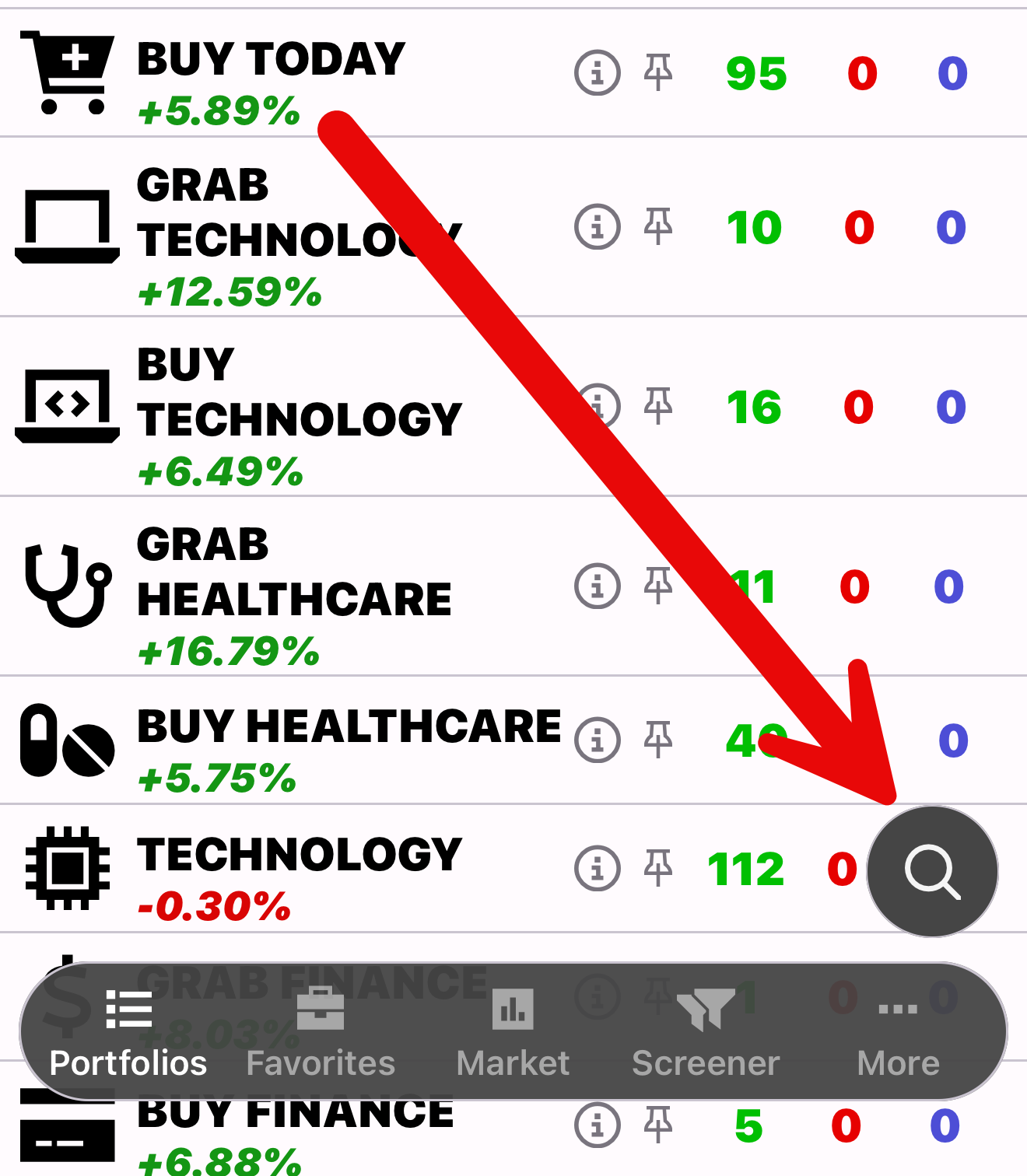
Research an ETF
Start with an ETF you want to understand. Compare its holdings and chart before forming a view.

5,000 ETFs from 50¢ to $700+.
Explore the market with ETFon. Compare ratings, charts and fund research to support your own analysis.

Start with a research idea
ETFon covers ETFs, with ratings, portfolios and fund data to explore.
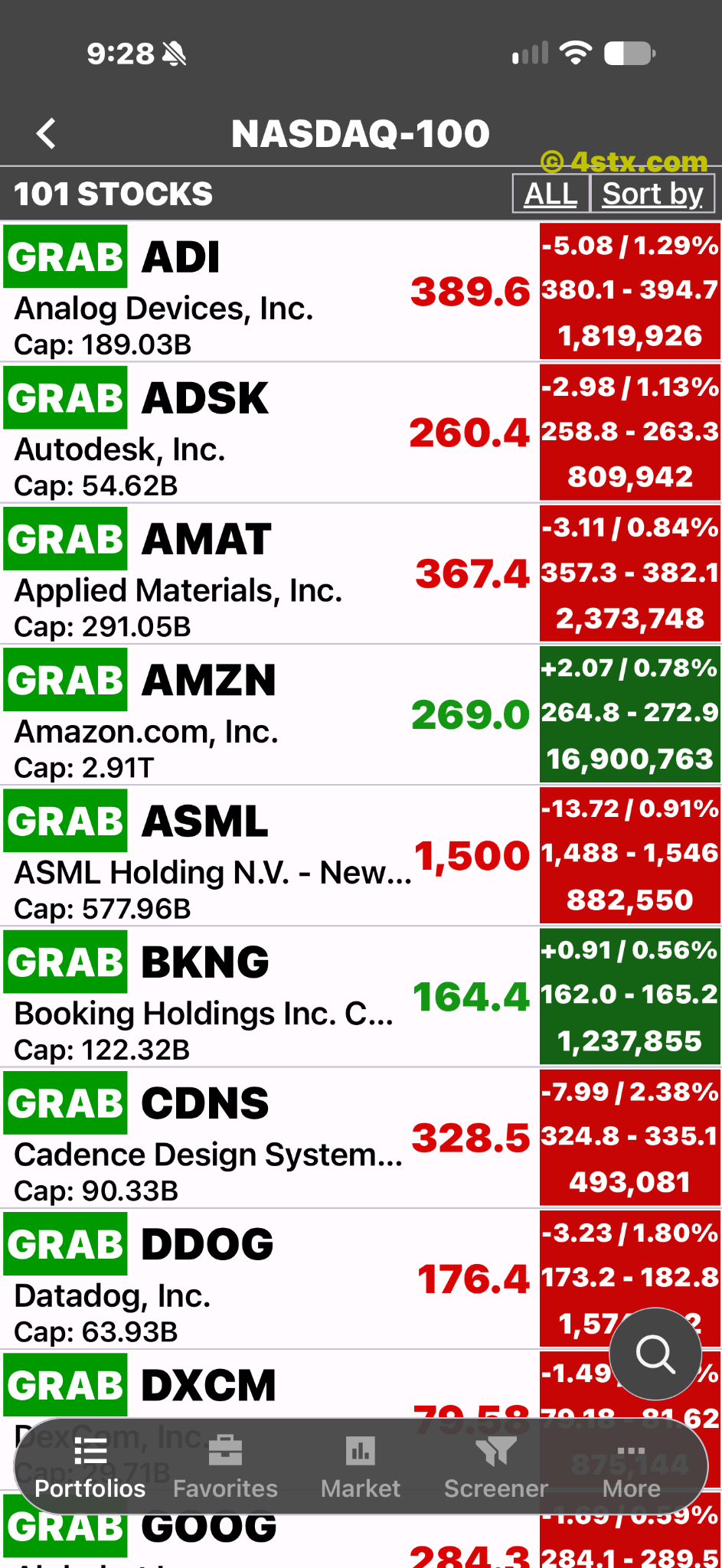
Two research starting points
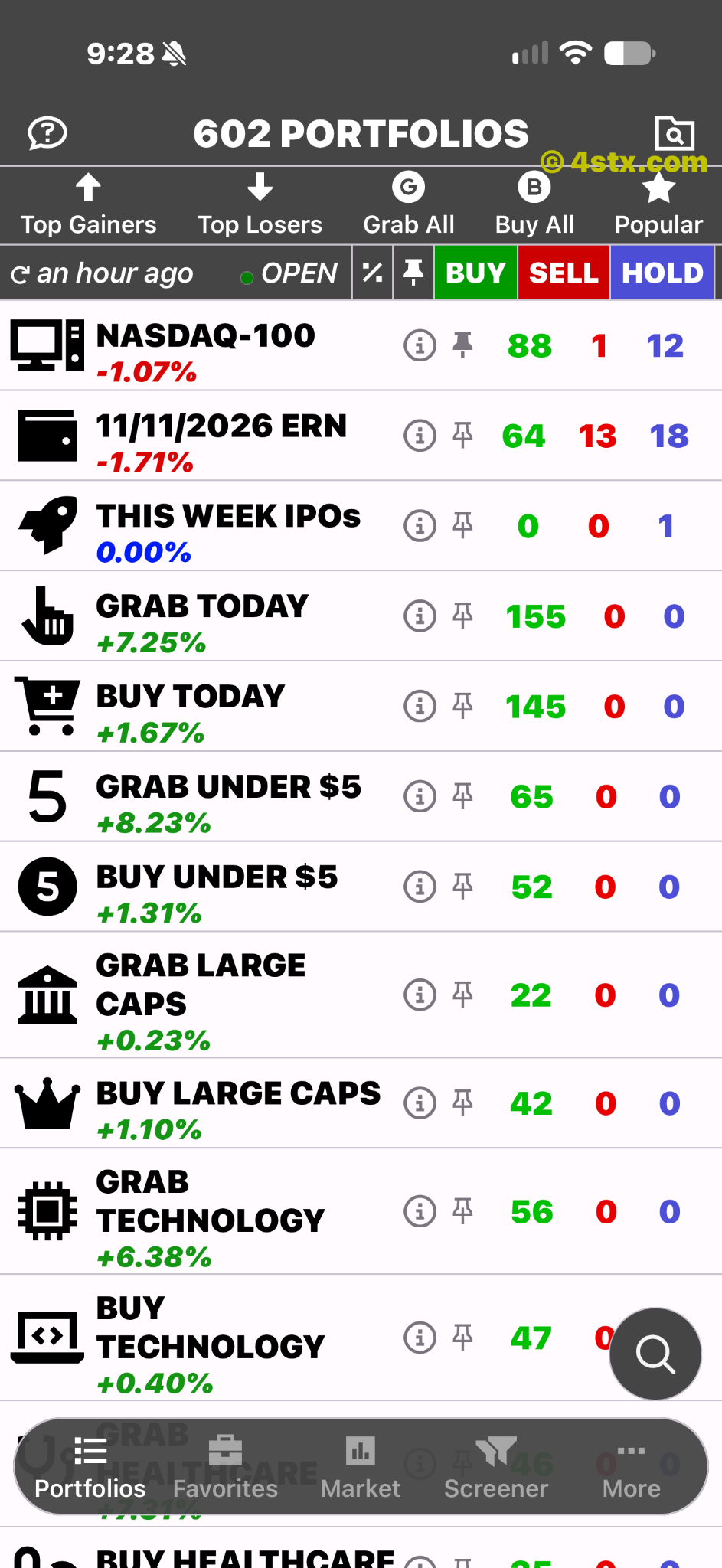
Use ETFon to research ETFs and explore portfolios across the ETF market.
Start with an ETF you want to understand. Compare its holdings and chart before forming a view.
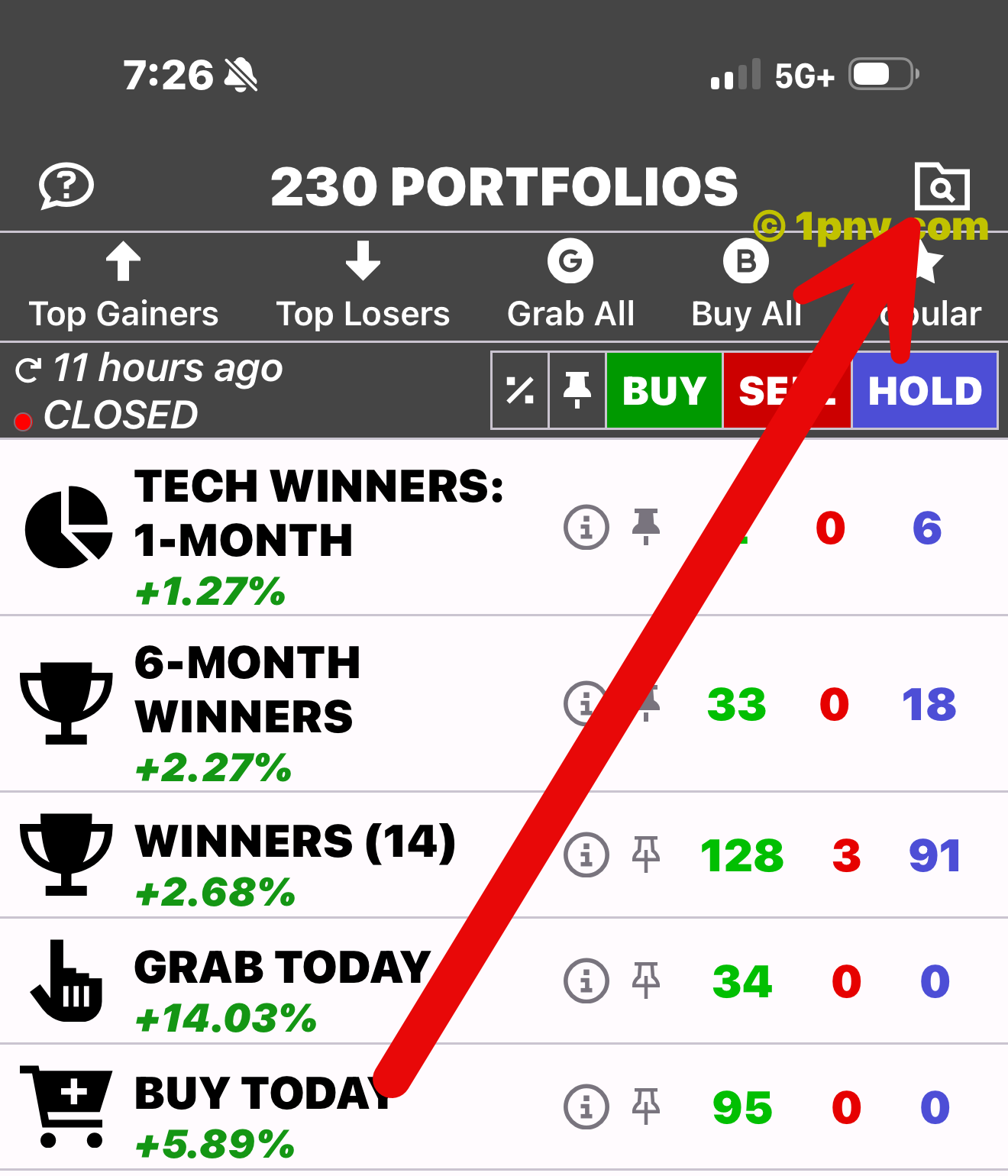
Use a portfolio as a starting point, then investigate the ETFs individually.
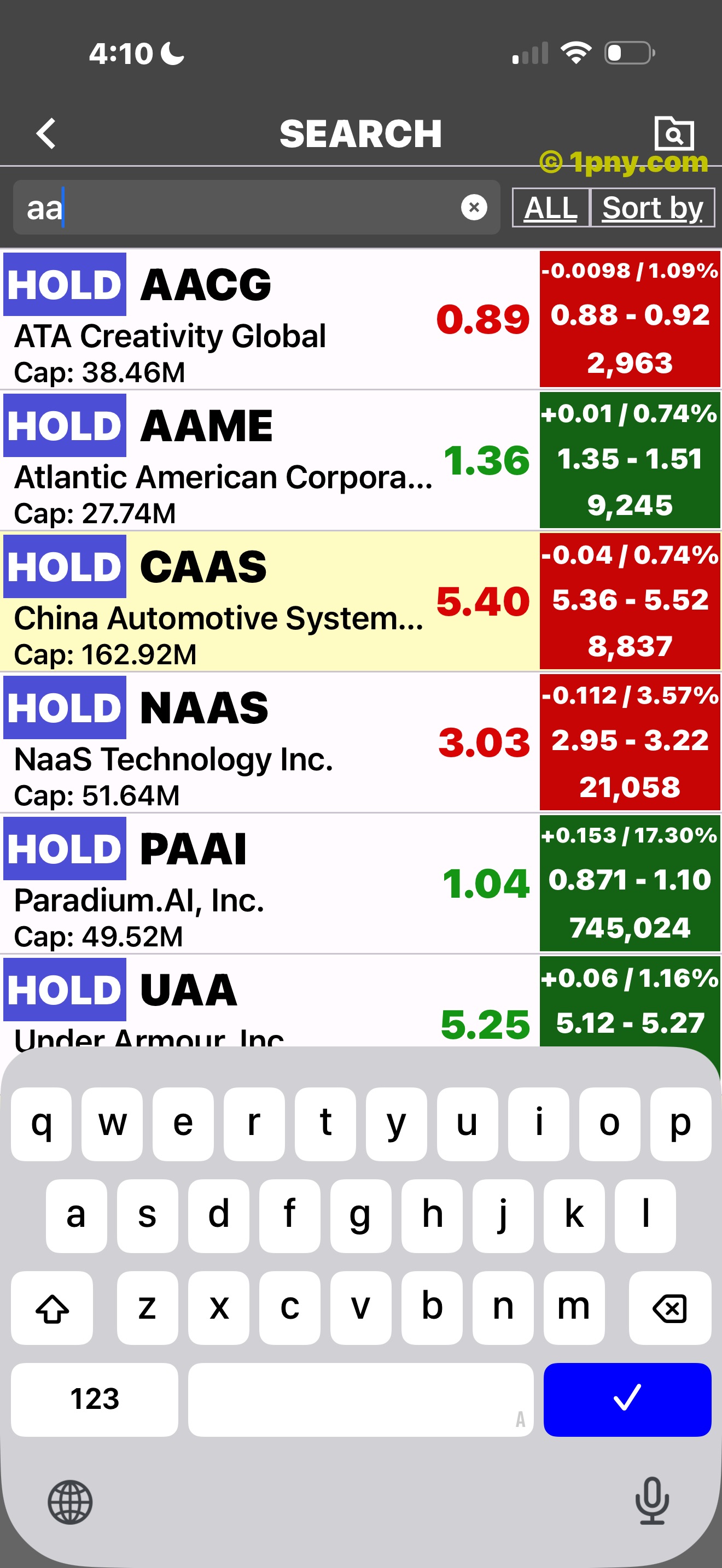
Entering a ticker.
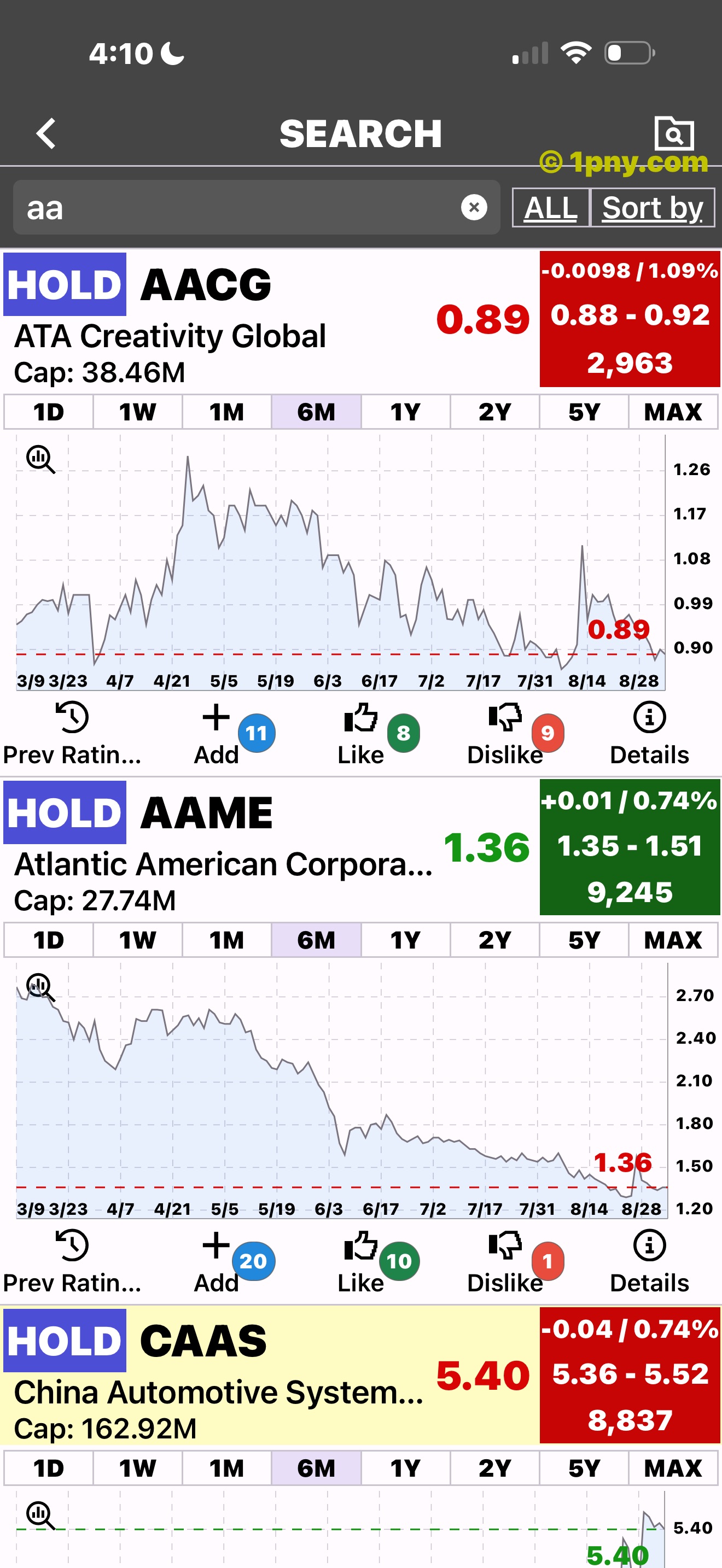
An expanded search result.
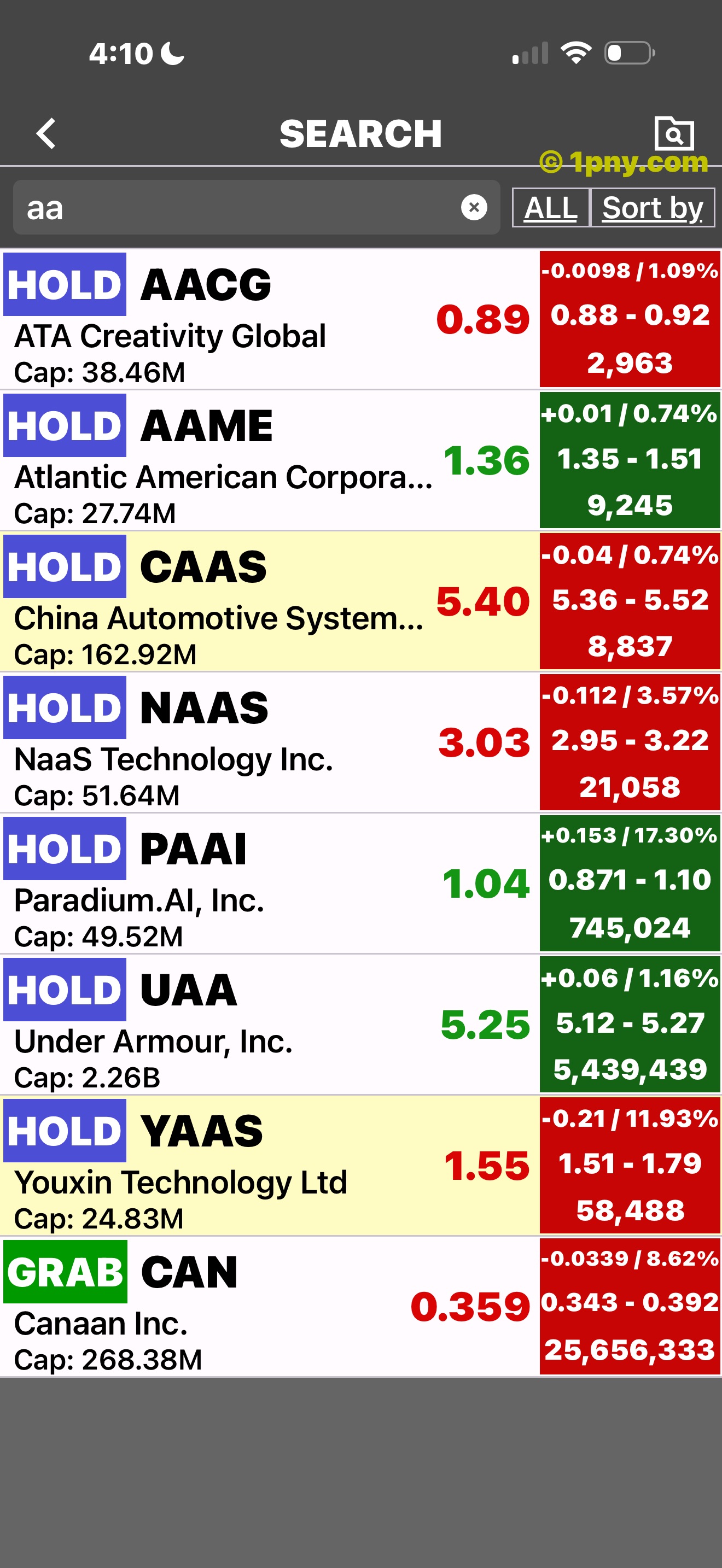
An ETF results list.
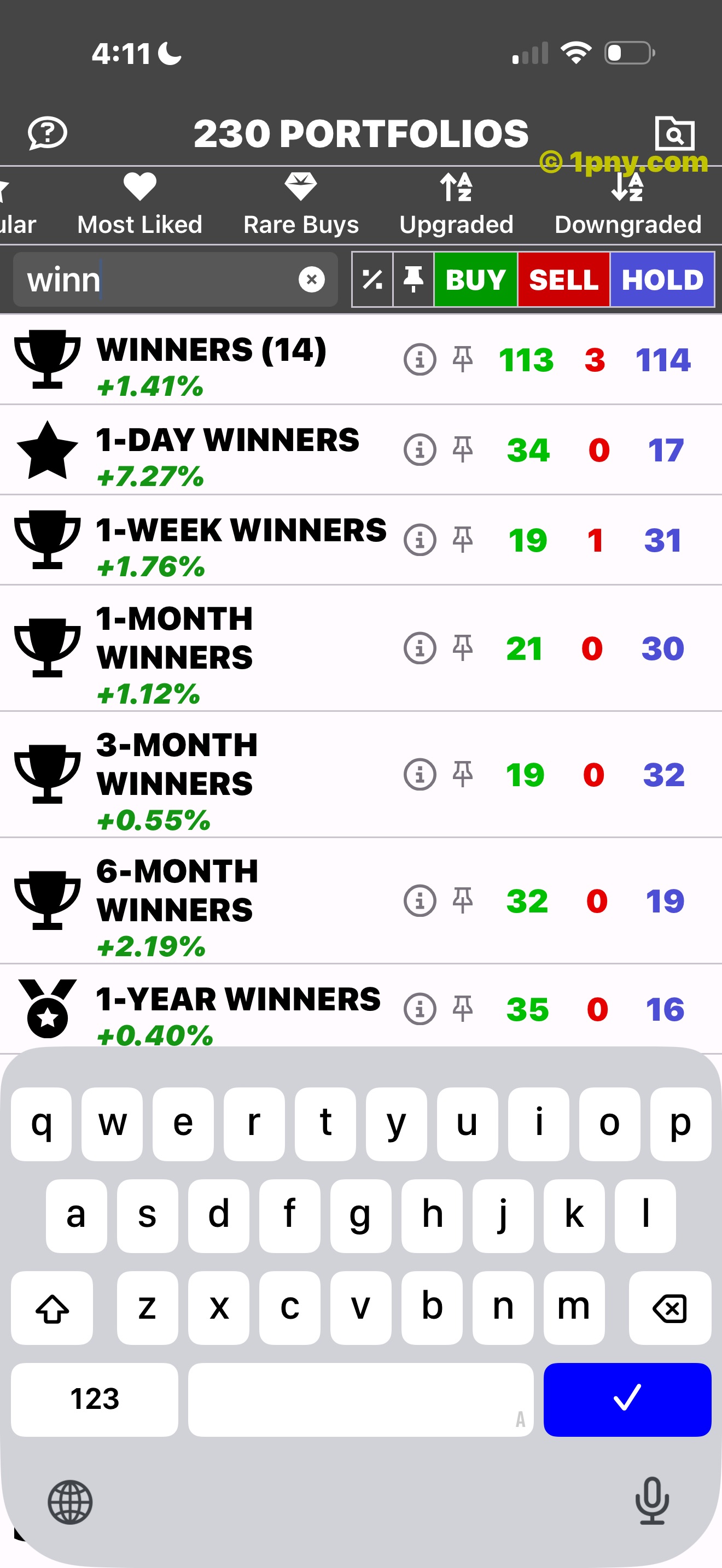
A portfolio search.
Build research context
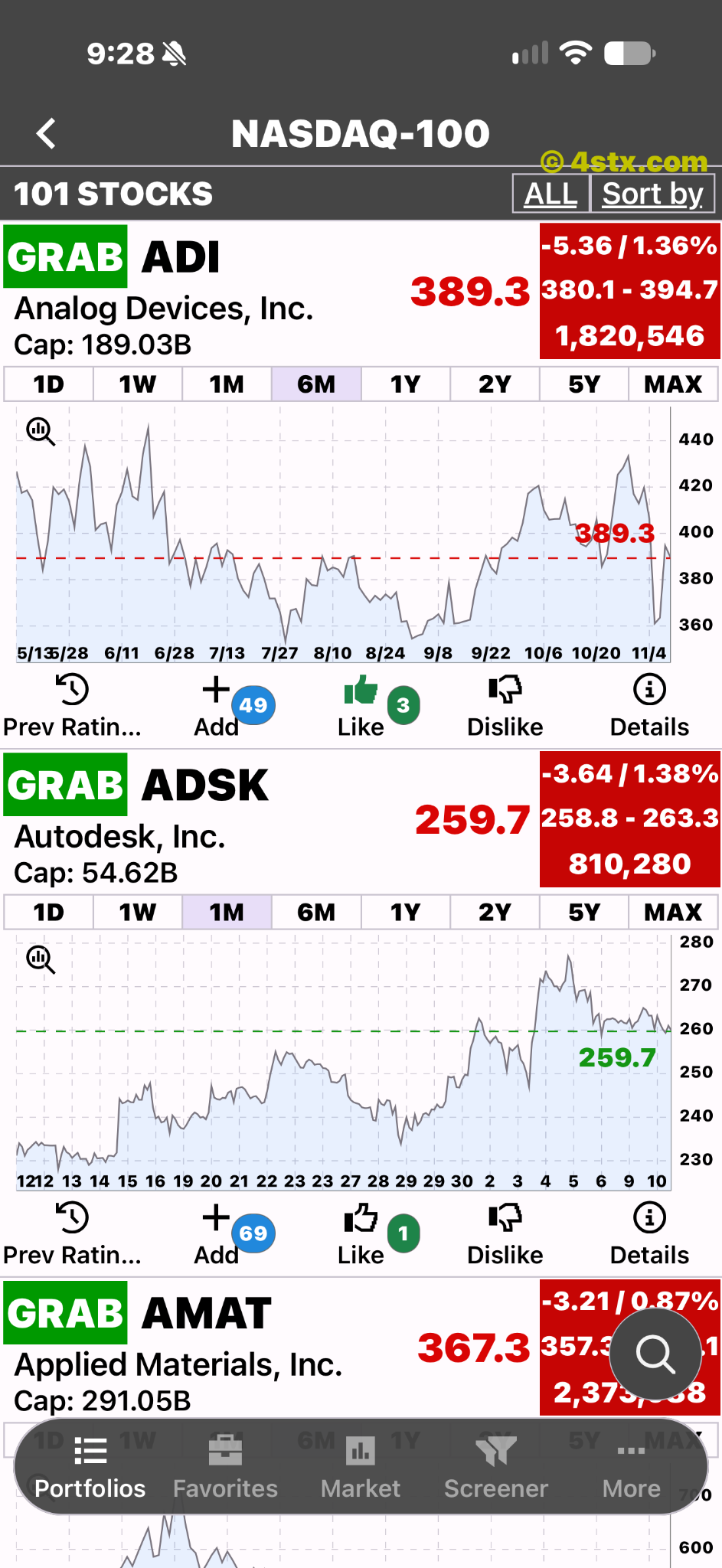
ETFon includes charts and rating history. Compare price movements and past ratings alongside fund data and news.
A list of ETFs and market data.
Expanded ETF charts.
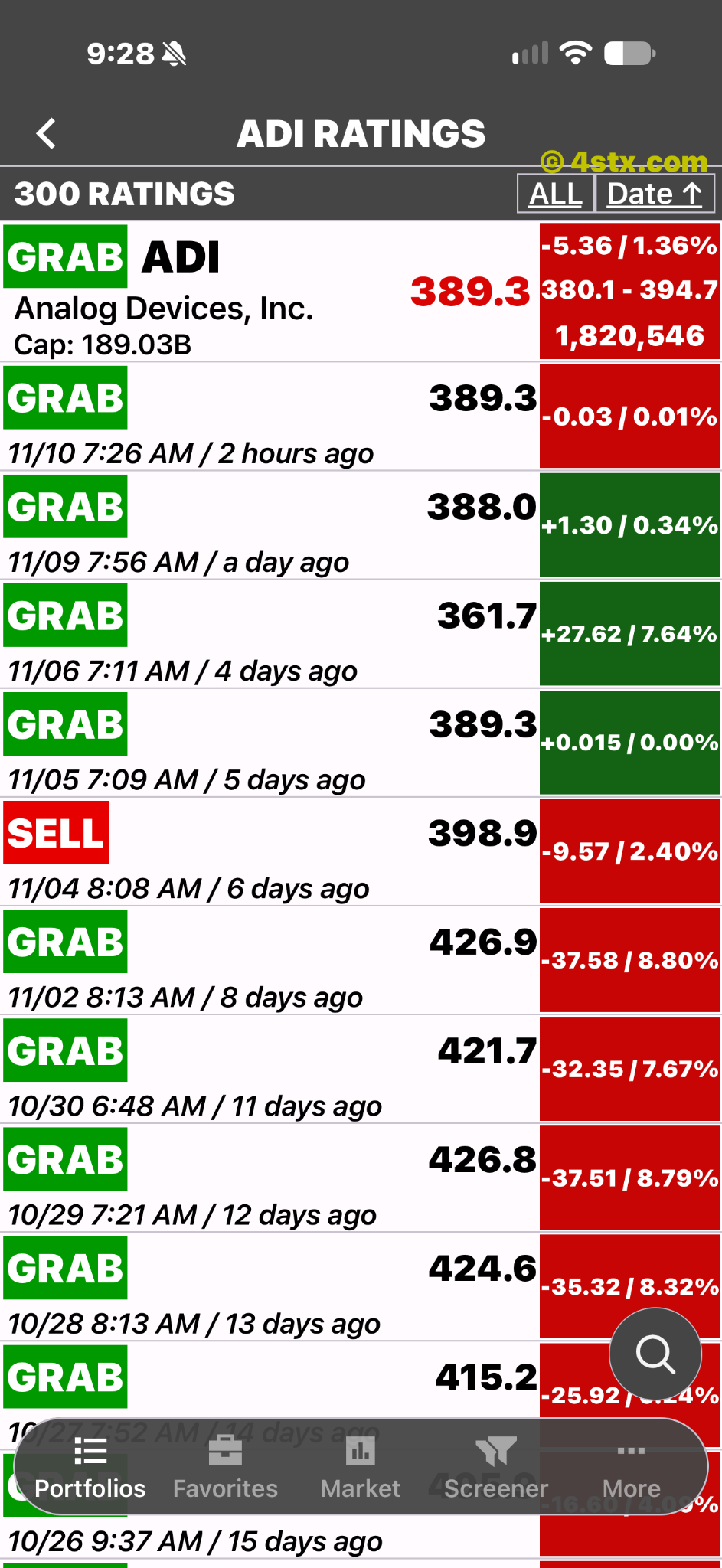
Dated rating records.
Ratings in context
ETFon uses GRAB, BUY, HOLD, SELL and DUMP ratings and provides rating history. These labels are research signals, not a promise of returns.
Compare rating signals
Use ETFon ratings alongside fund data, news and price history. The images below illustrate rating history and rating lists.
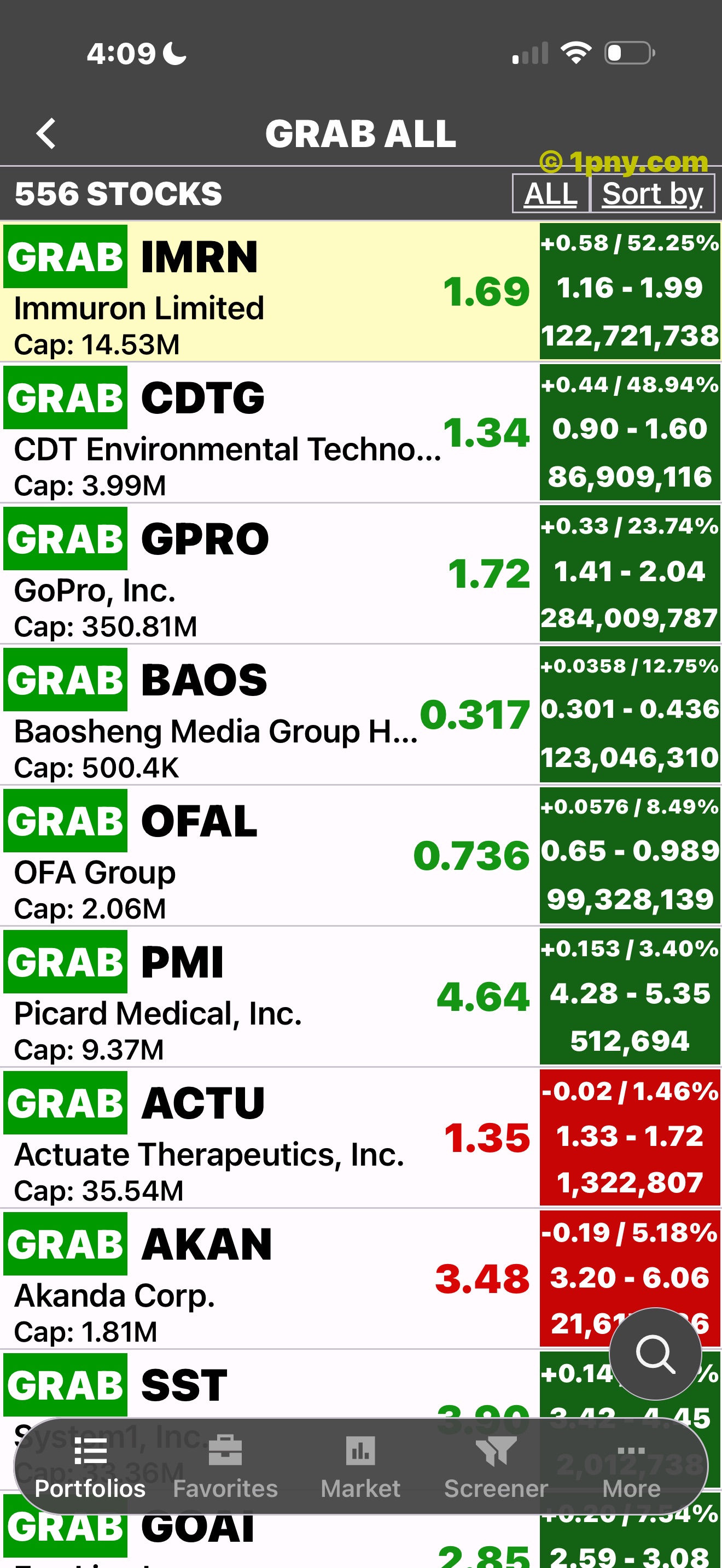
ETFs grouped by rating.
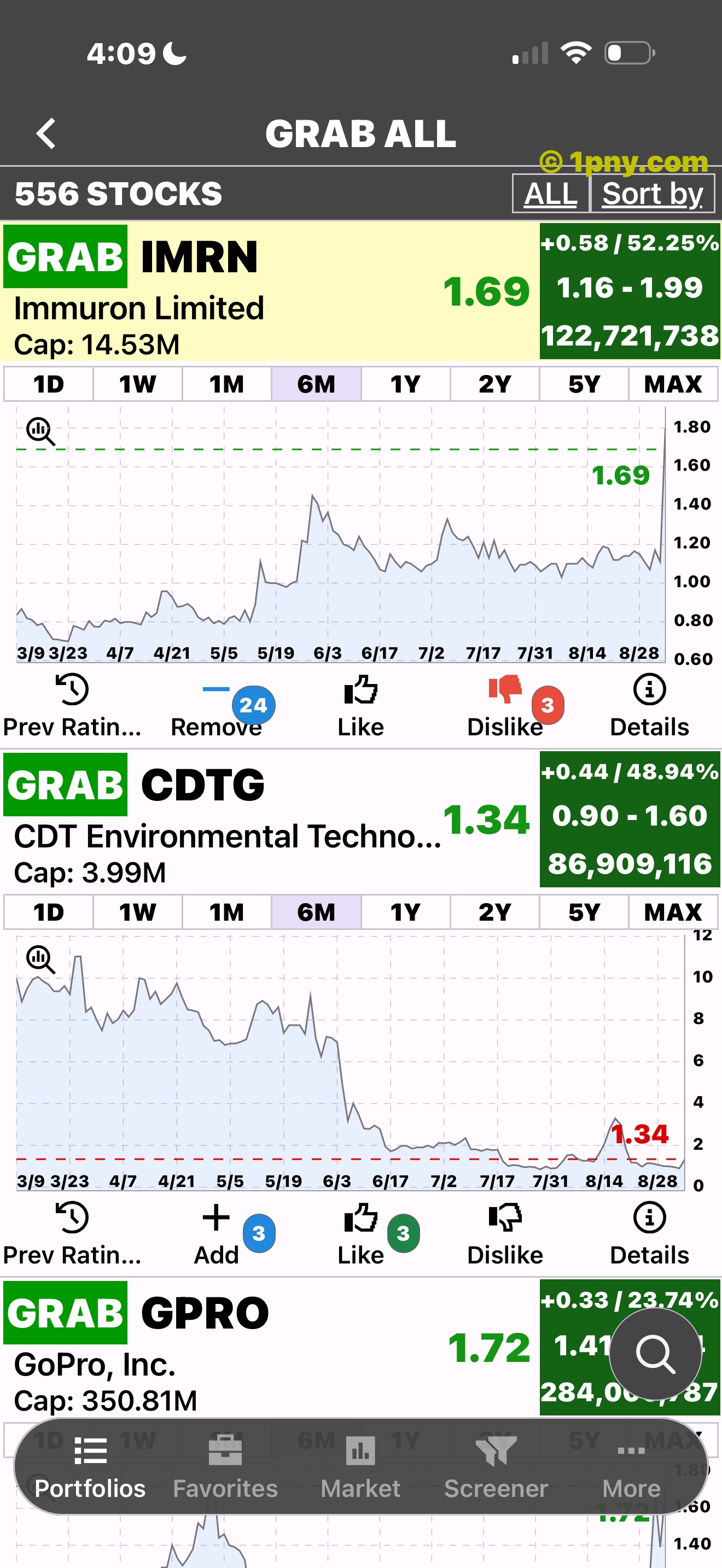
A chart beneath a rating.
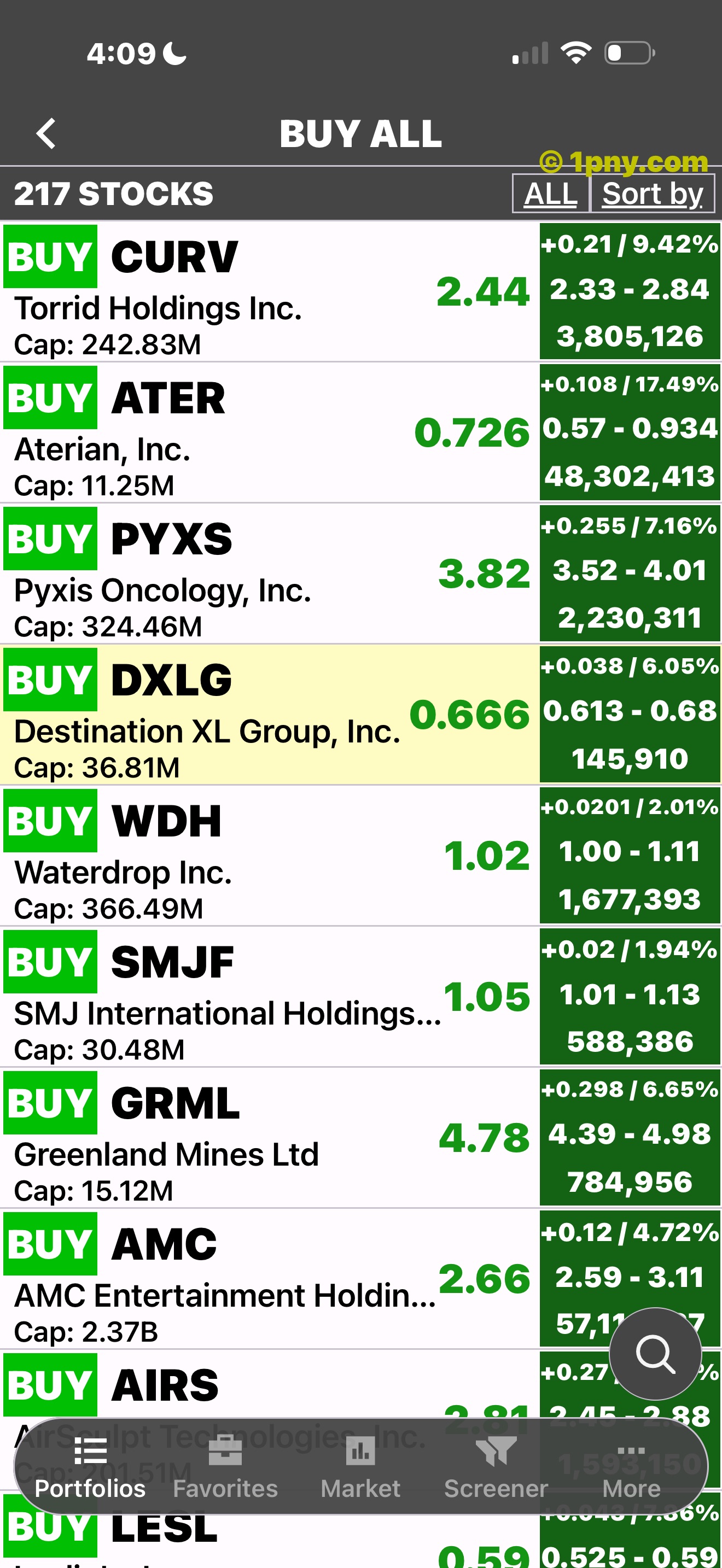
BUY-rated ETFs.
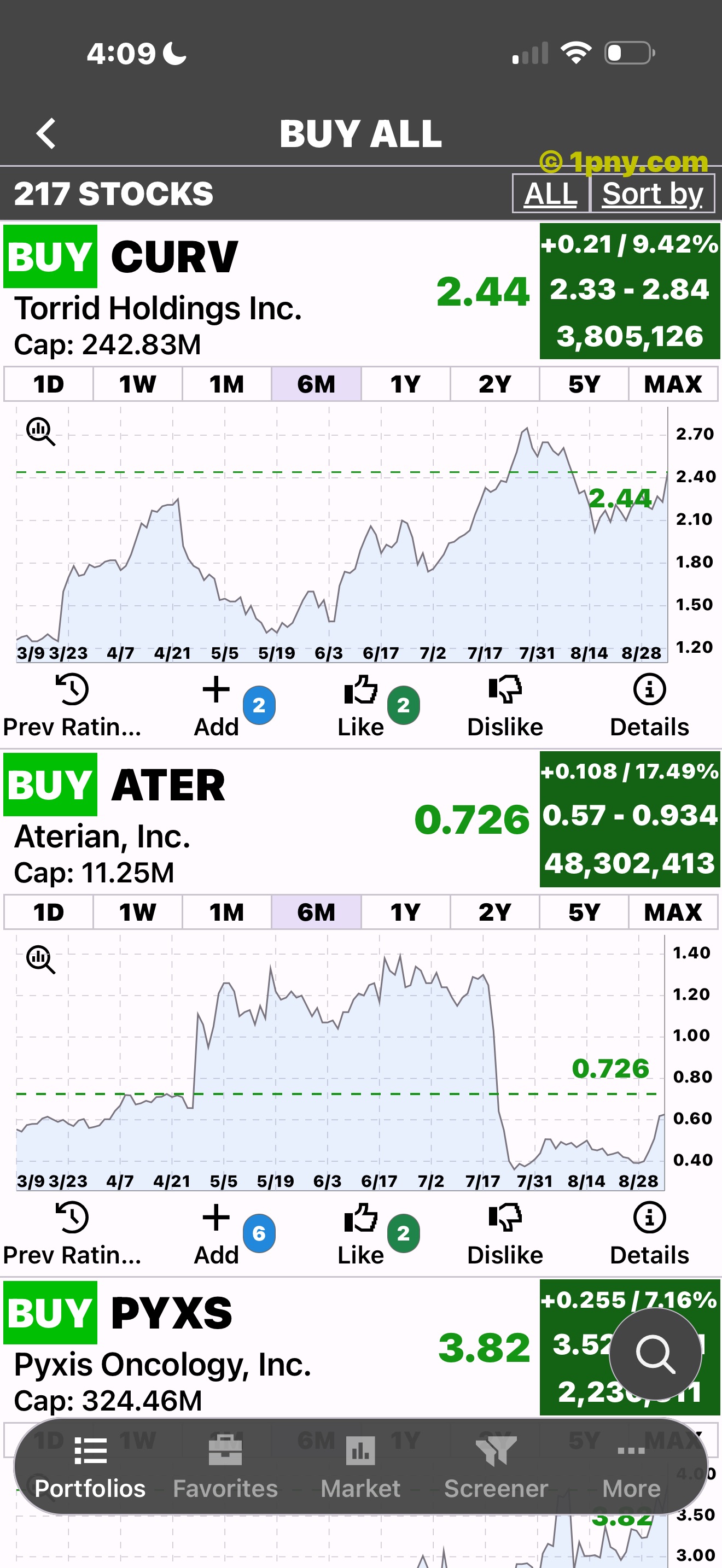
An ETF chart in a list.
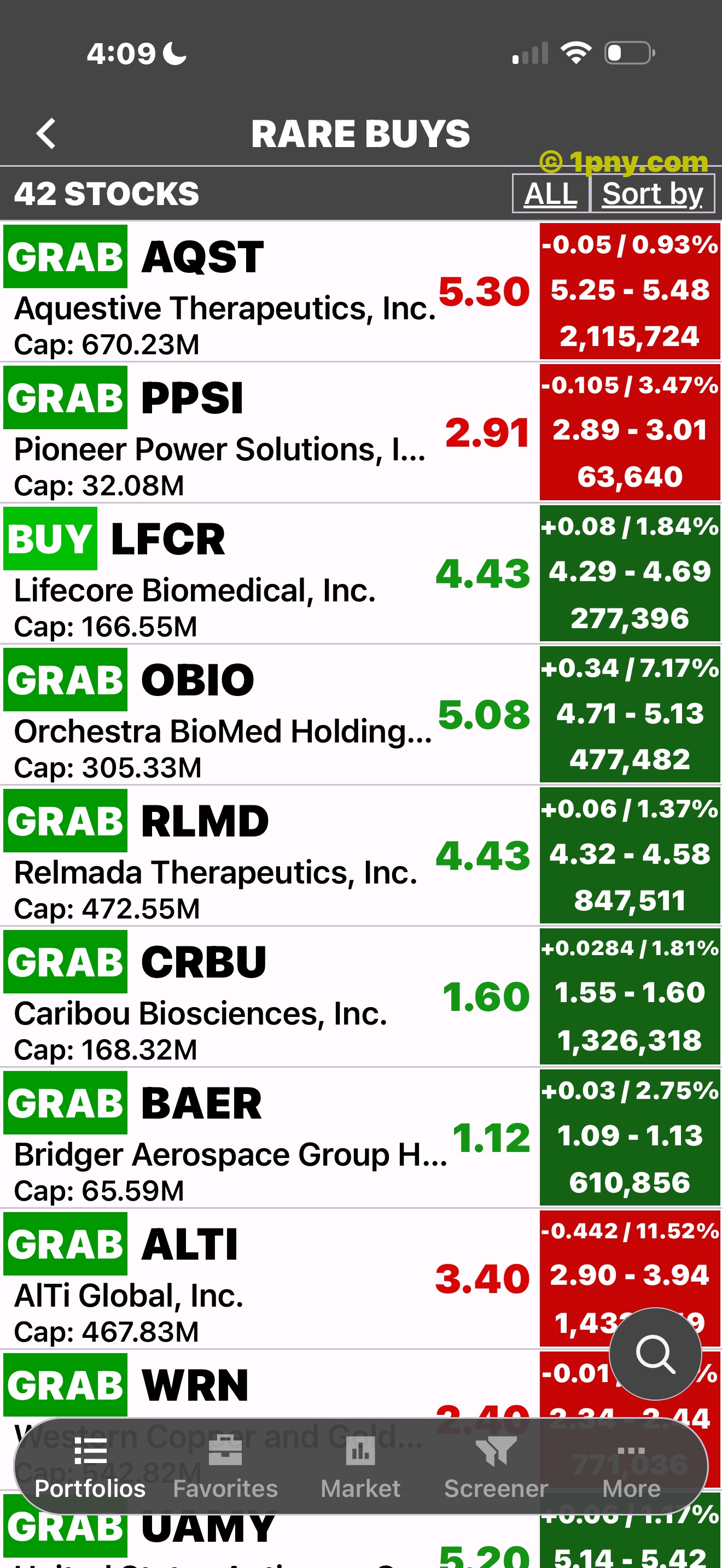
A filtered rating list.
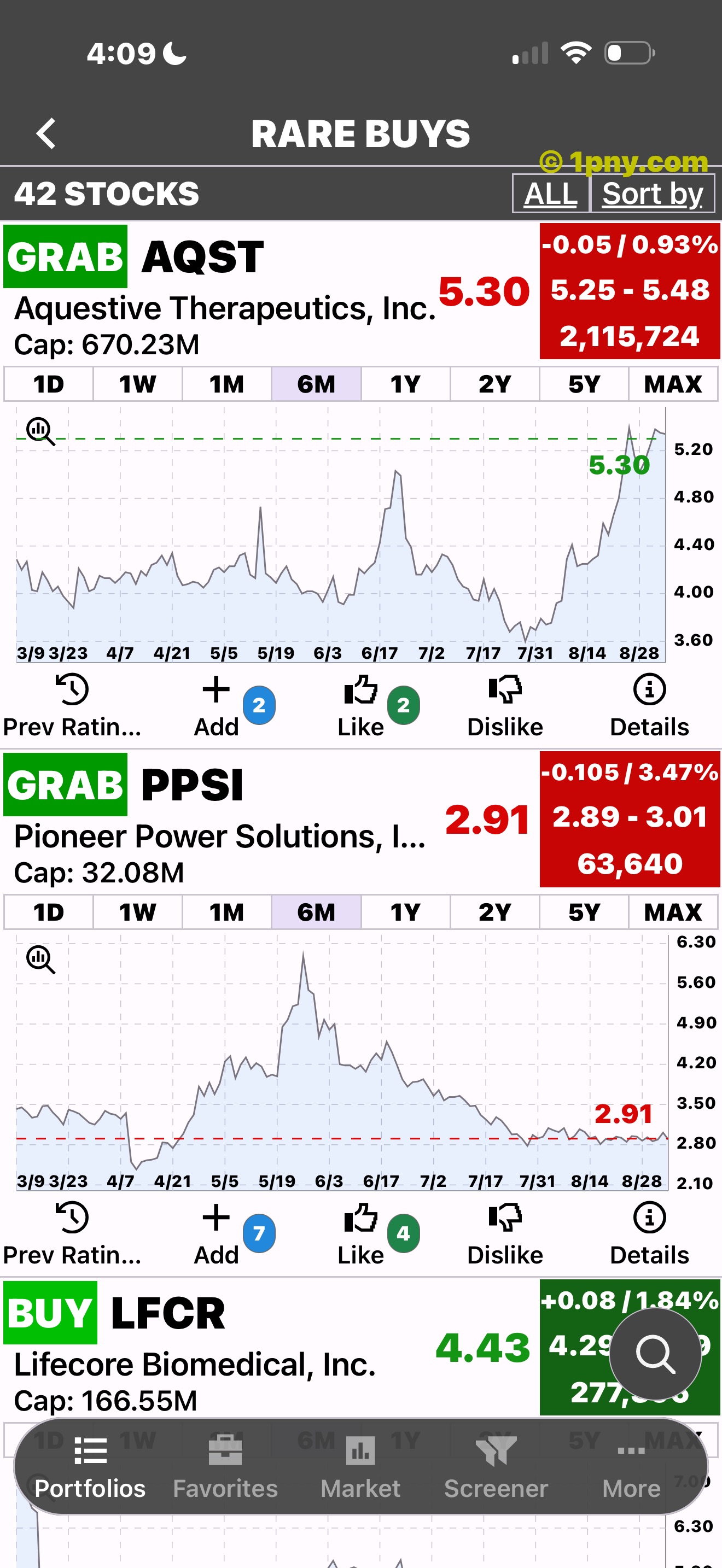
Chart controls and market data.
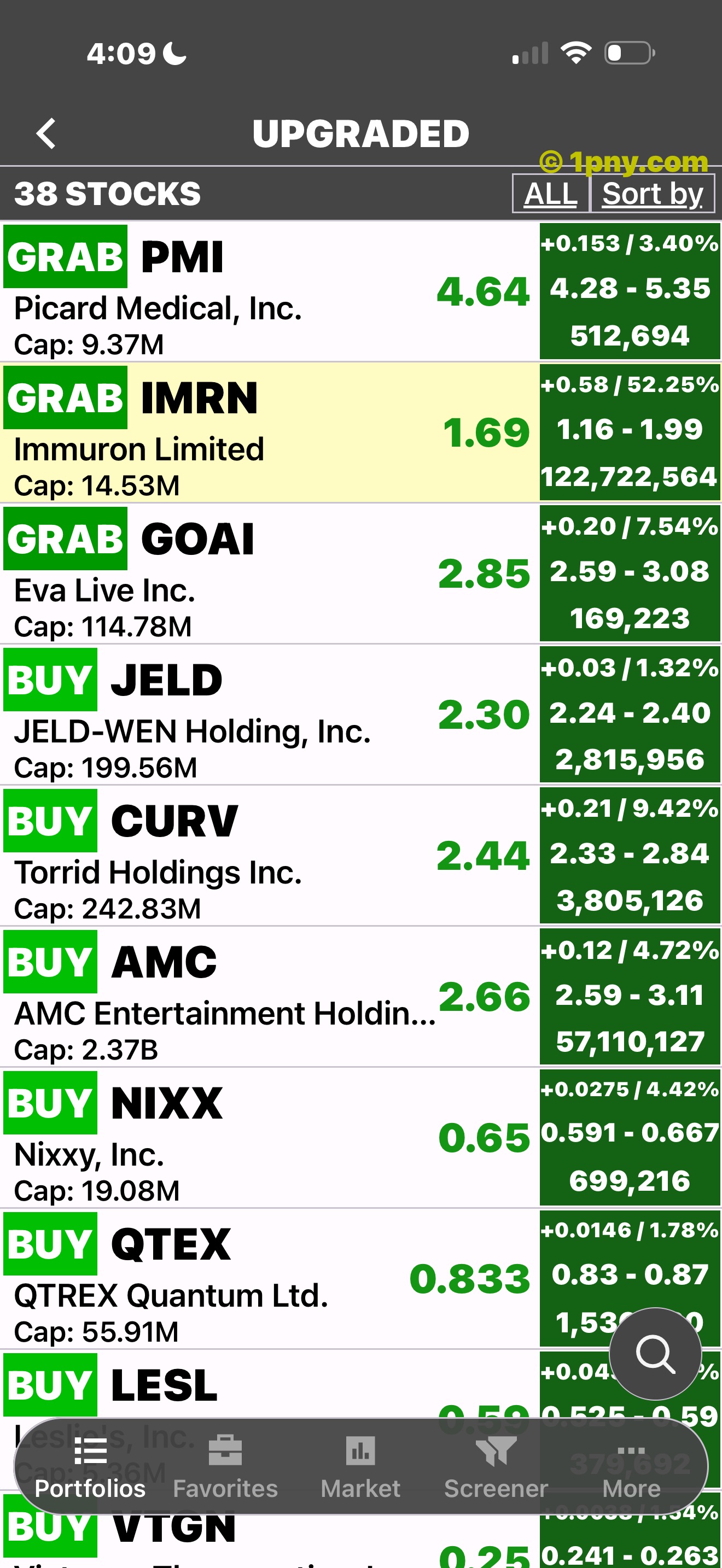
Upgraded ratings.
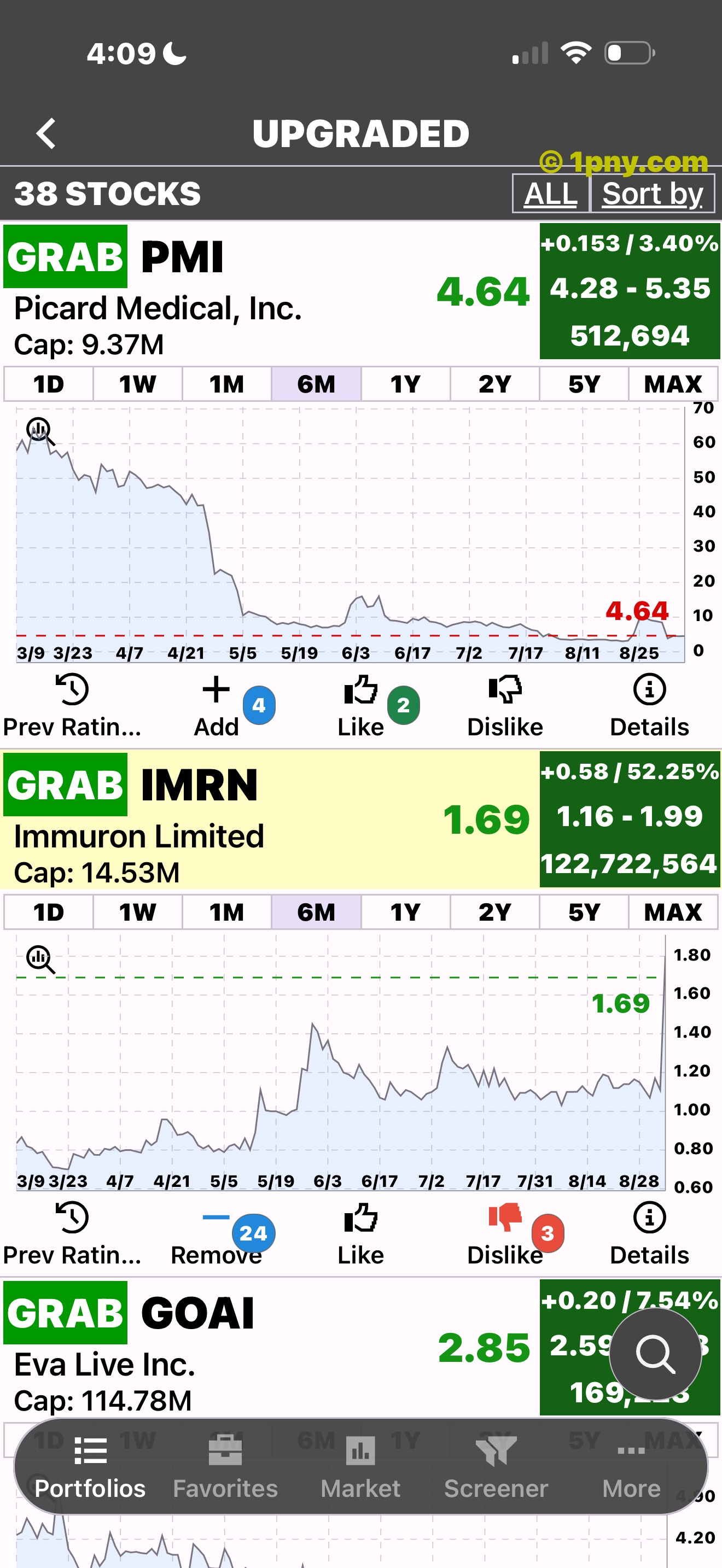
The chart of an upgraded ETF.
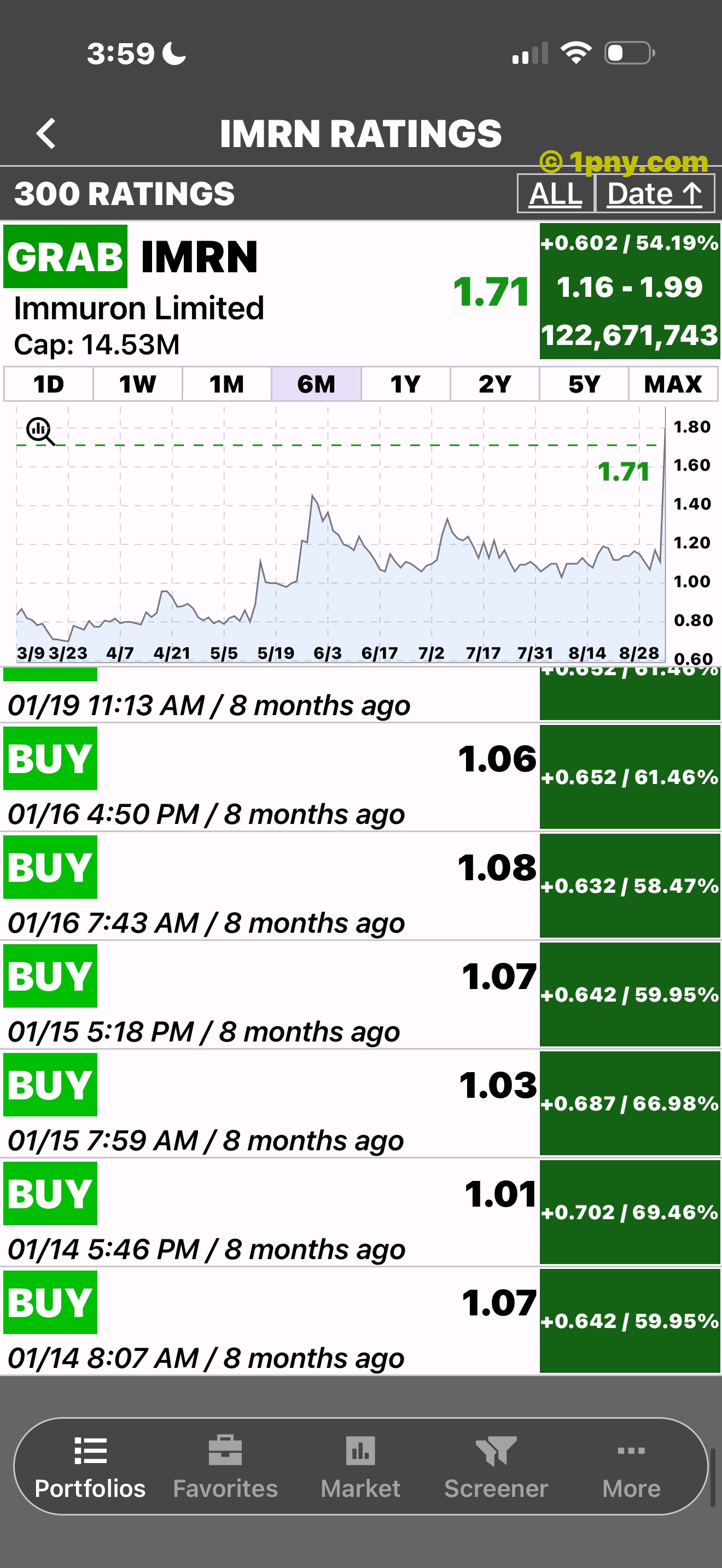
Past results need context. Past performance does not guarantee future results.
Go beyond the chart
ETFon includes fund data and market news. Use them to add context to the chart.
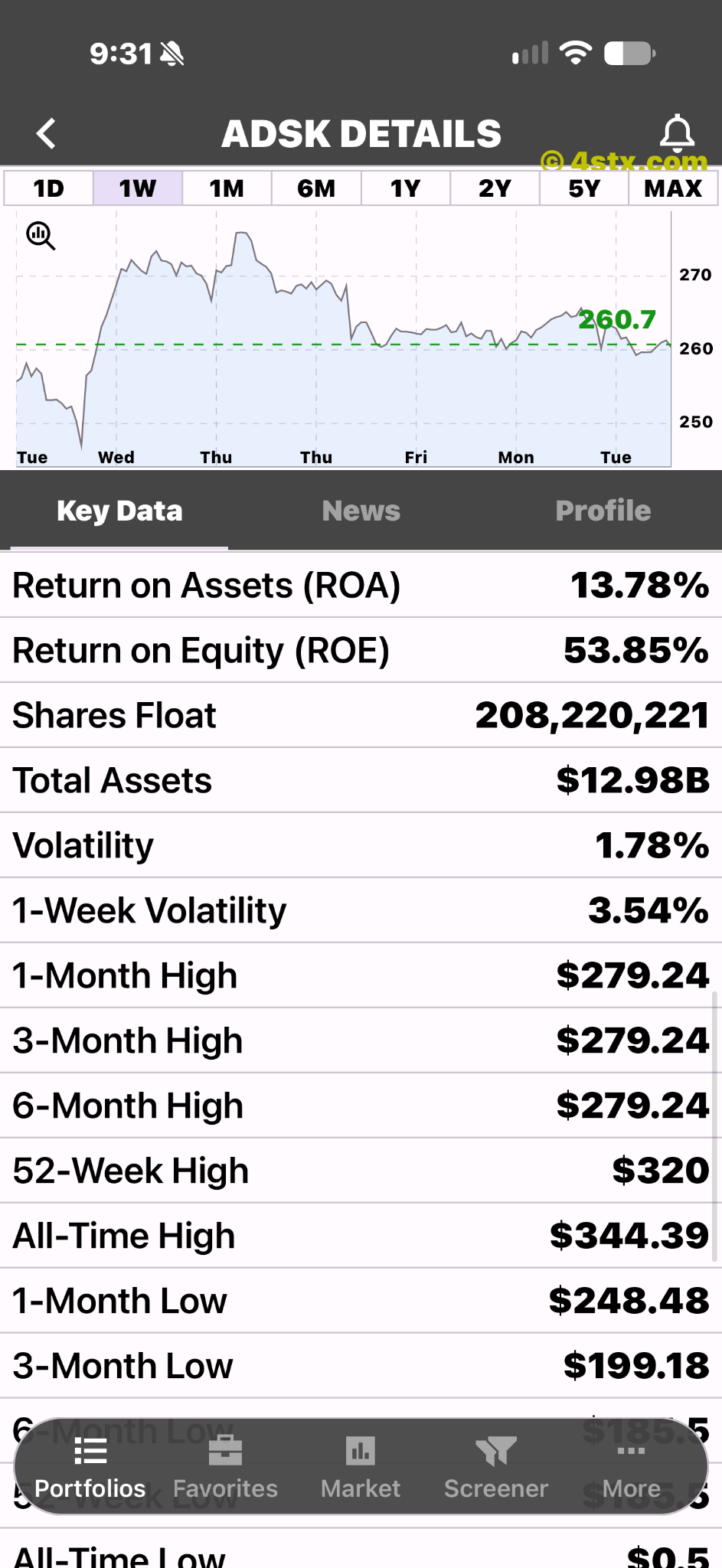
Fund detail tabs.
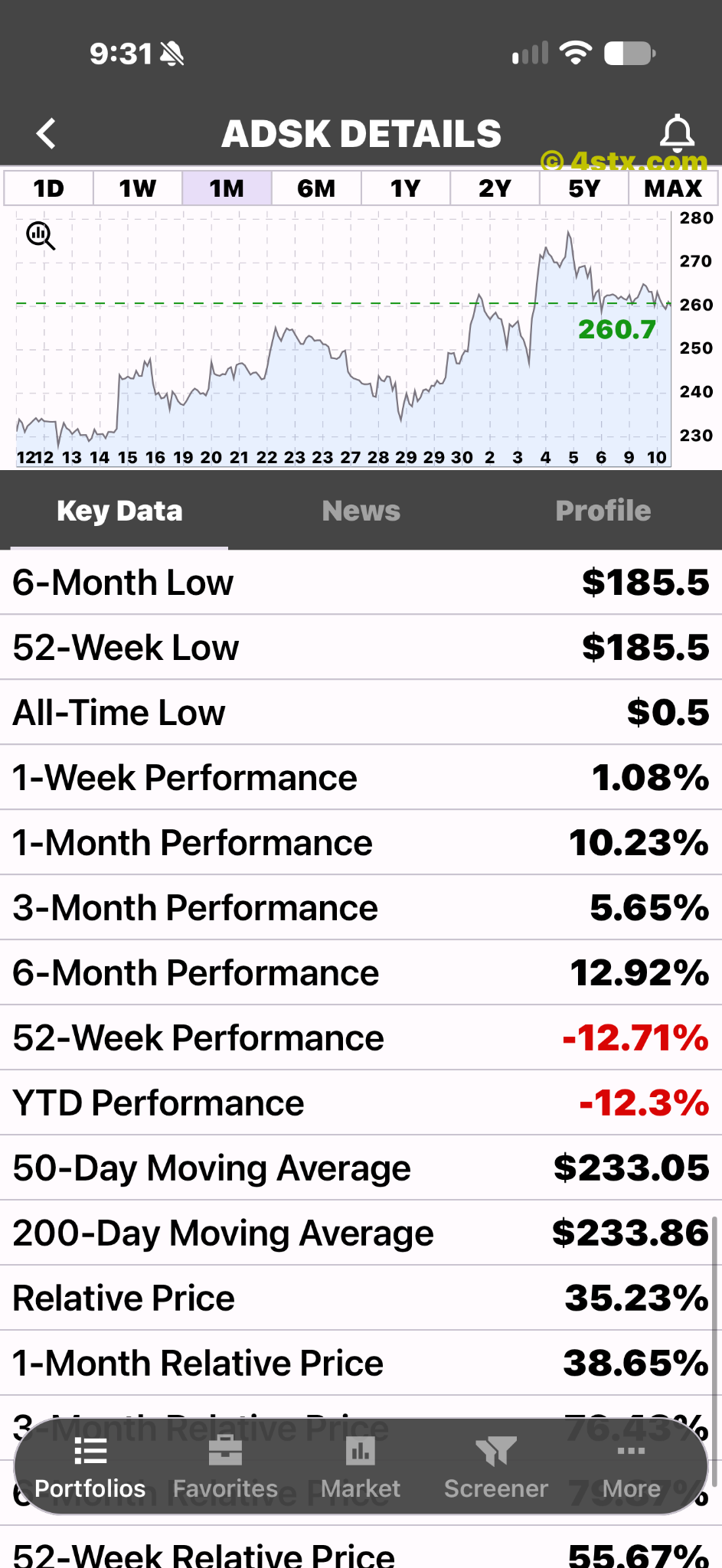
Performance and market-data fields.
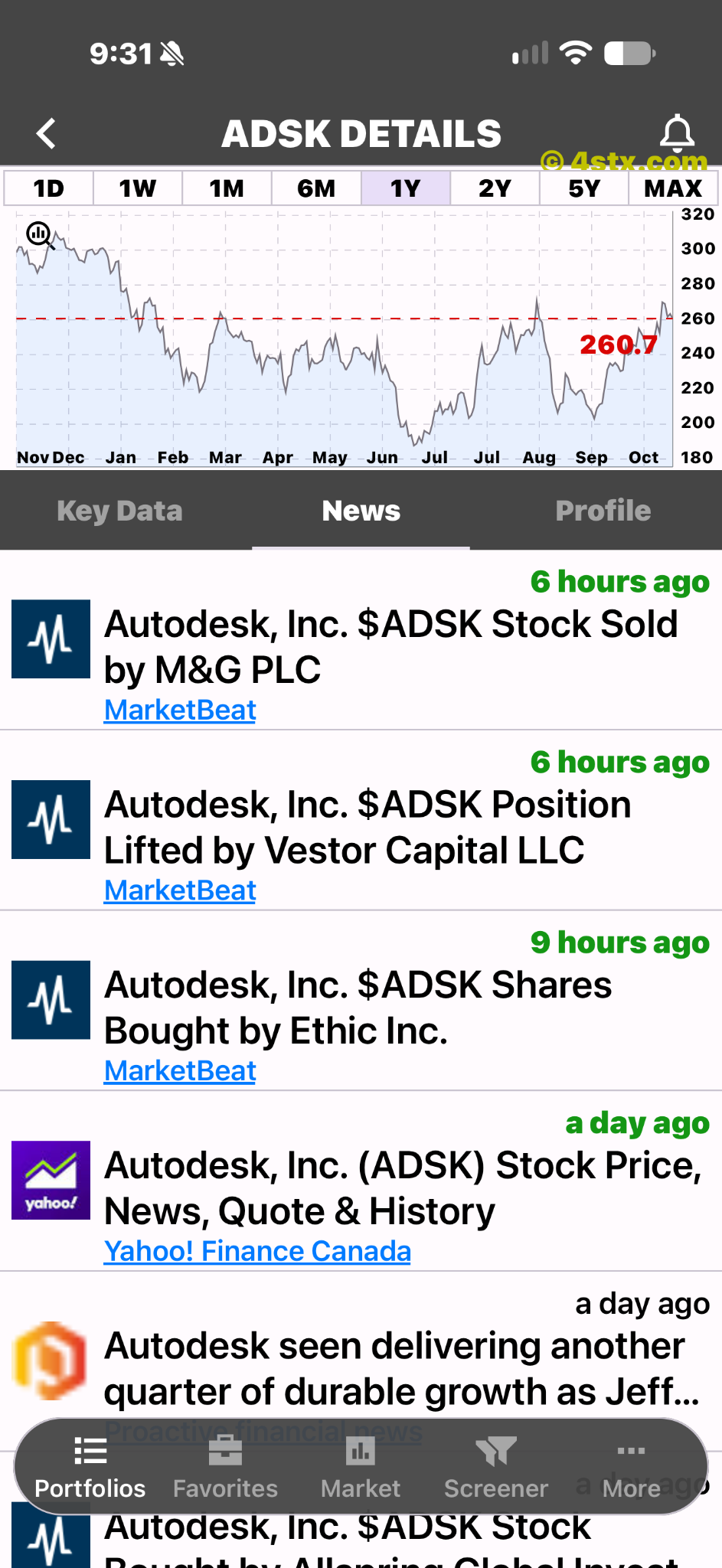
Fund-specific headlines.
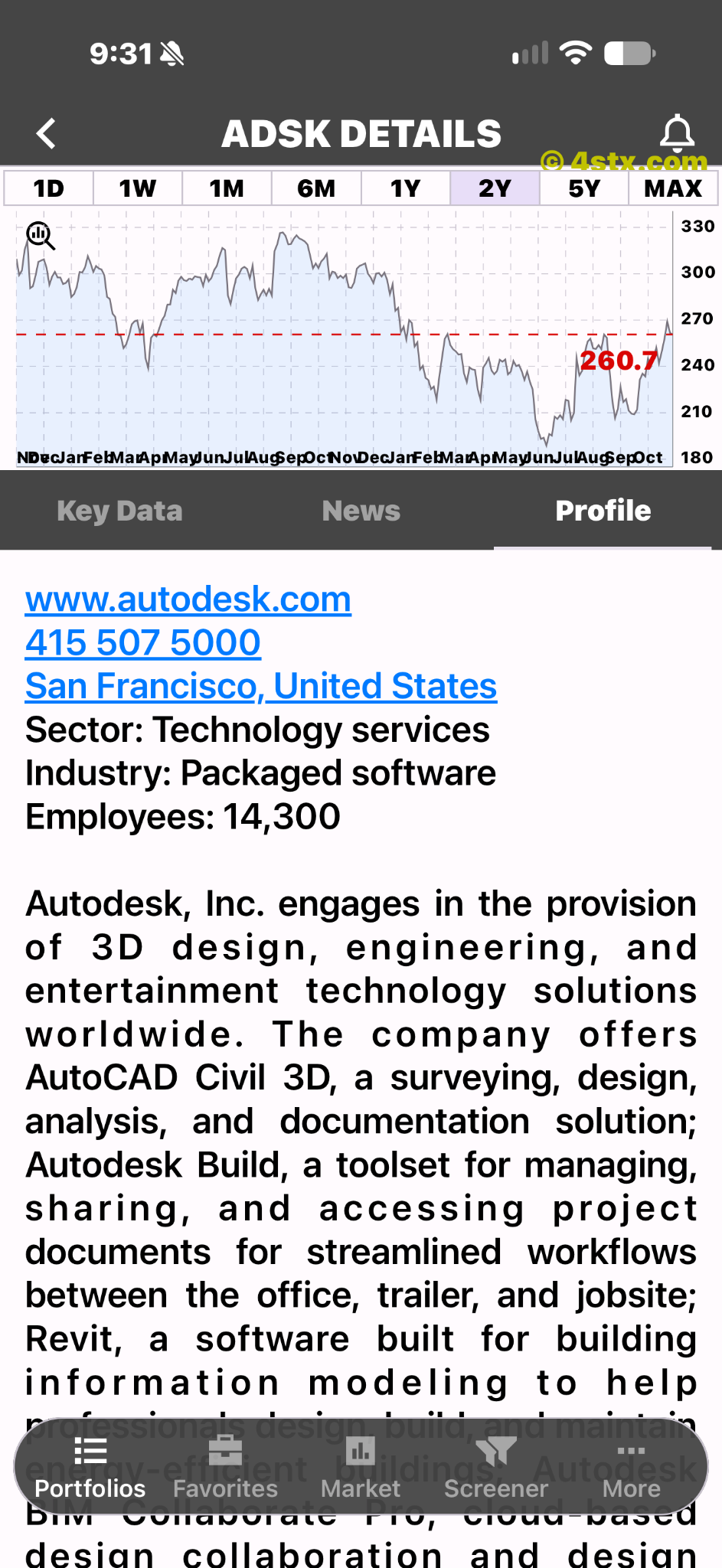
A fund description.
Focus your research
ETFon's iOS listing describes ETF screening. Check the current listing for your platform before downloading.
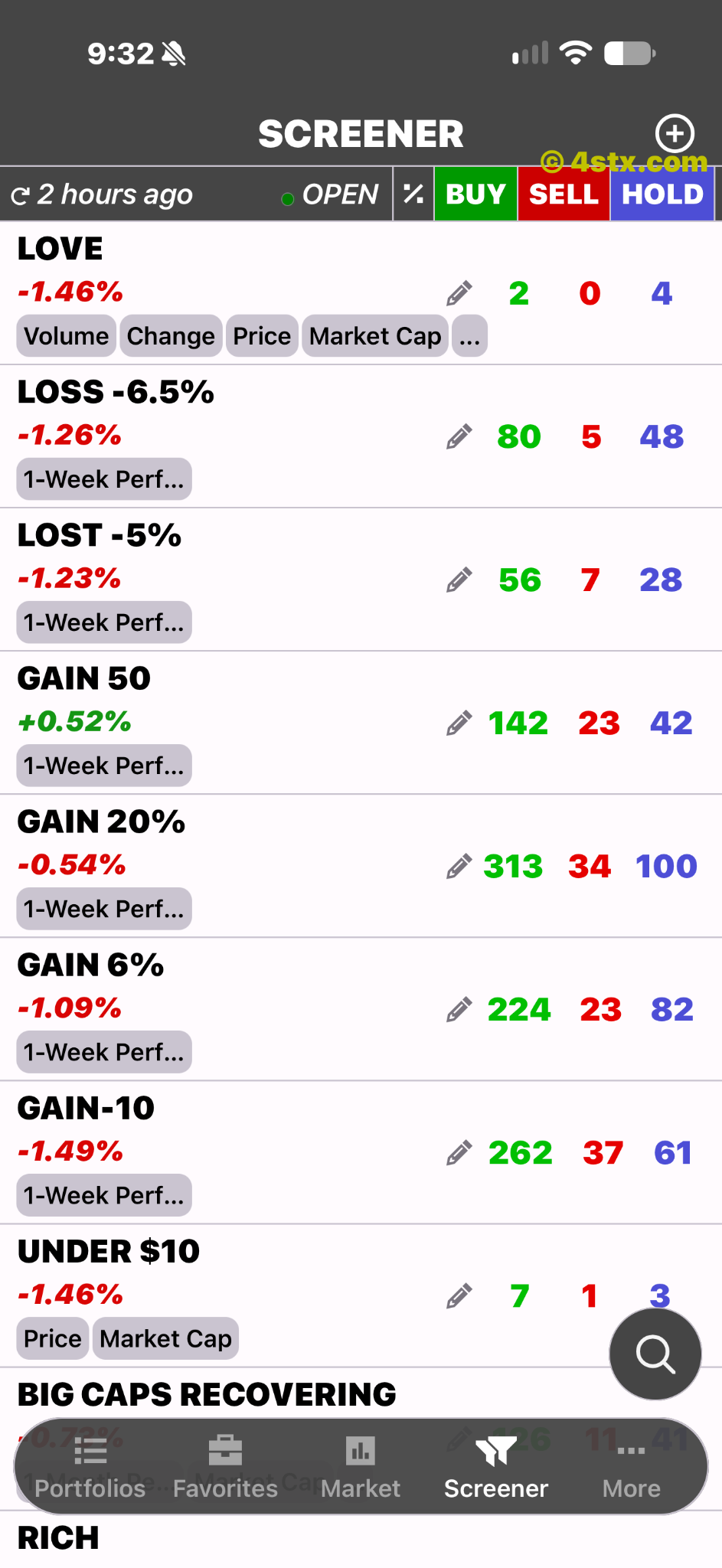
A screener library.
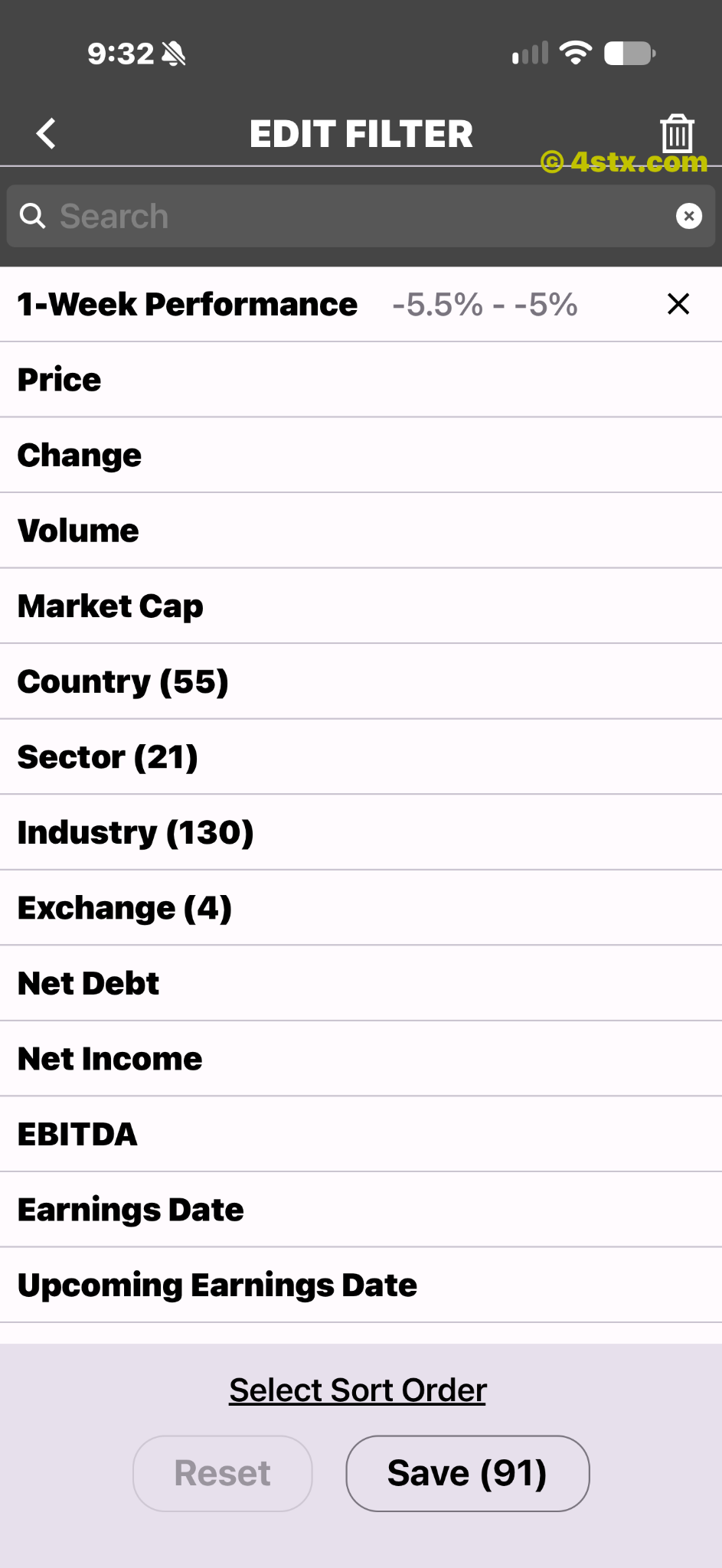
Available filter criteria.
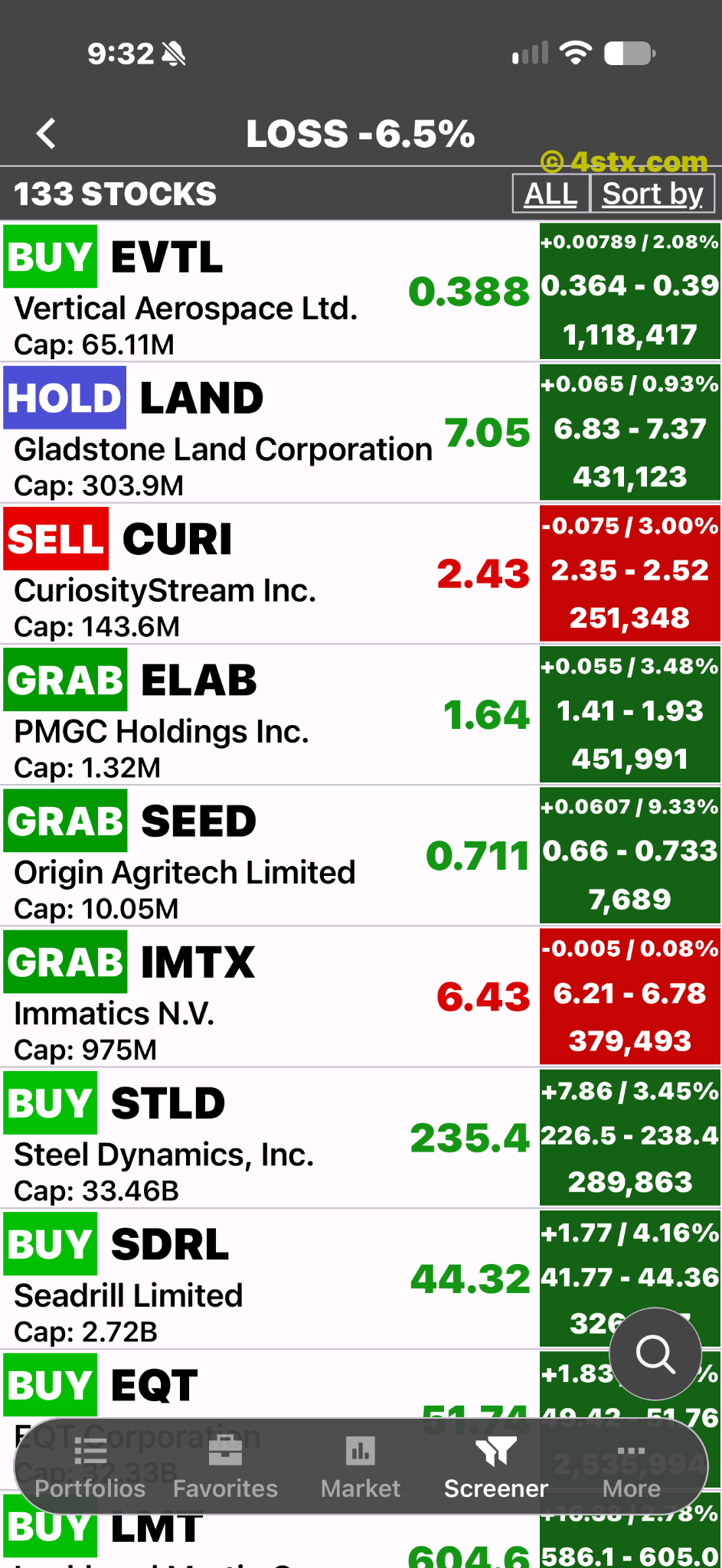
ETFs matching the selected screener.
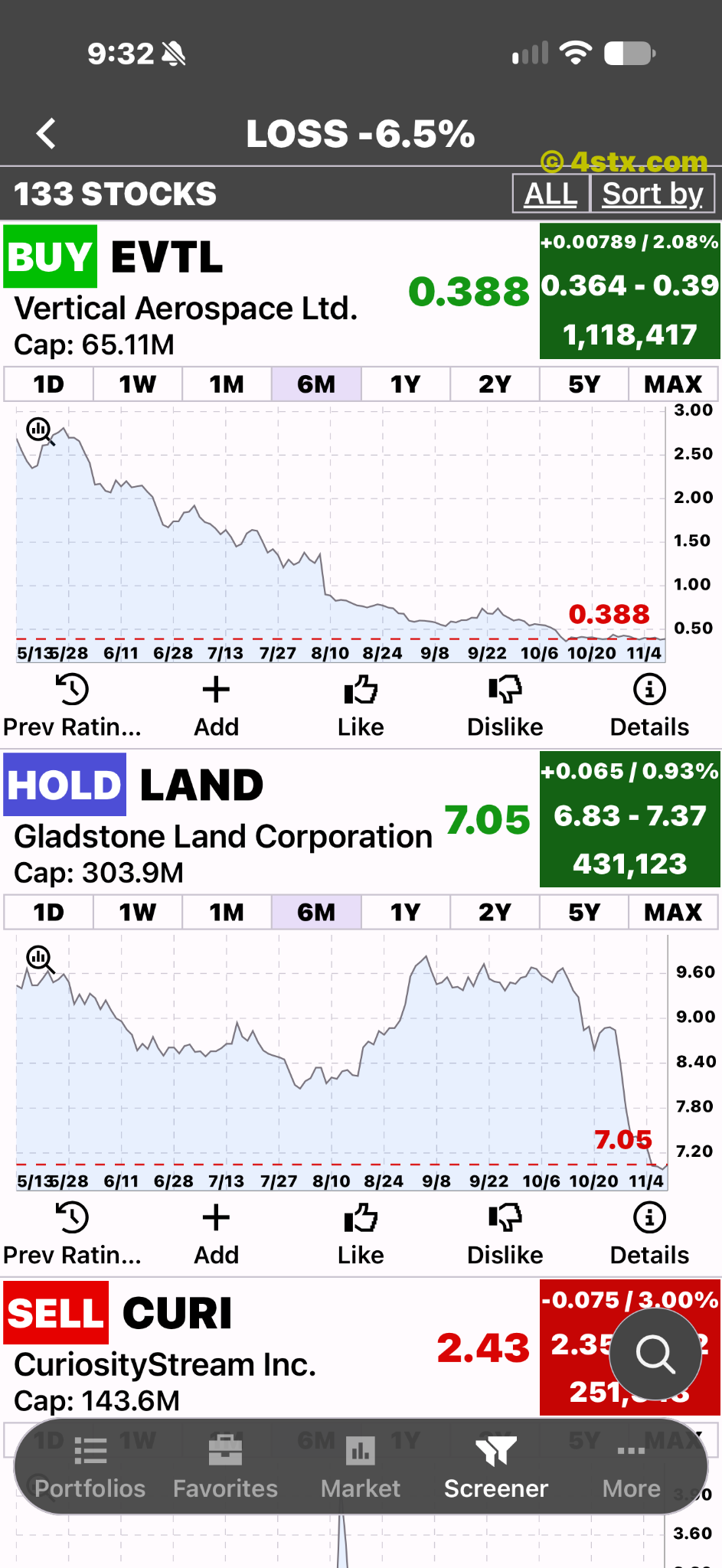
Charts for the screener results.
Keep your own shortlist
ETFon offers watchlists and portfolios for organizing your research.
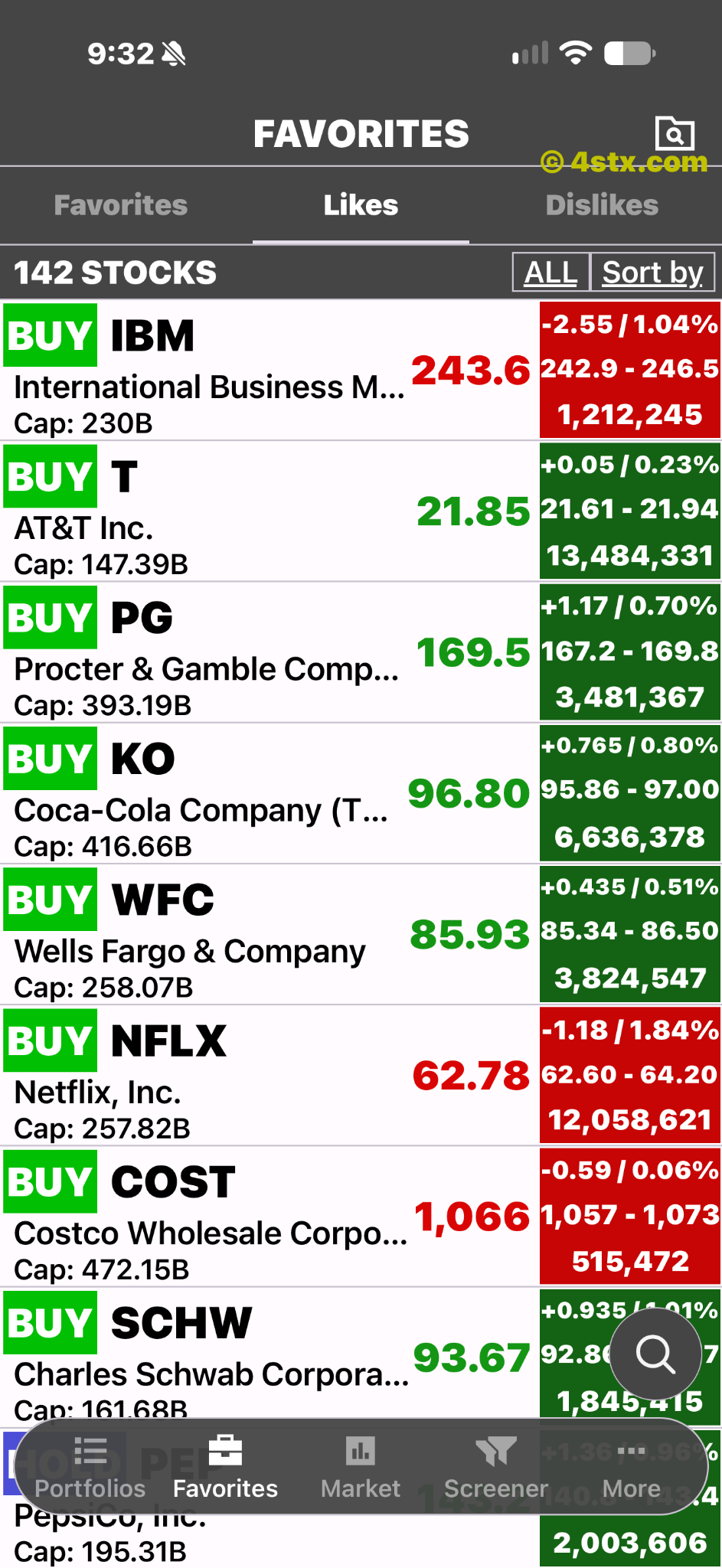
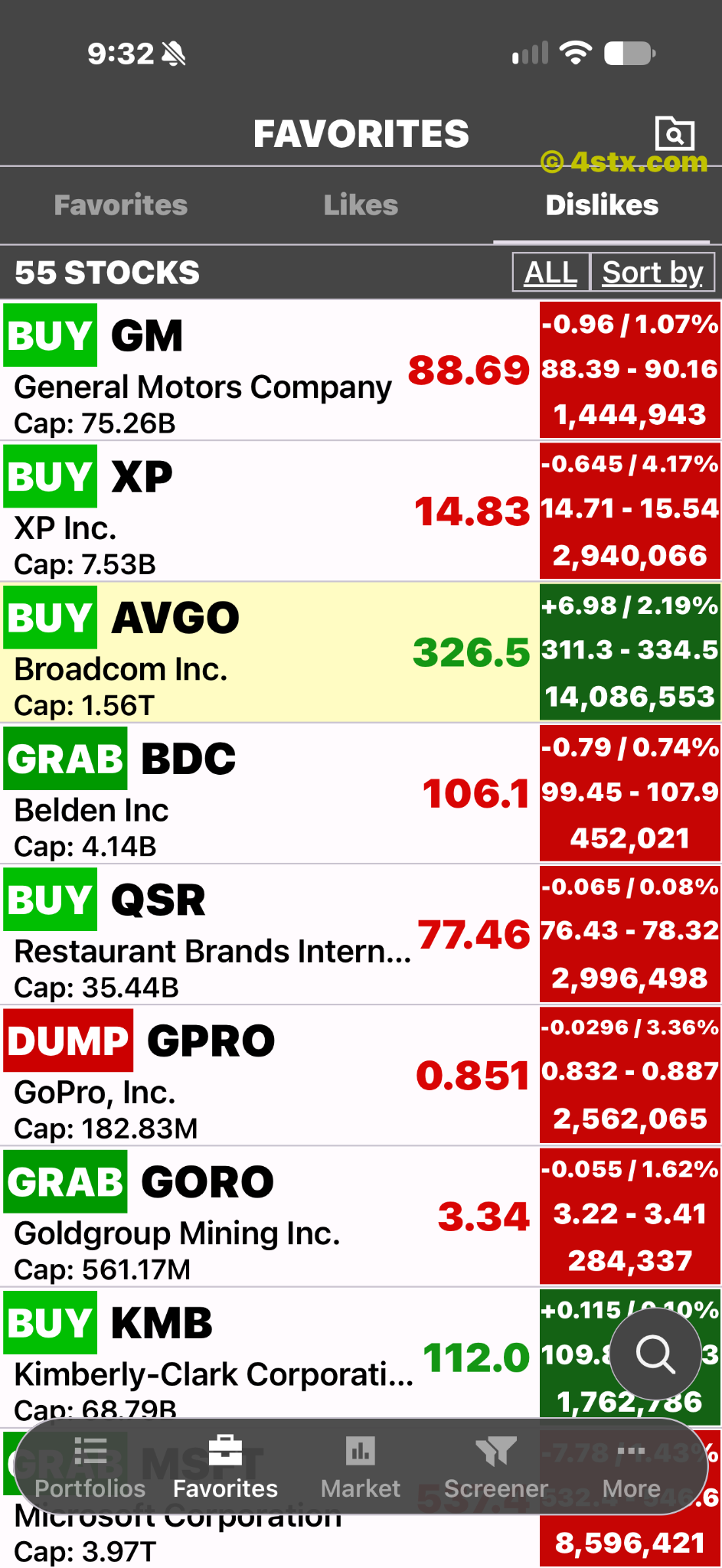
Adding an ETF.
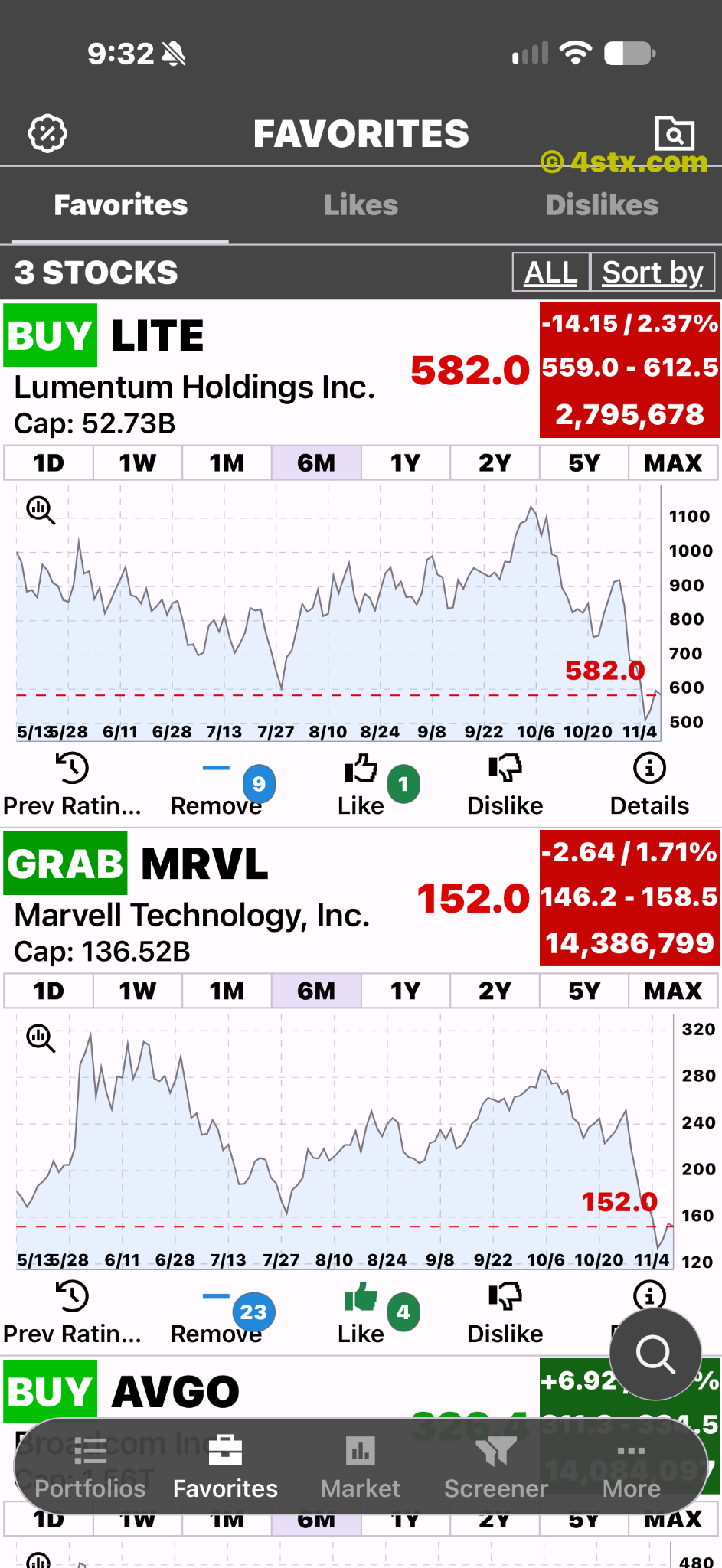
Saved ETFs with Remove controls.
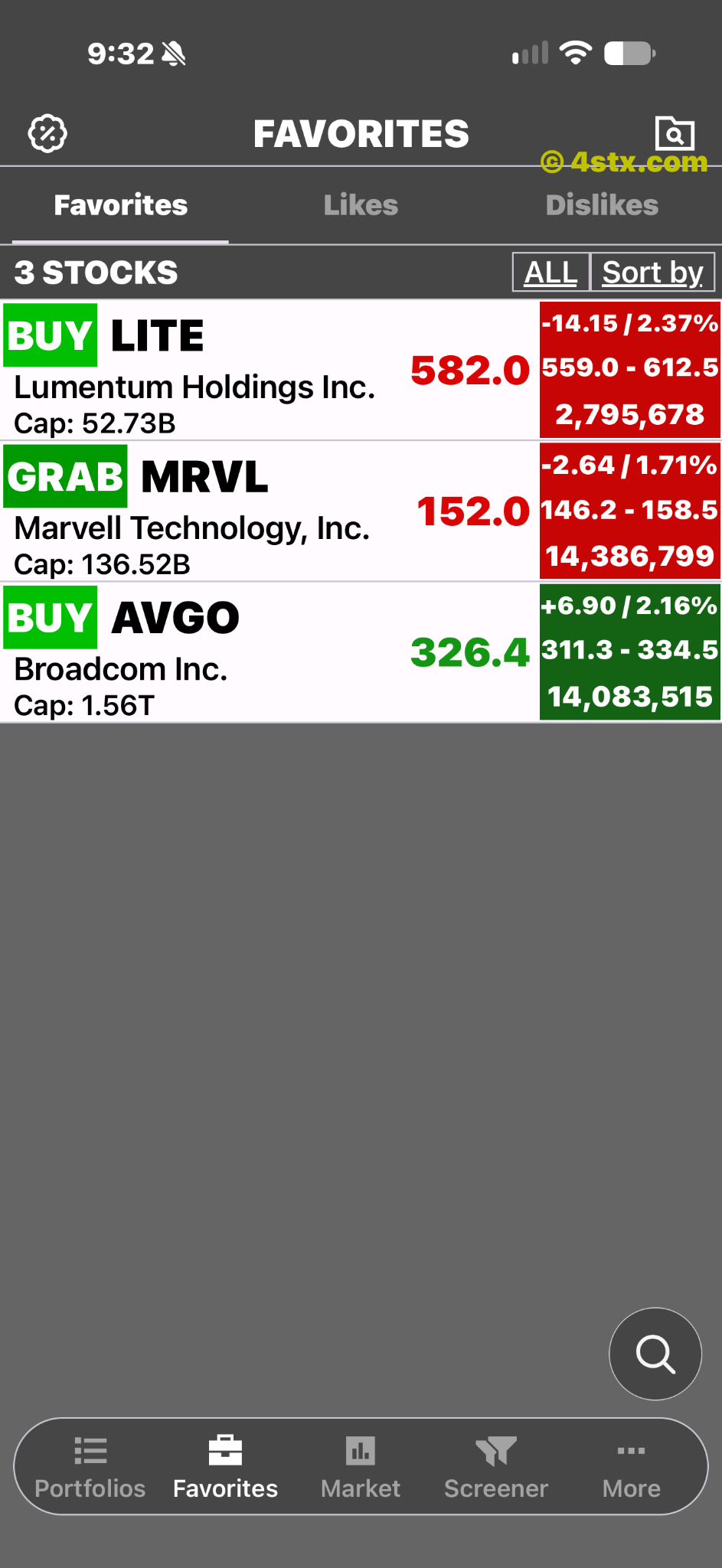
The saved ETF list.
Charts beside saved ETFs.
Keep an independent view
Use your own research criteria. Attention from other investors does not establish an ETF's value or make it suitable for you.
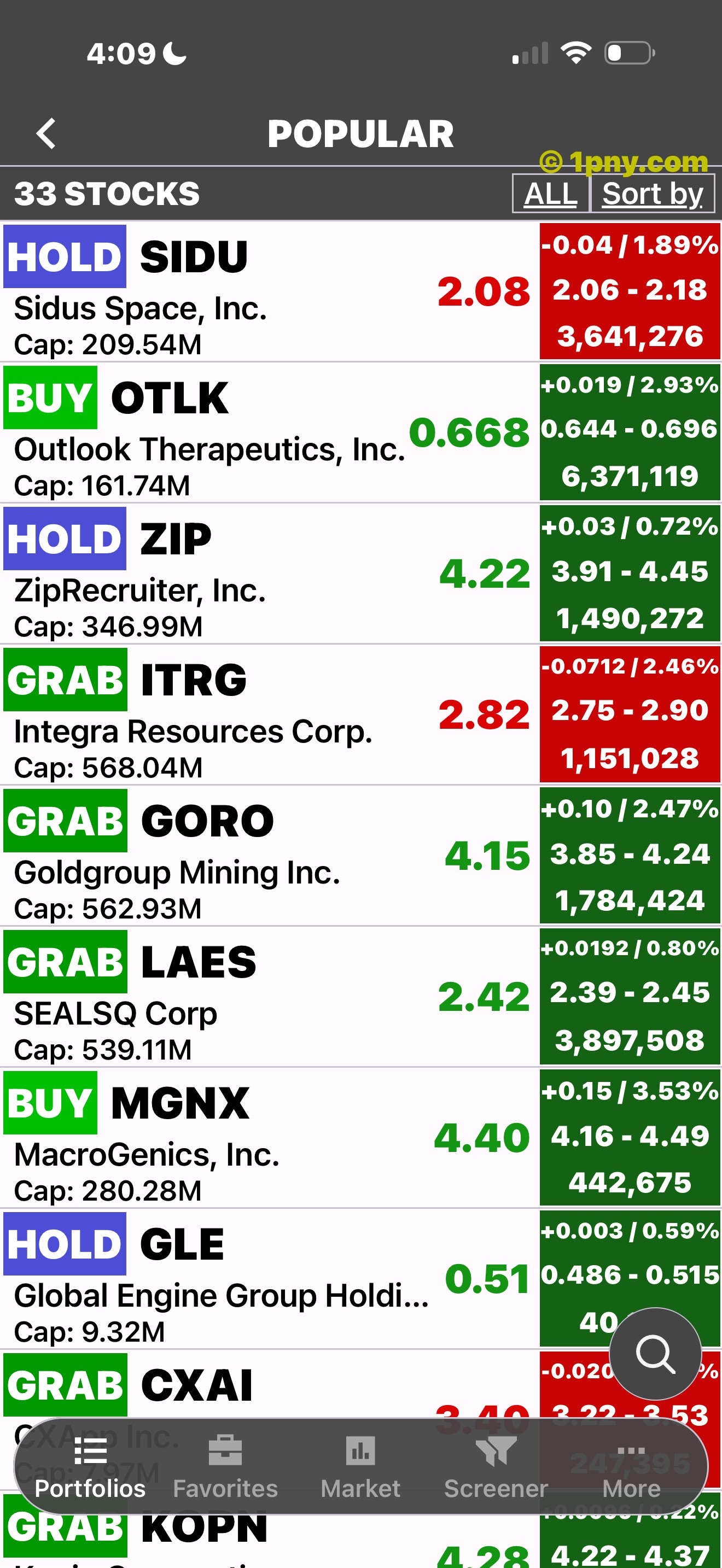
A popular ETF list.
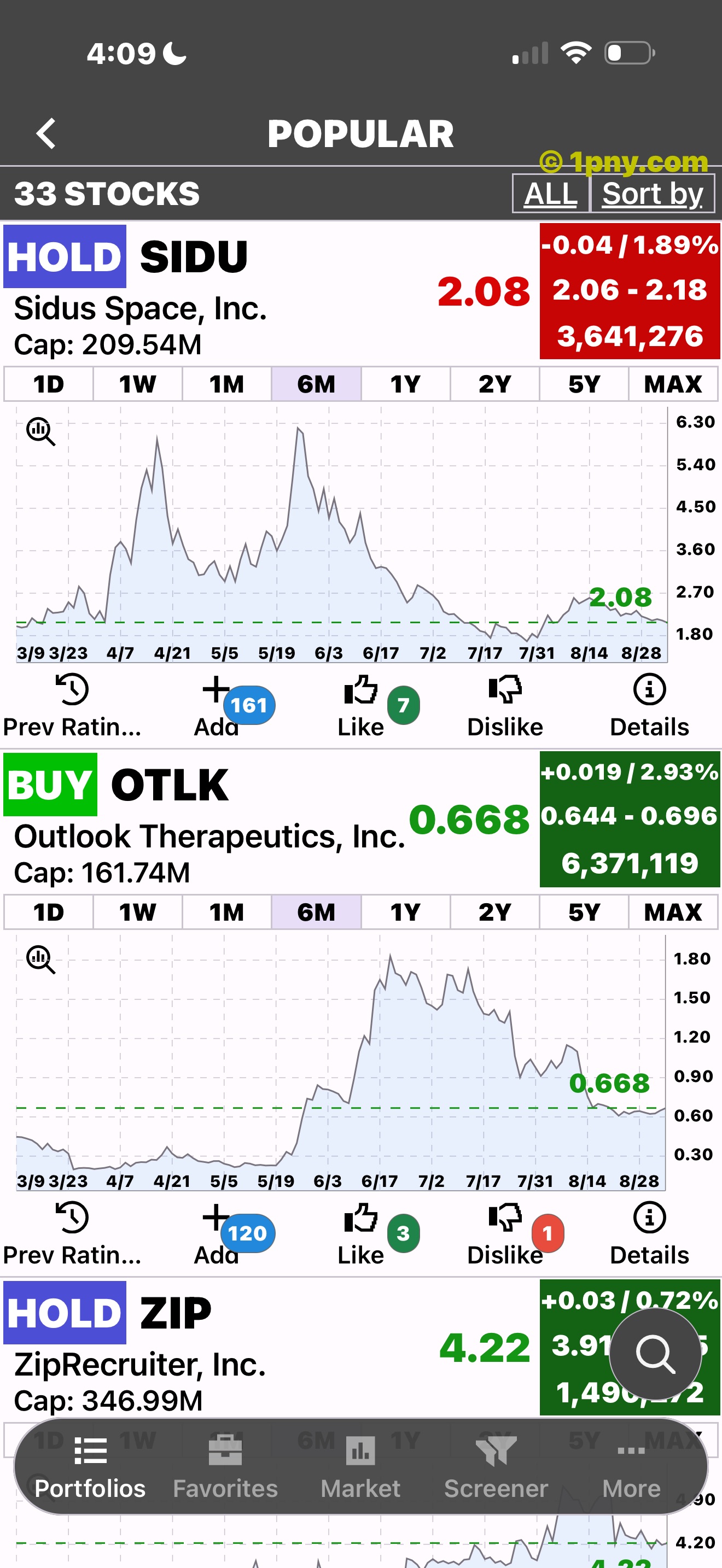
Charts beside a popular ETF list.
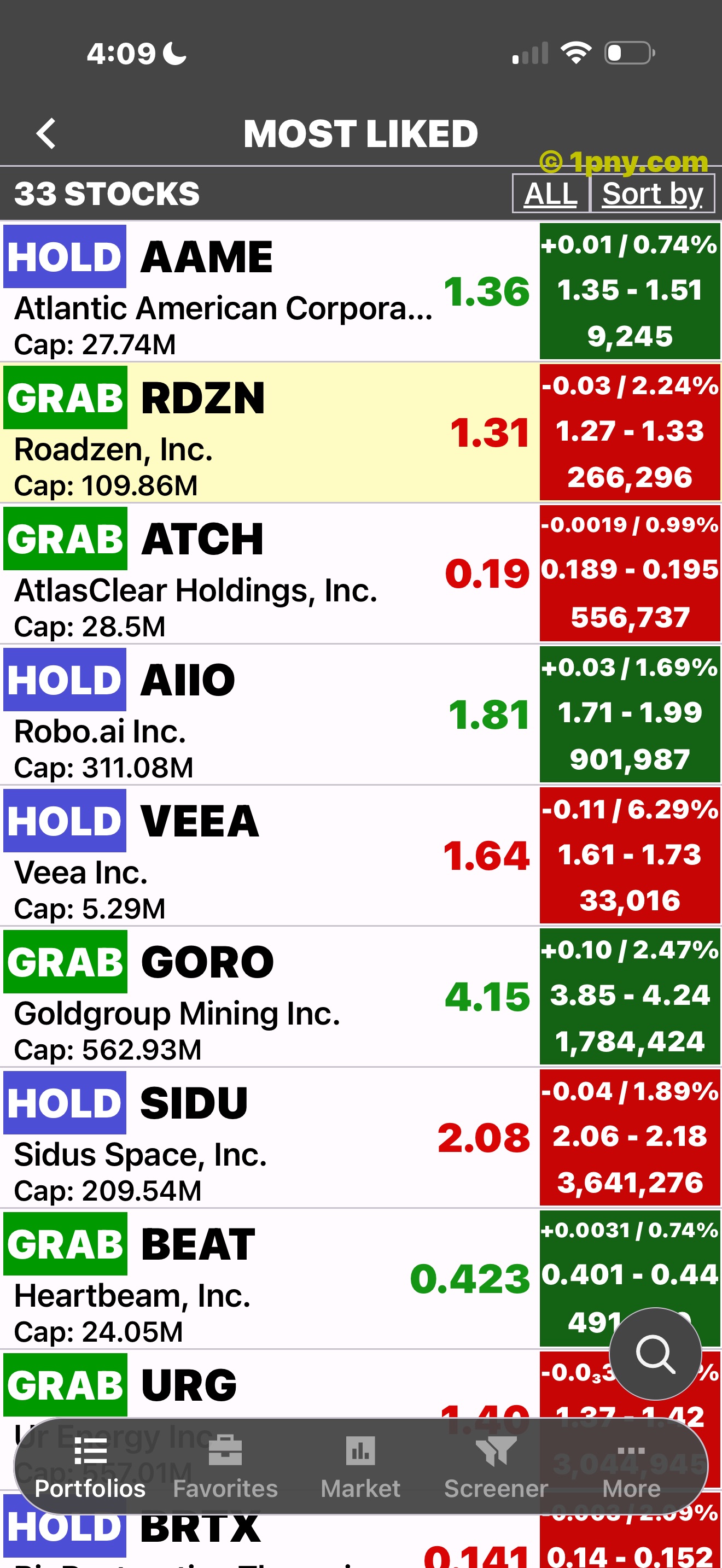
ETFs grouped by likes.
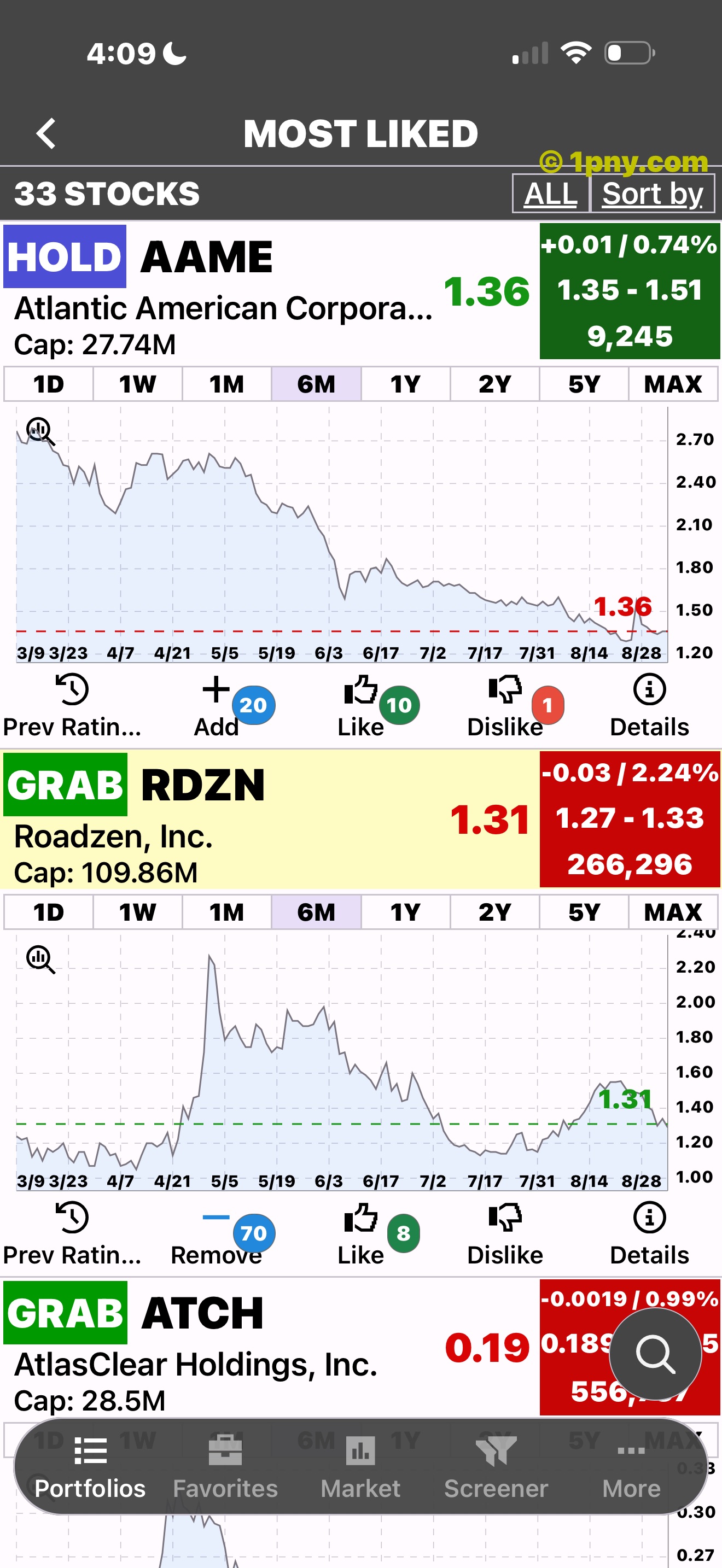
Activity counts beside ETFs.
Put moves in context
Compare price changes with fund data and wider market news. A large move alone does not explain an ETF's performance.
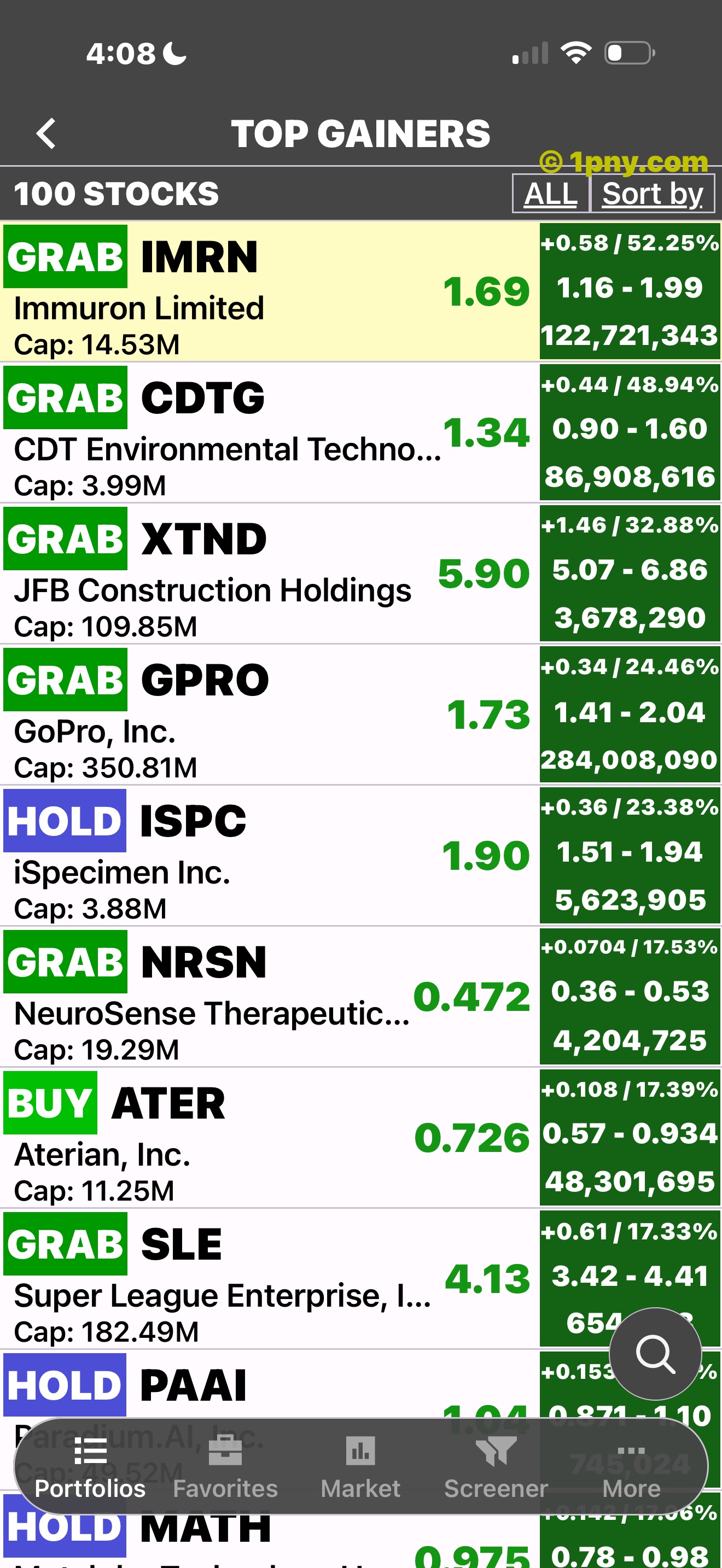
A gainers list.
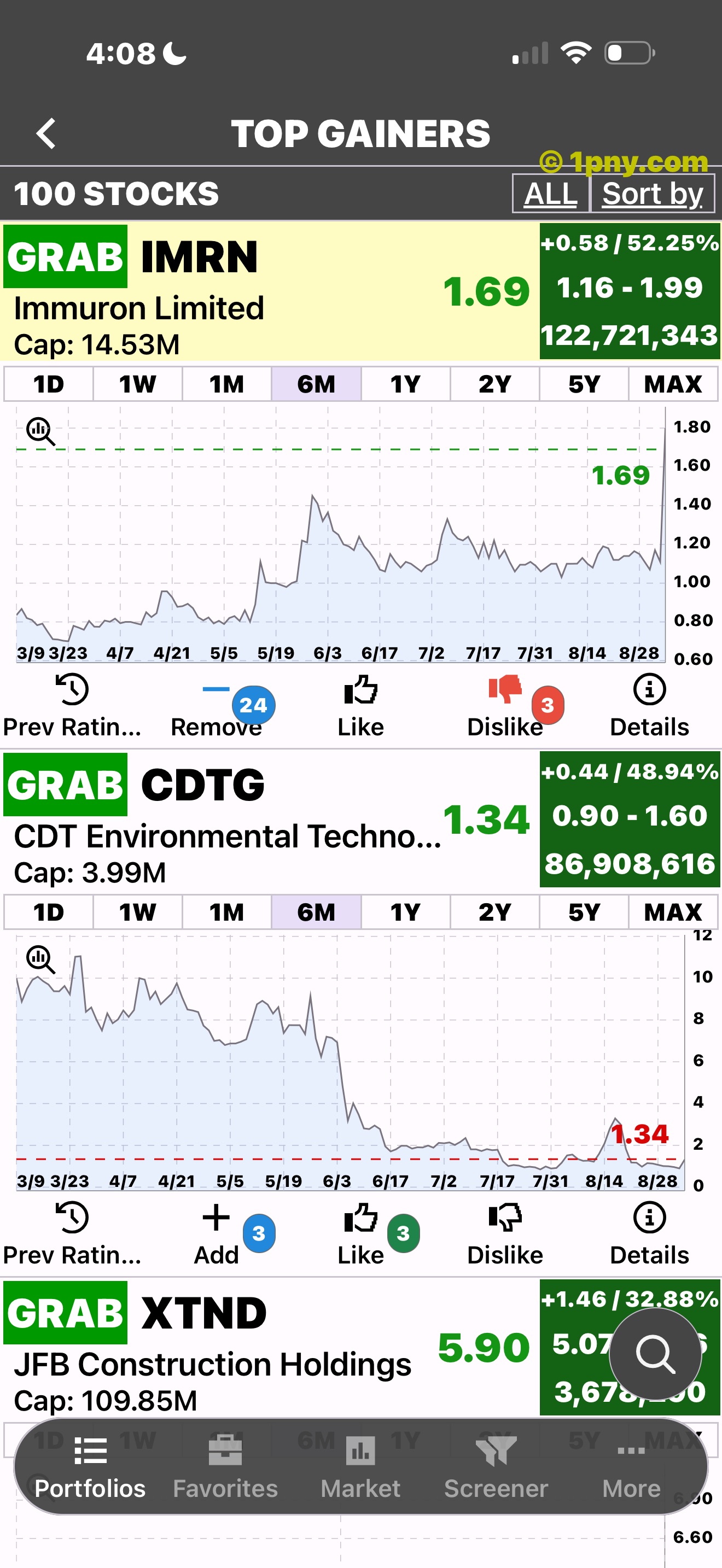
An expanded gainer.
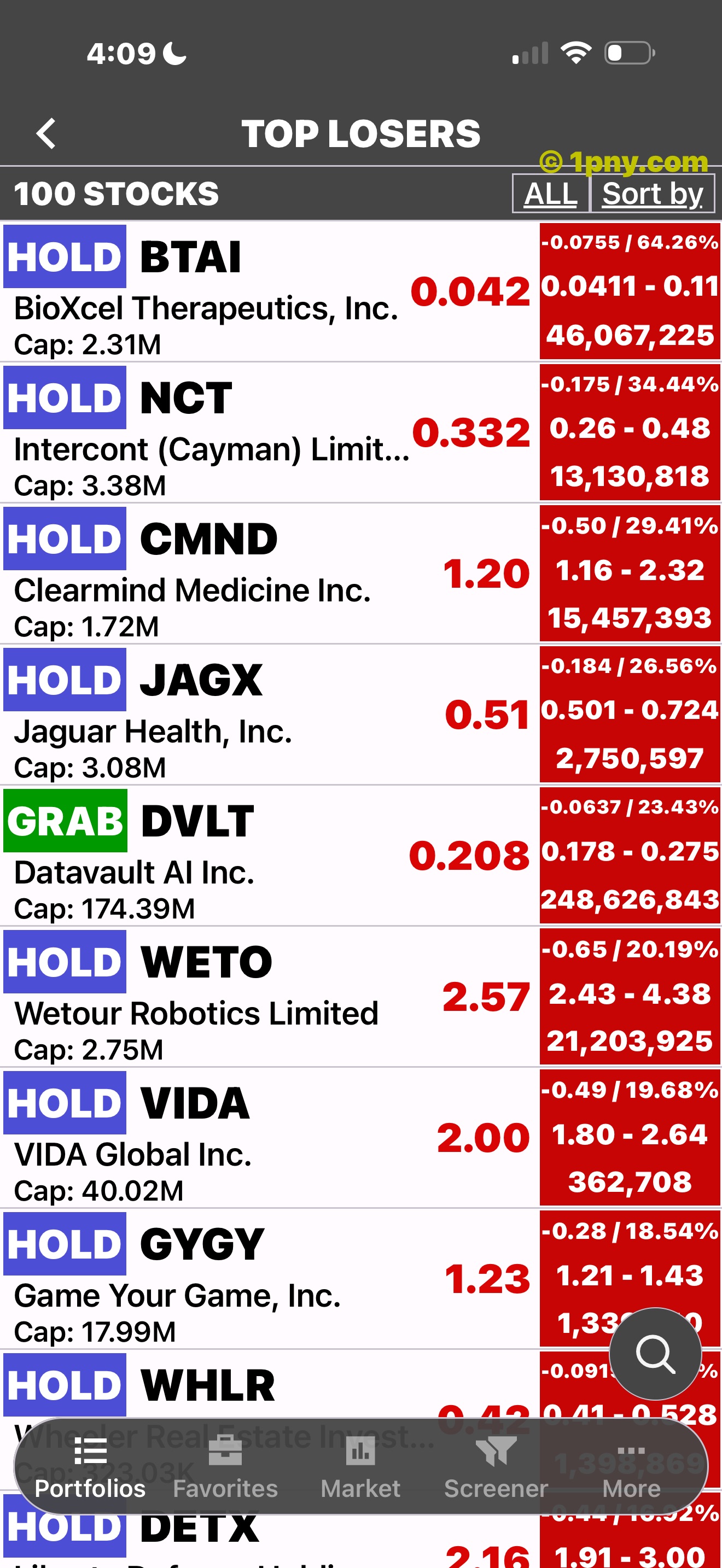
A losers list.
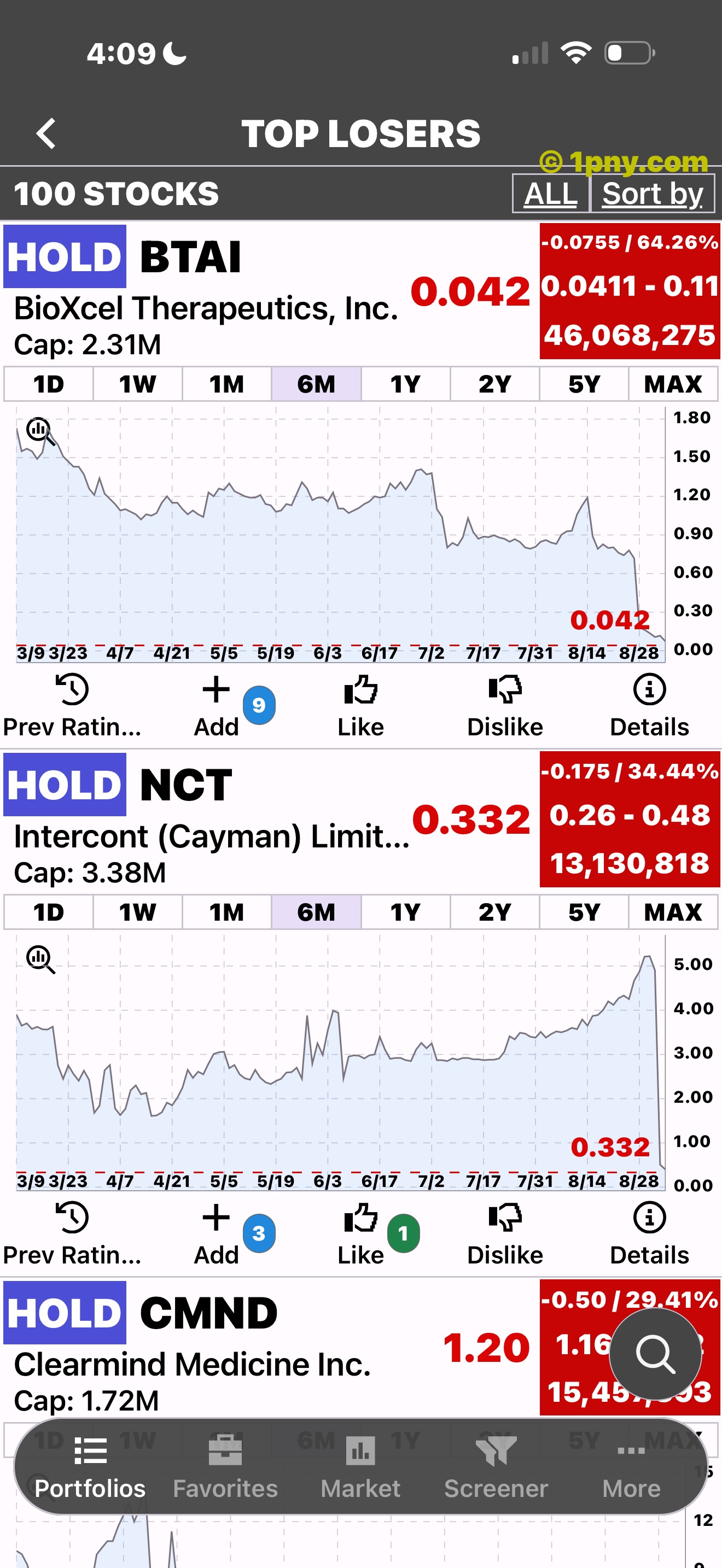
An expanded loser.
Follow developments
ETFon includes market news and notifications. Review new information alongside the ETFs you follow.
Read market developments in context.
Check updates as part of your research.
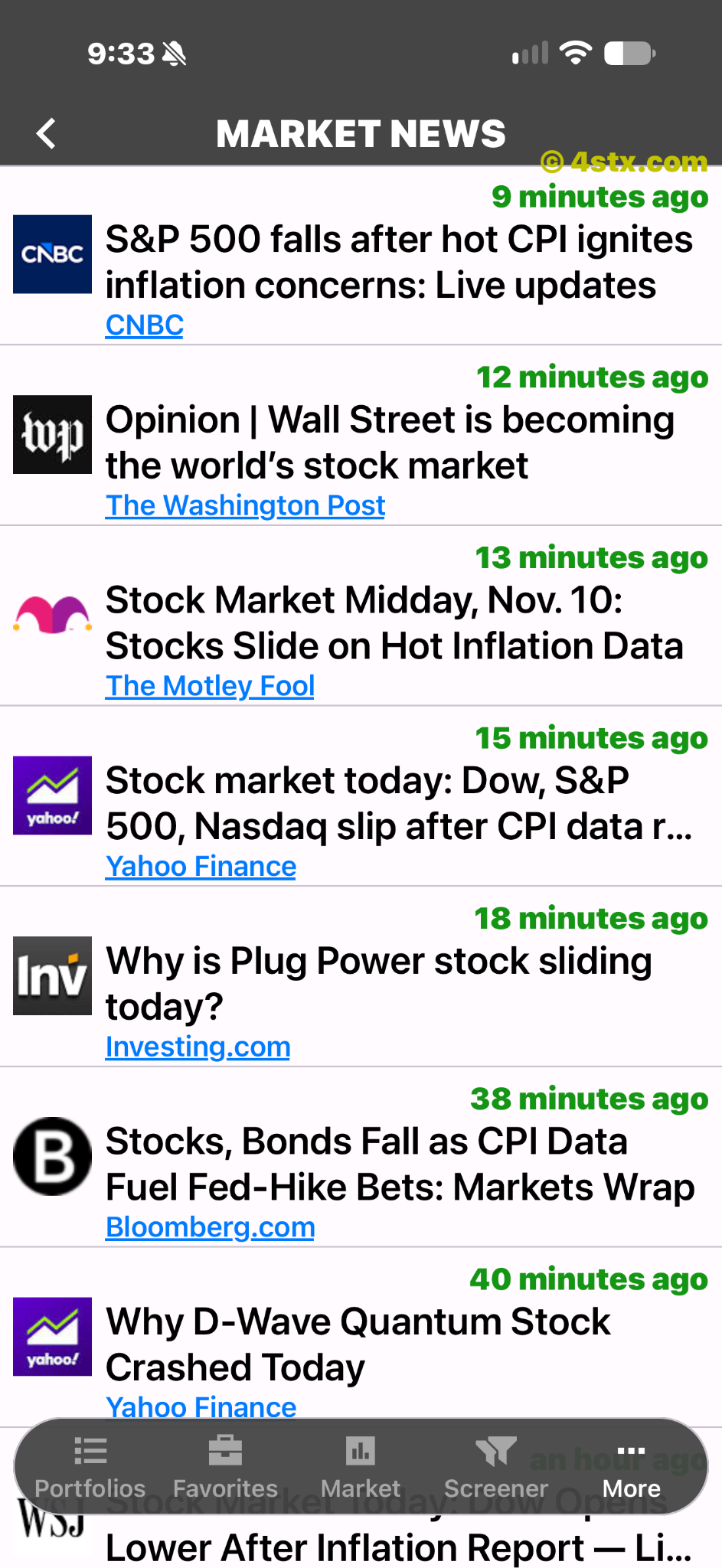
Market headlines.
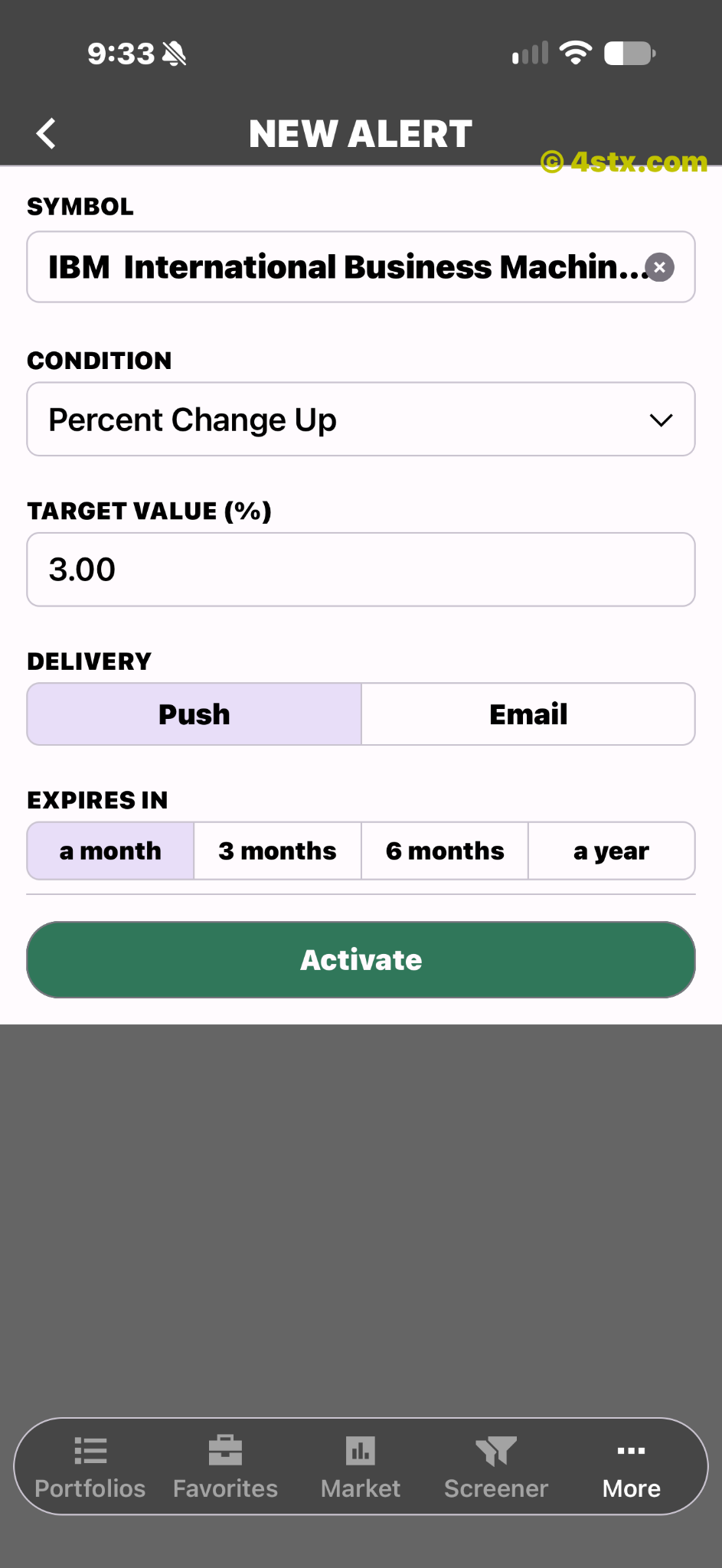
Price trigger and notification options.
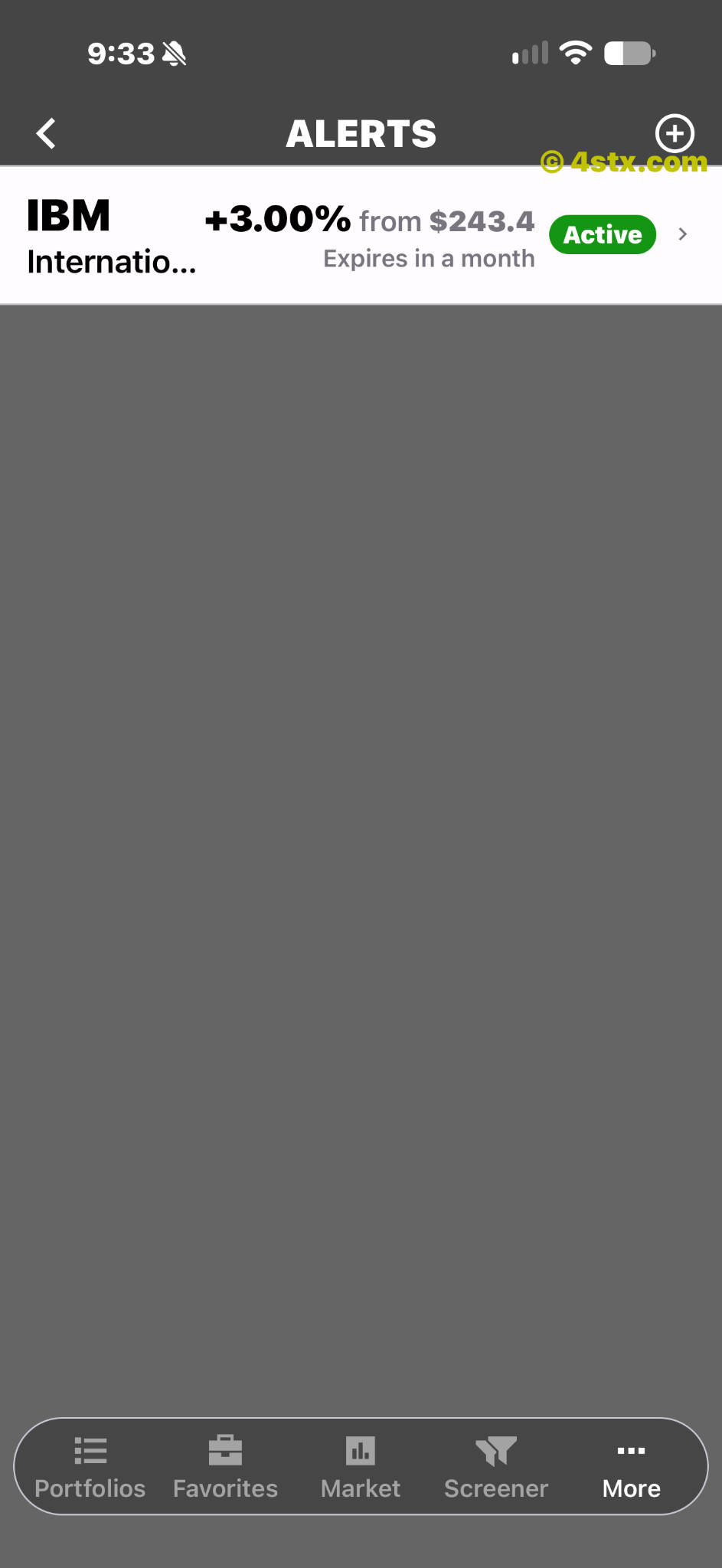
A saved price alert.
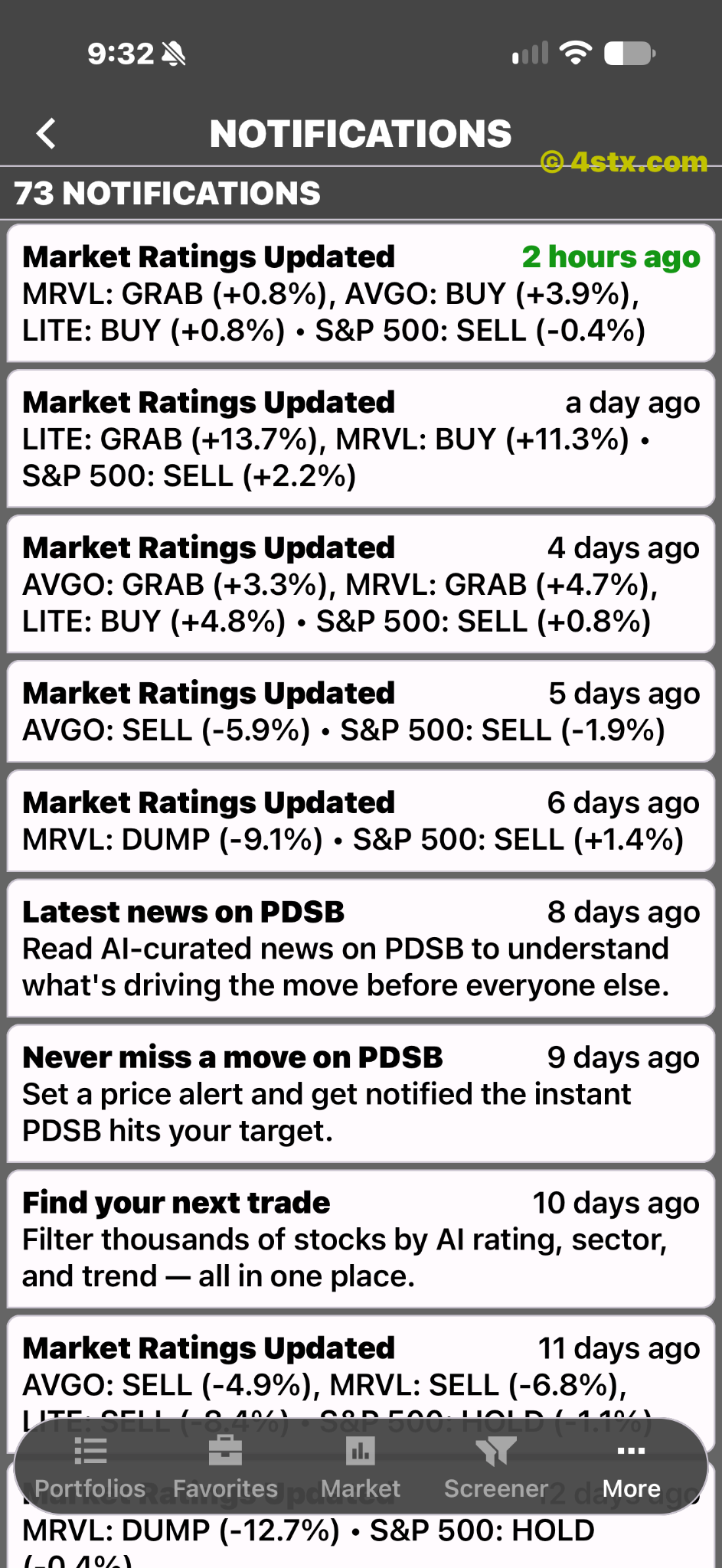
Rating updates and research reminders.
Check before downloading
Review ETFon's store listing for device requirements, current features, support and subscription details. Availability can differ by platform.
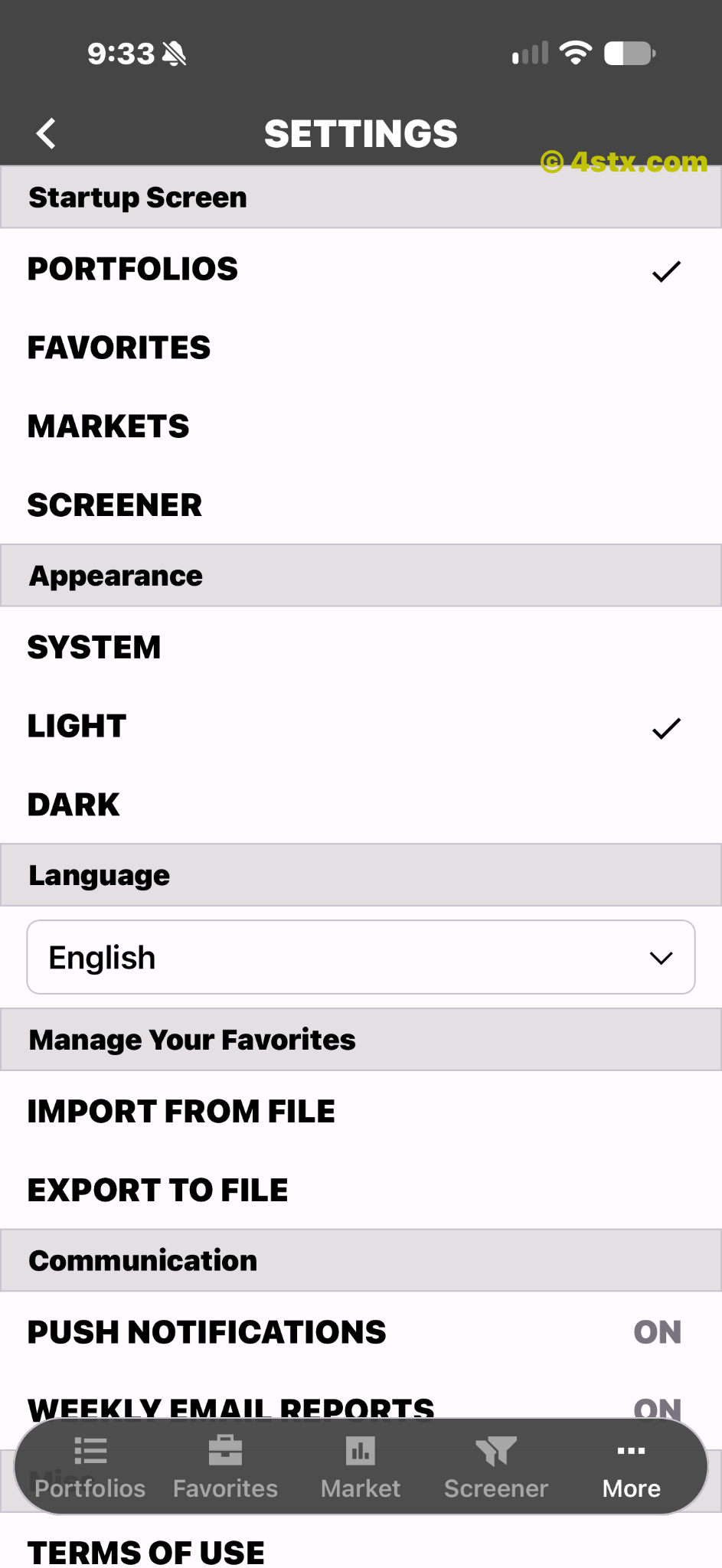
Startup, appearance, language and notification settings.
An app-rating prompt.
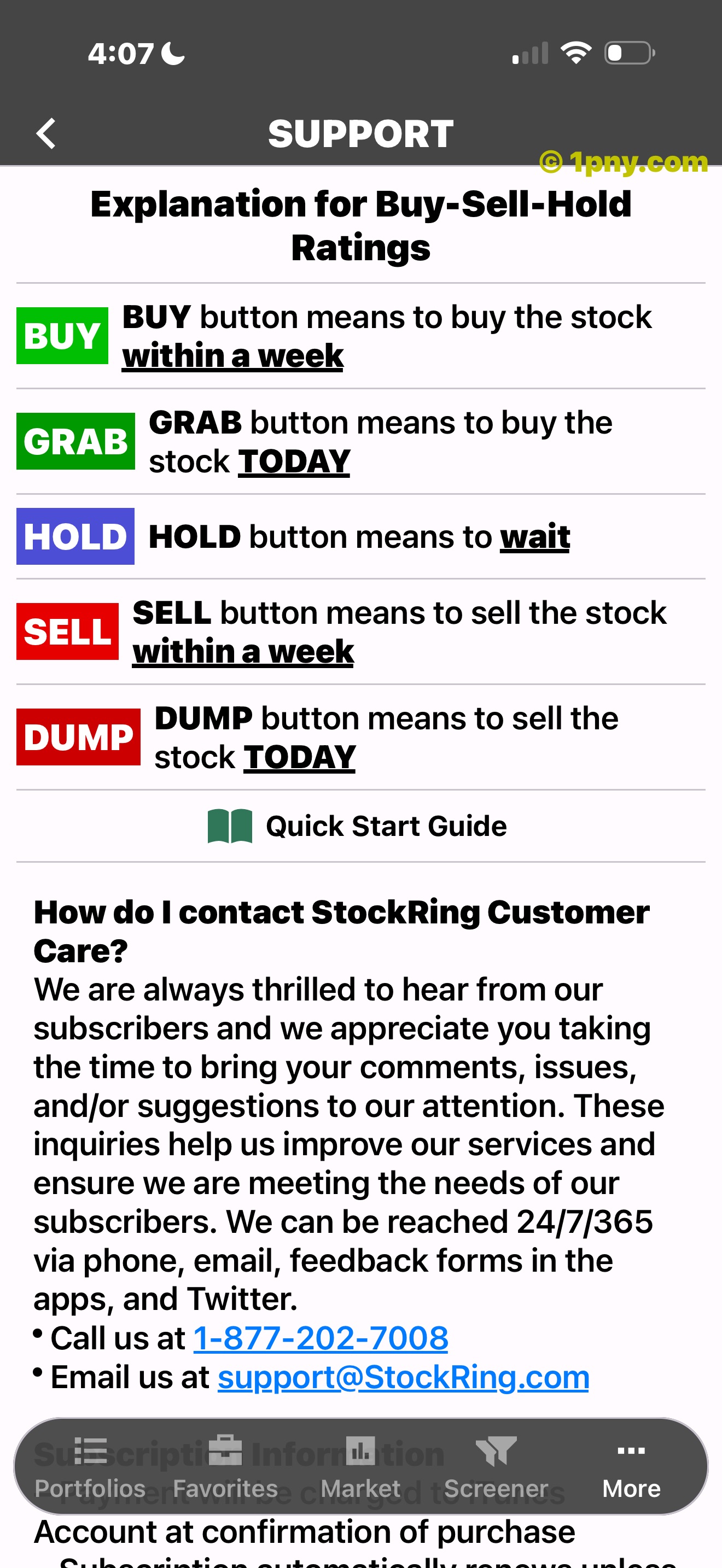
Rating explanations.
More from Stockring
Explore the related apps shown here. The download links on this page open ETFon.
ETF research across a broad range of prices.
Shown in the related-app collection.
Shown in the related-app collection.
Shown in the related-app collection.
Shown in the related-app collection.
Continue with ETFon
iOS: ETFon: ETF Scanner & Analyzer. Android: ETFon: ETF Investment Tracker. Both are published by Stockring, Inc.