Lower-right magnifier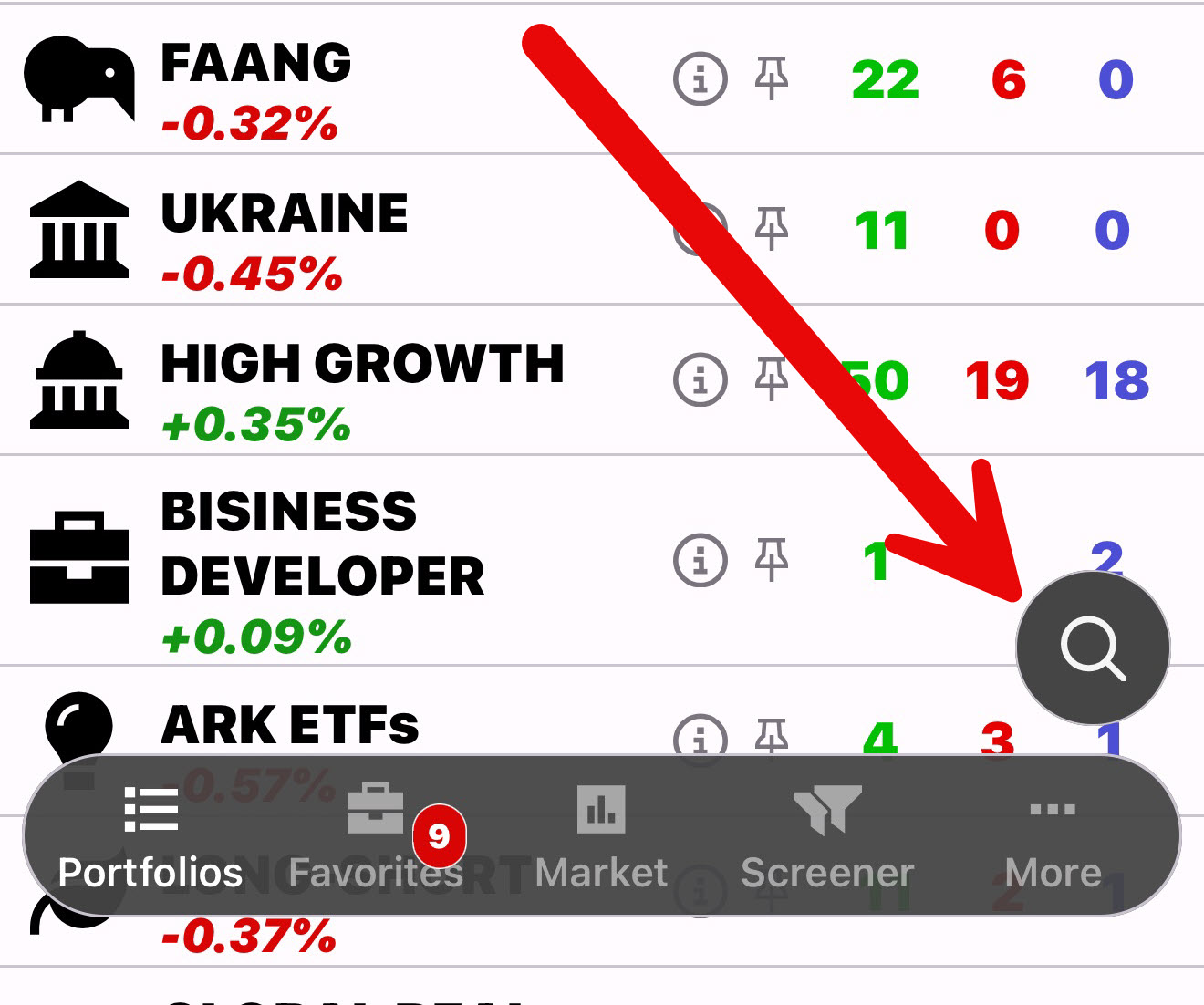
Search for an ETF
Enter ticker characters or part of a company name. Results retain rating, price, daily move, range, volume, and market-cap context.
Explore the world of ETFs.
Explore ETFs, compare ETFon ratings, and open the chart, history, and company details behind every ticker.


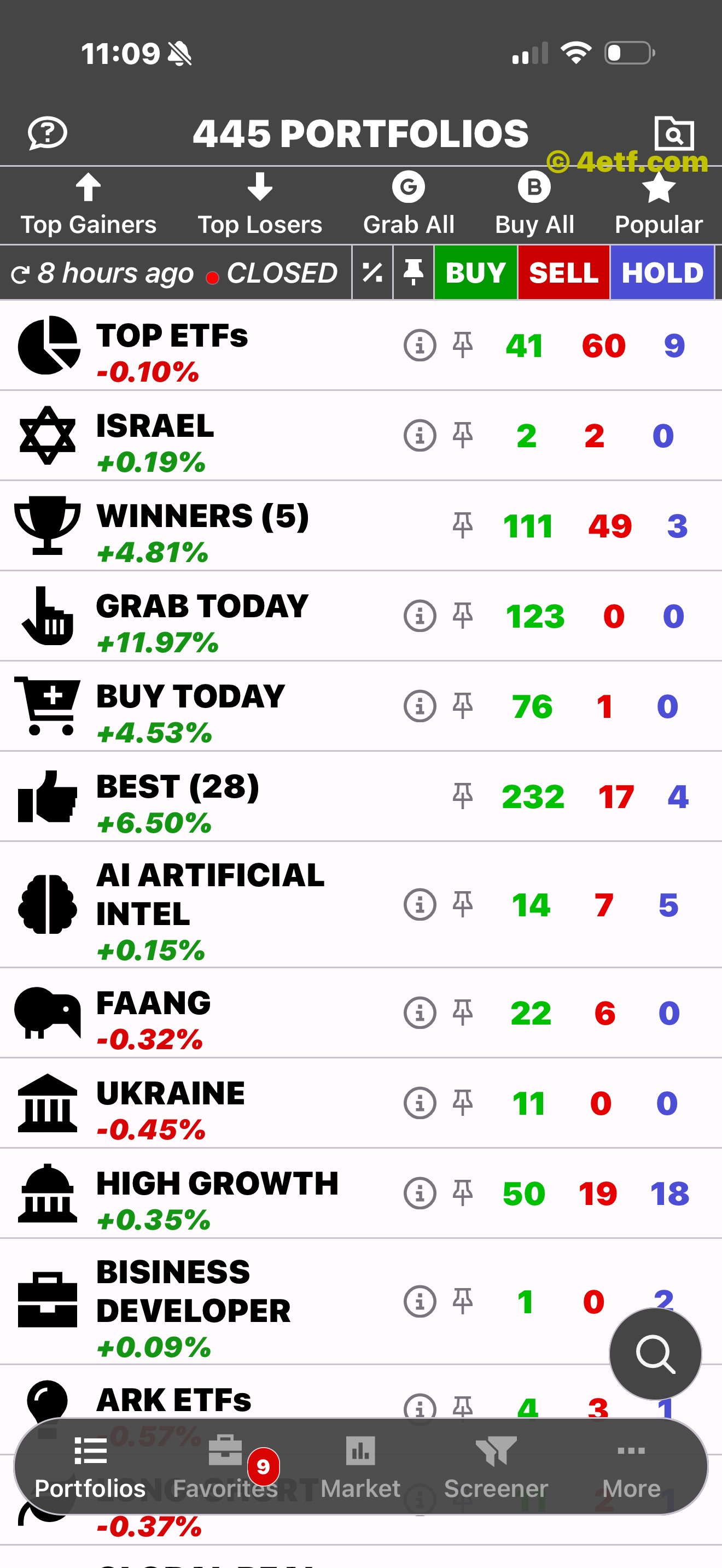
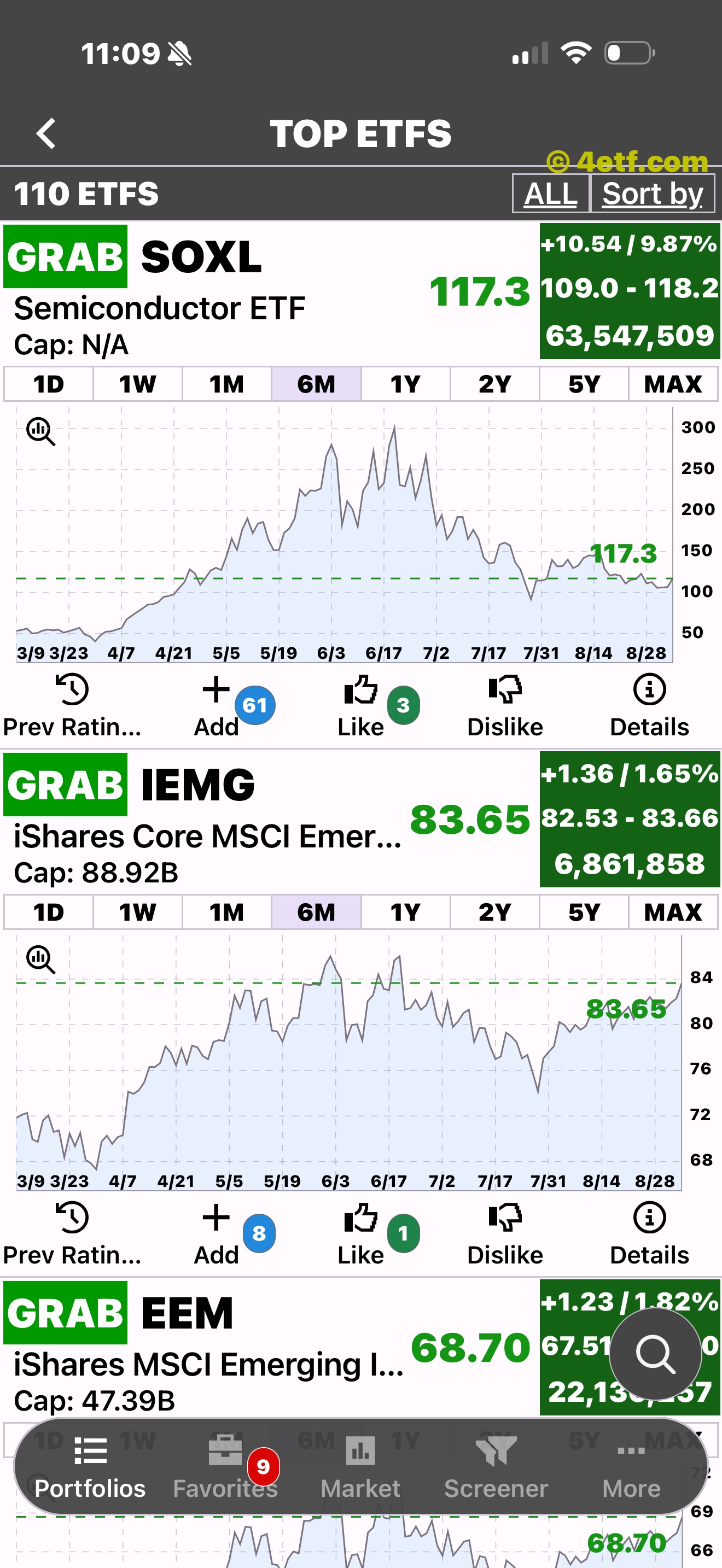
Start with the price you want
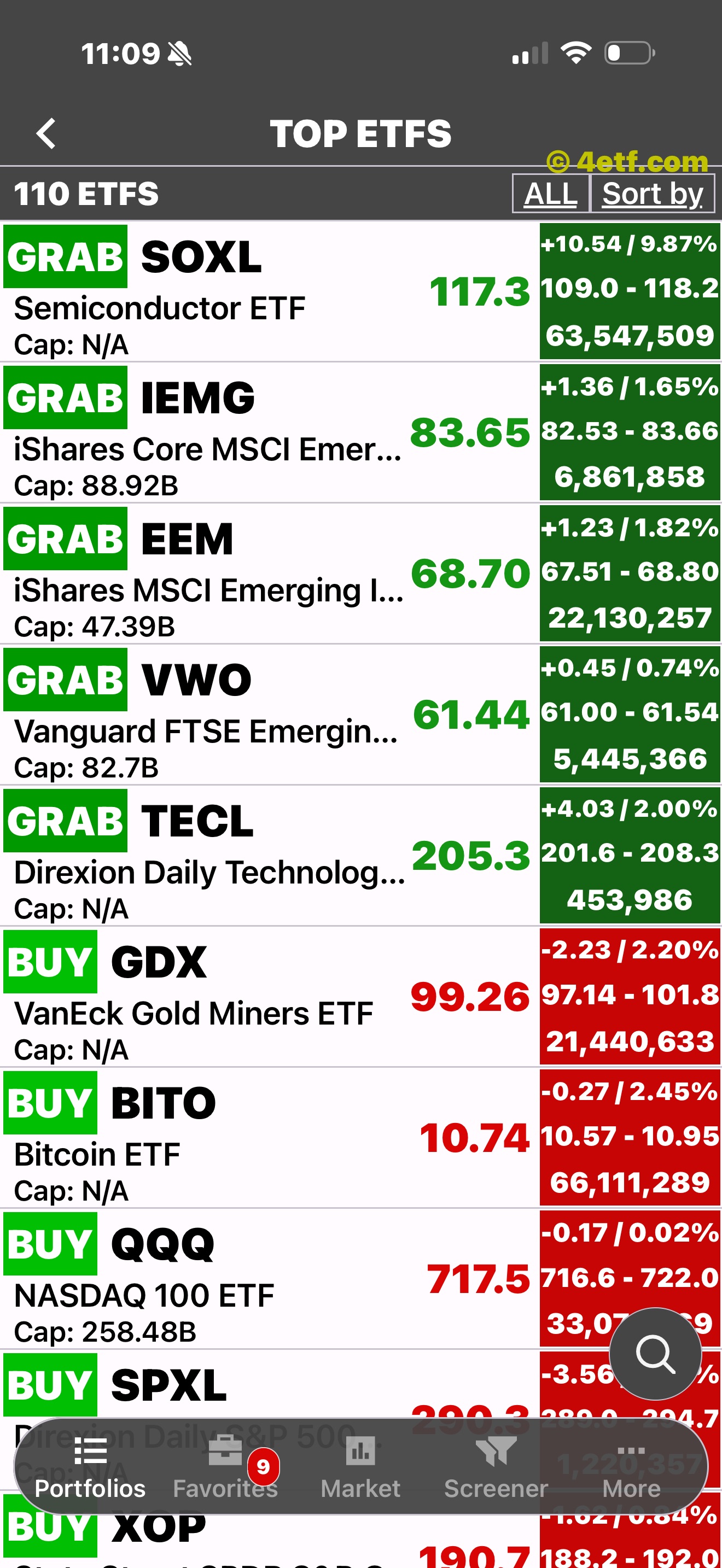
Browse ETFs across markets and sectors, then compare ratings, price, market cap, daily move, range, and volume in one view.
Two direct routes
ETFon keeps ETF search and list search separate. Look up a company or ticker from the floating magnifier, or use the upper-right folder control to narrow the ETF market.
Enter ticker characters or part of a company name. Results retain rating, price, daily move, range, volume, and market-cap context.
Enter part of a portfolio name, choose a matching theme, and open its ETFs in the familiar comparison list.
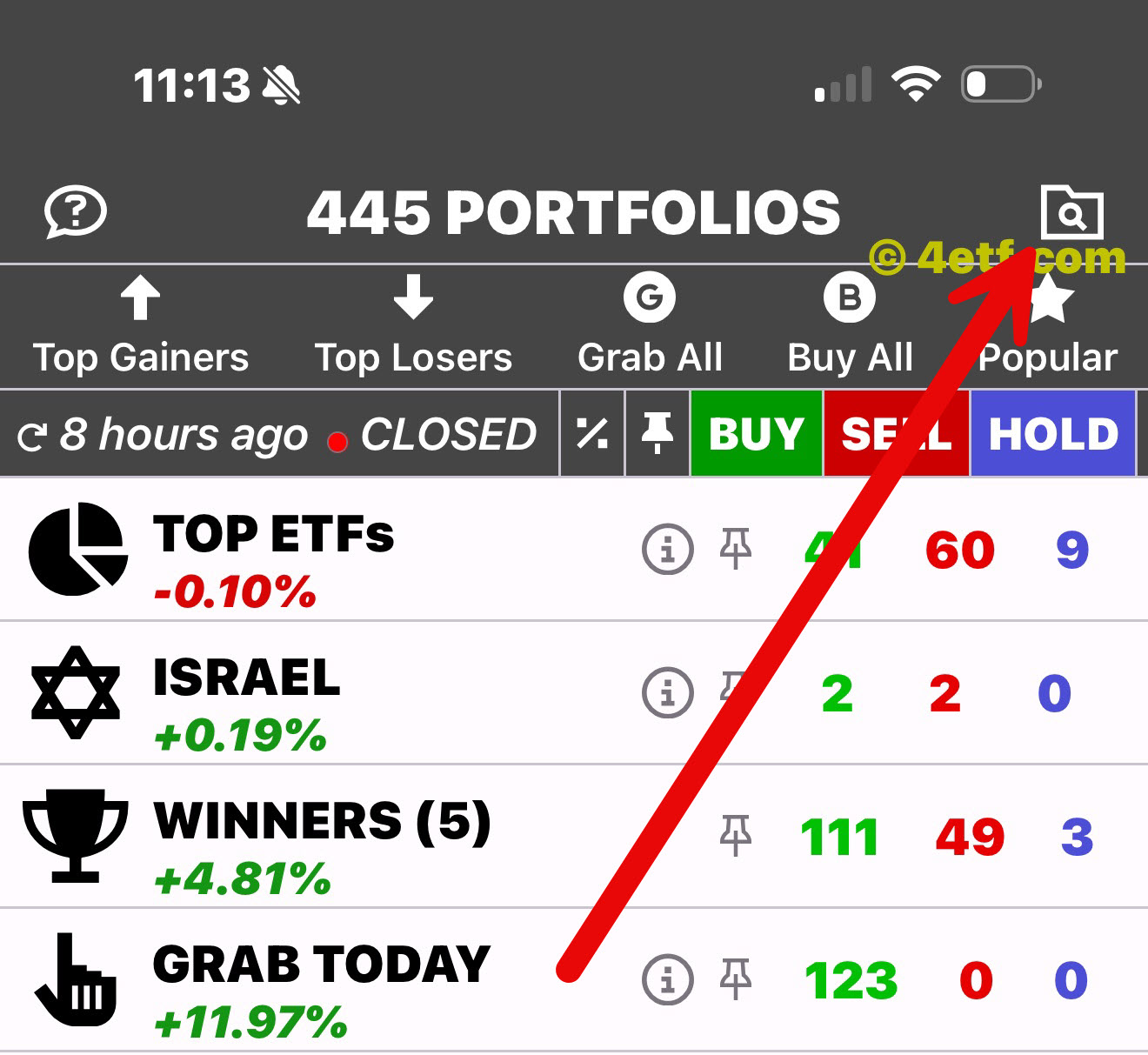
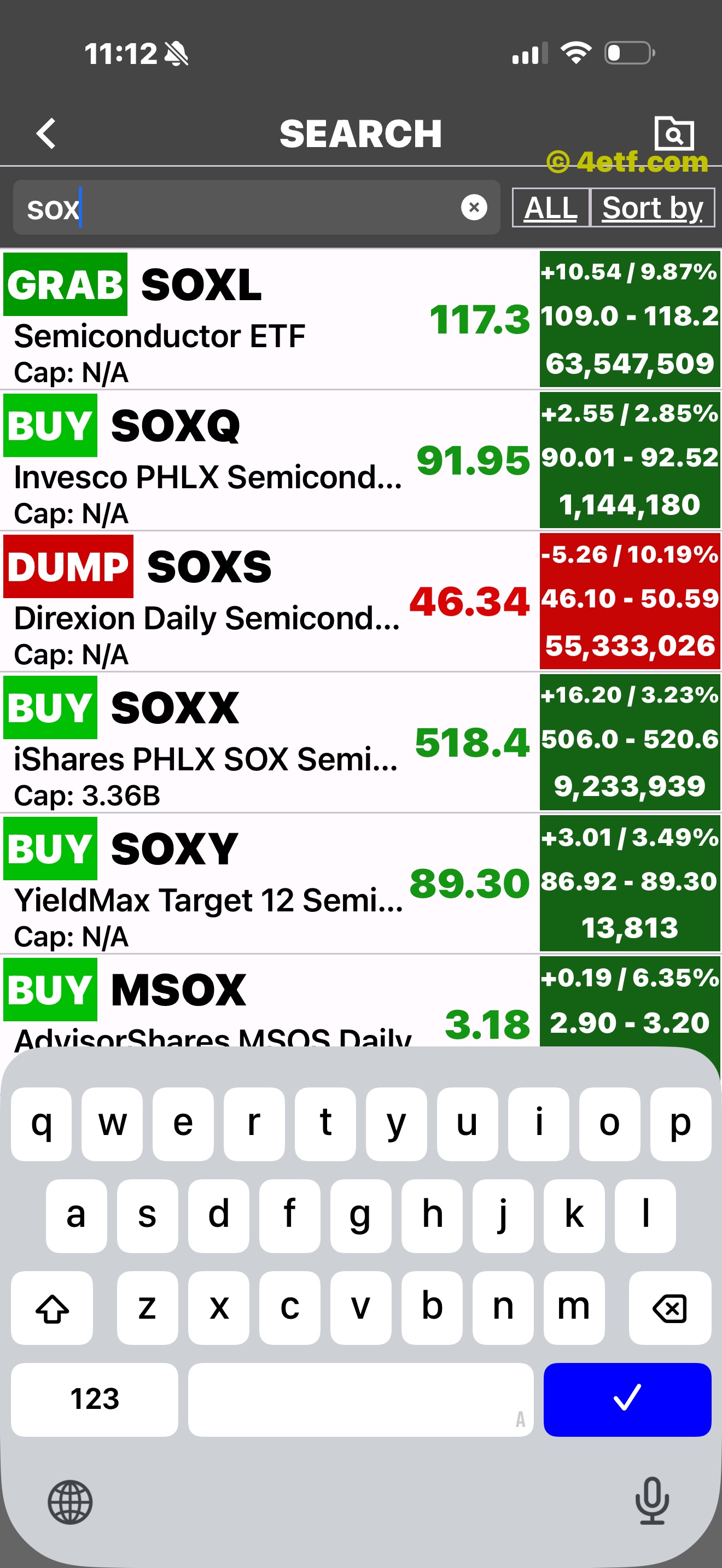
Search begins as soon as you type.
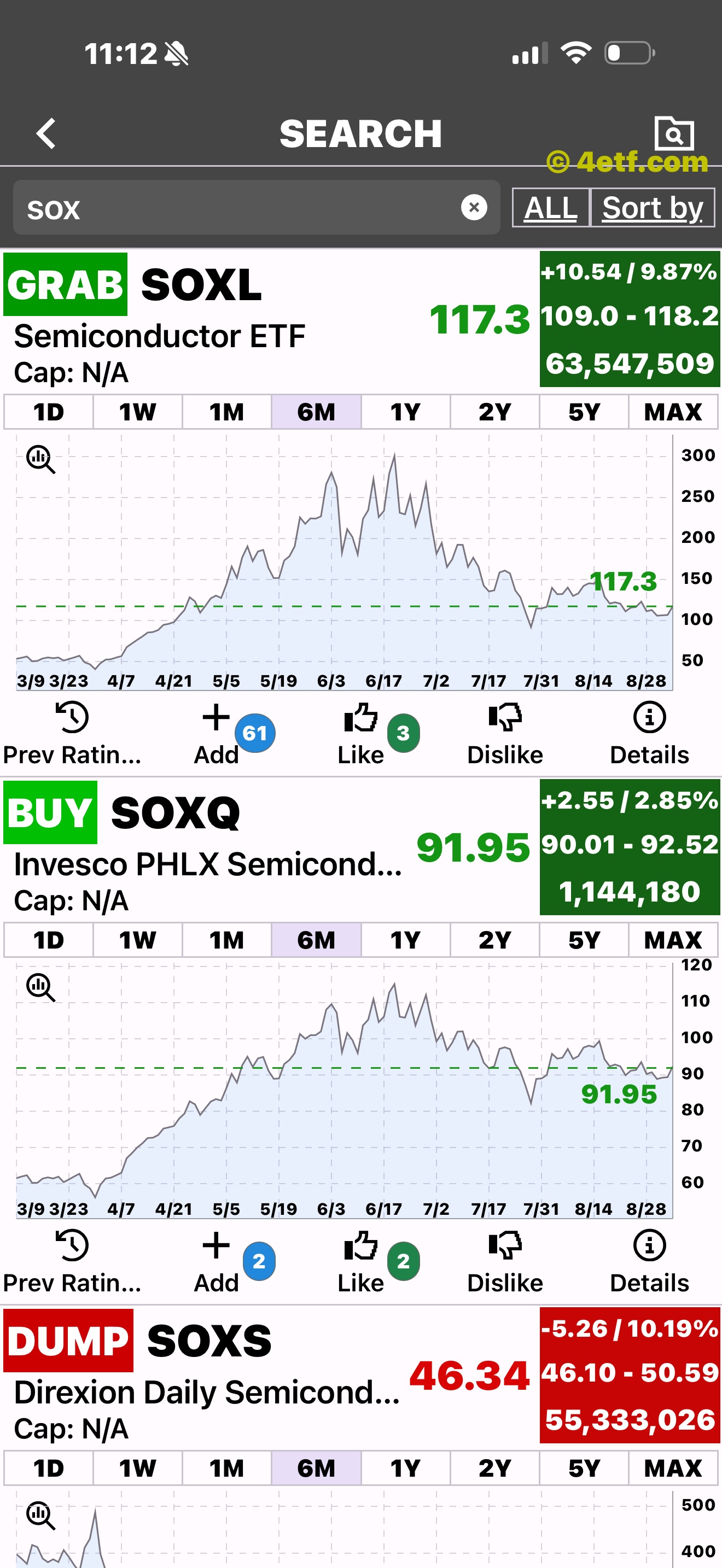
A result expands without leaving the search list.
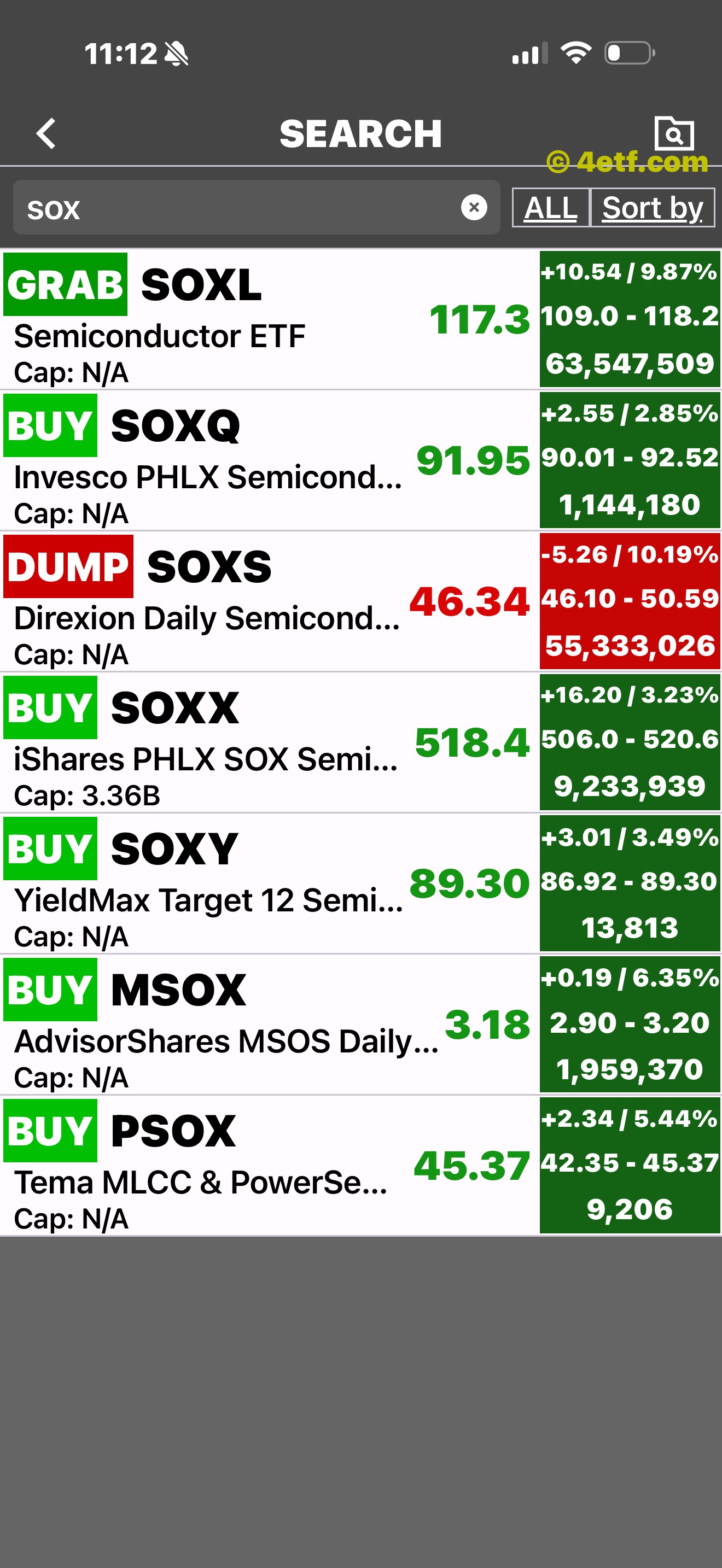
Ratings, prices, ranges, and volume remain visible.
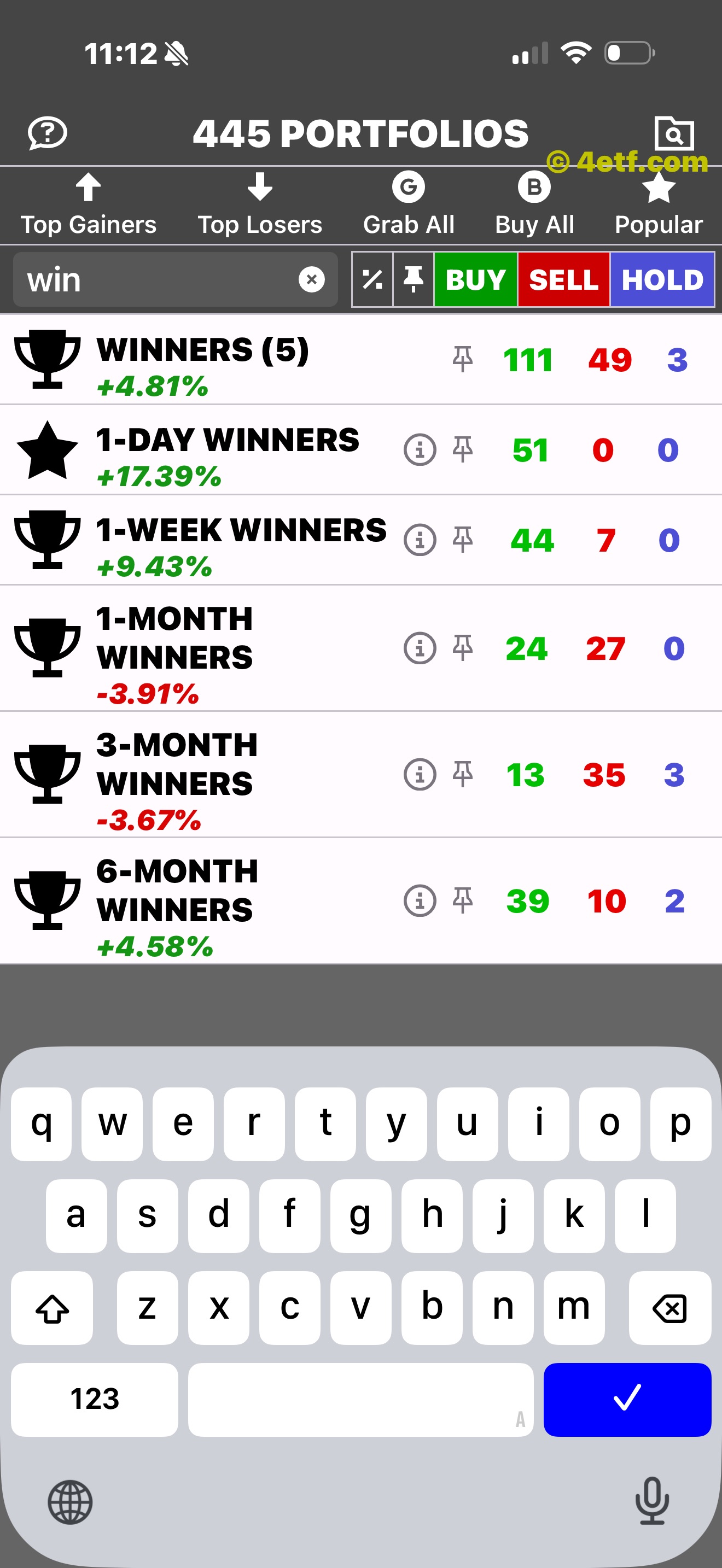
Portfolio search narrows the themed lists separately.
One continuous path
Move from a broad idea to comparable ETFs and into an individual chart without losing your place. Switch the visible history from 1D and 1W through 5Y and MAX.
Ratings, price, market cap, daily move, range, and volume stay together.
Expand a row while keeping the rest of the list close.
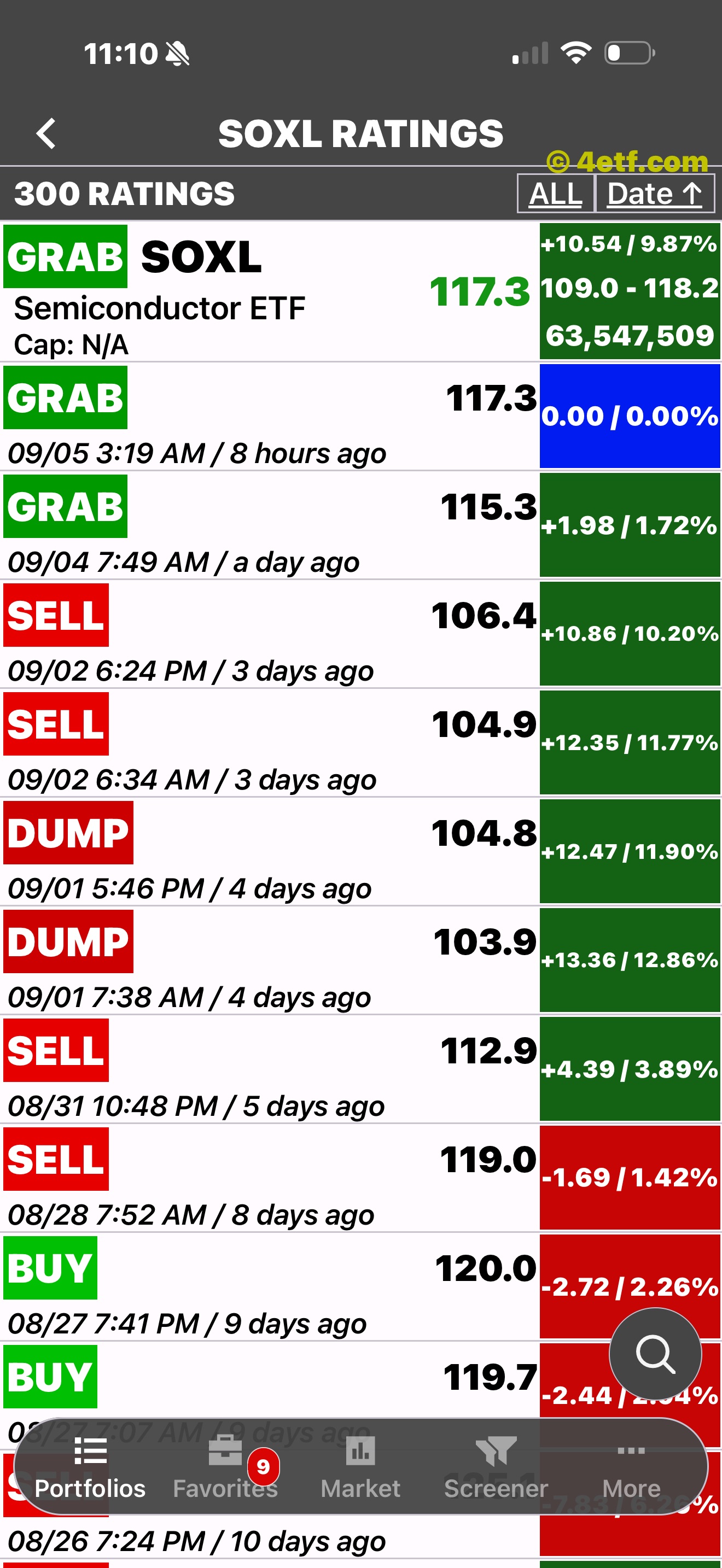
Move from the chart into the complete dated rating record.
Ratings, defined
ETFon defines each rating in its Support guide. Previous Ratings keeps dated calls, the price at the time, later movement, and the chart together—positive and negative results included.
A rating-first list
Grab All and Buy All gather ETFs by their visible ETFon rating, while each row still opens into the familiar chart, time ranges, rating history, list controls, and Details.
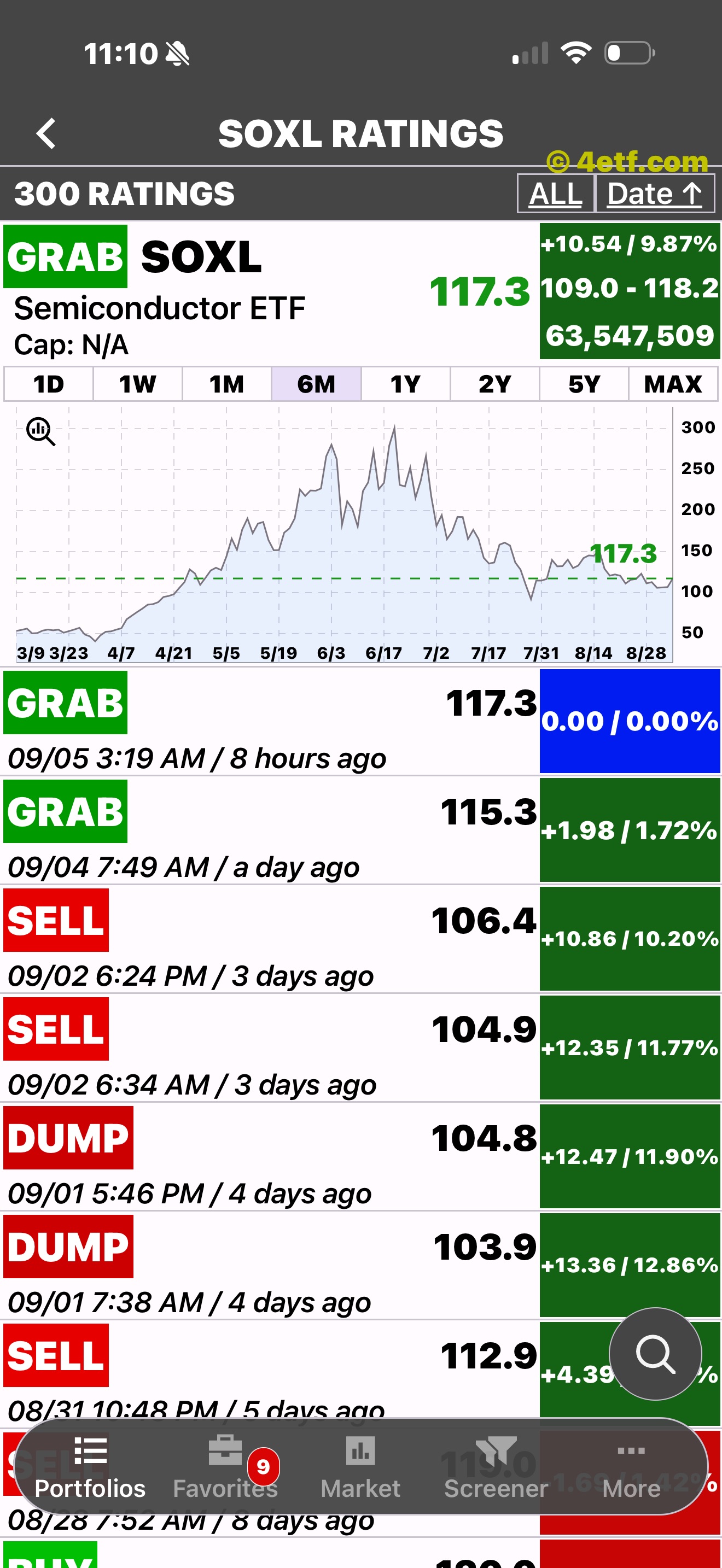
History stays visible. The record includes mixed outcomes; ETFon does not hide the red ones.
Go beyond the chart
Review fundamentals and valuation context, read ticker-specific headlines, or understand the company behind the symbol.
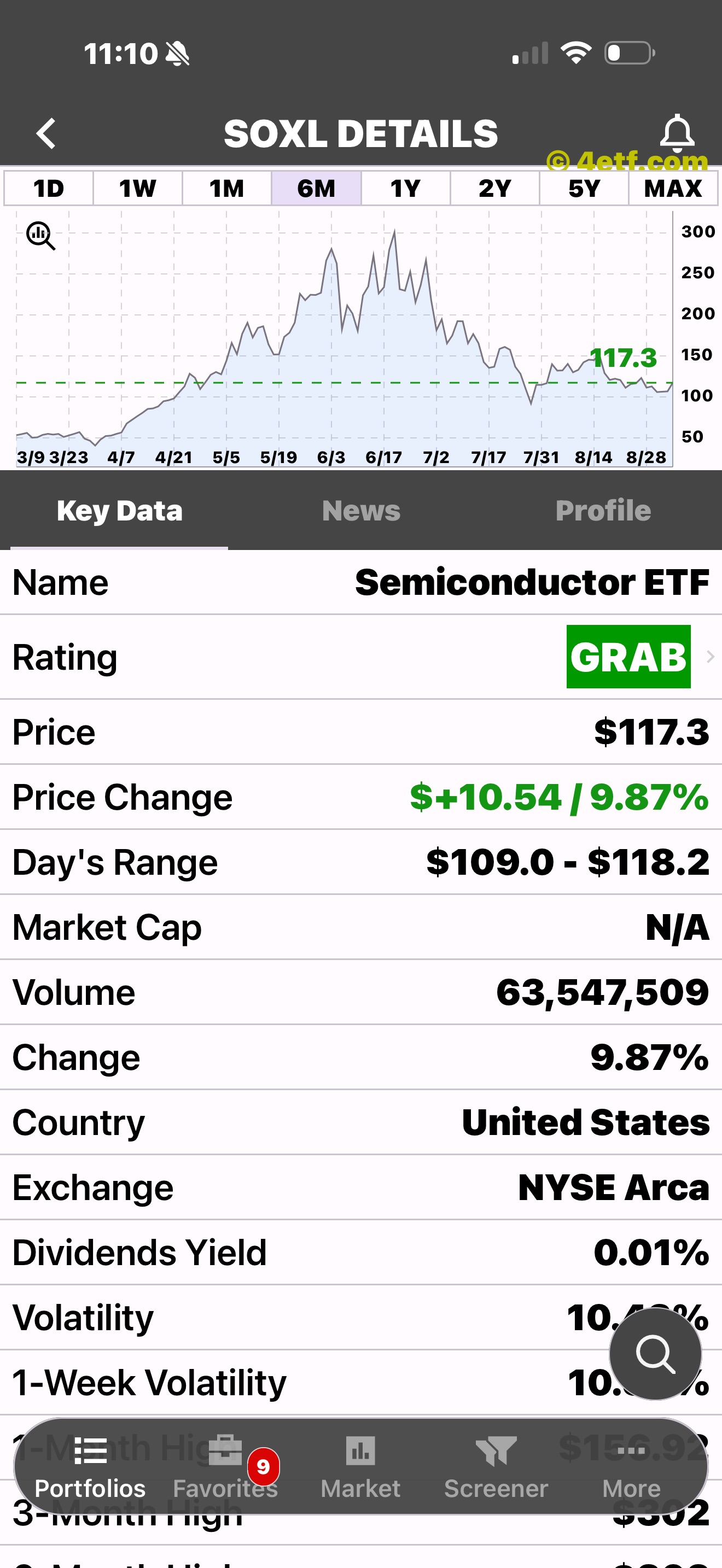
The chart opens directly into a structured three-tab details area.
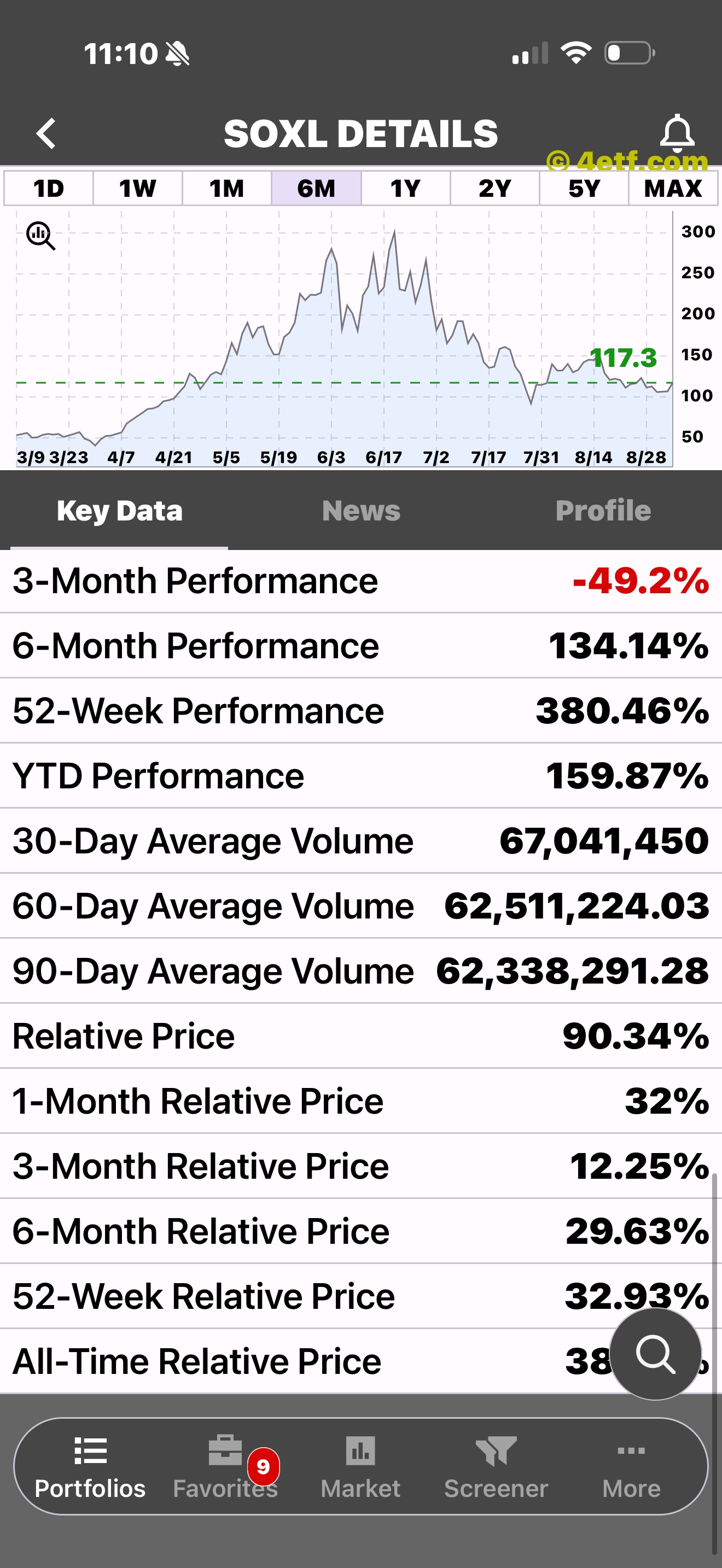
Company, valuation, performance, range, and technical fields in one place.
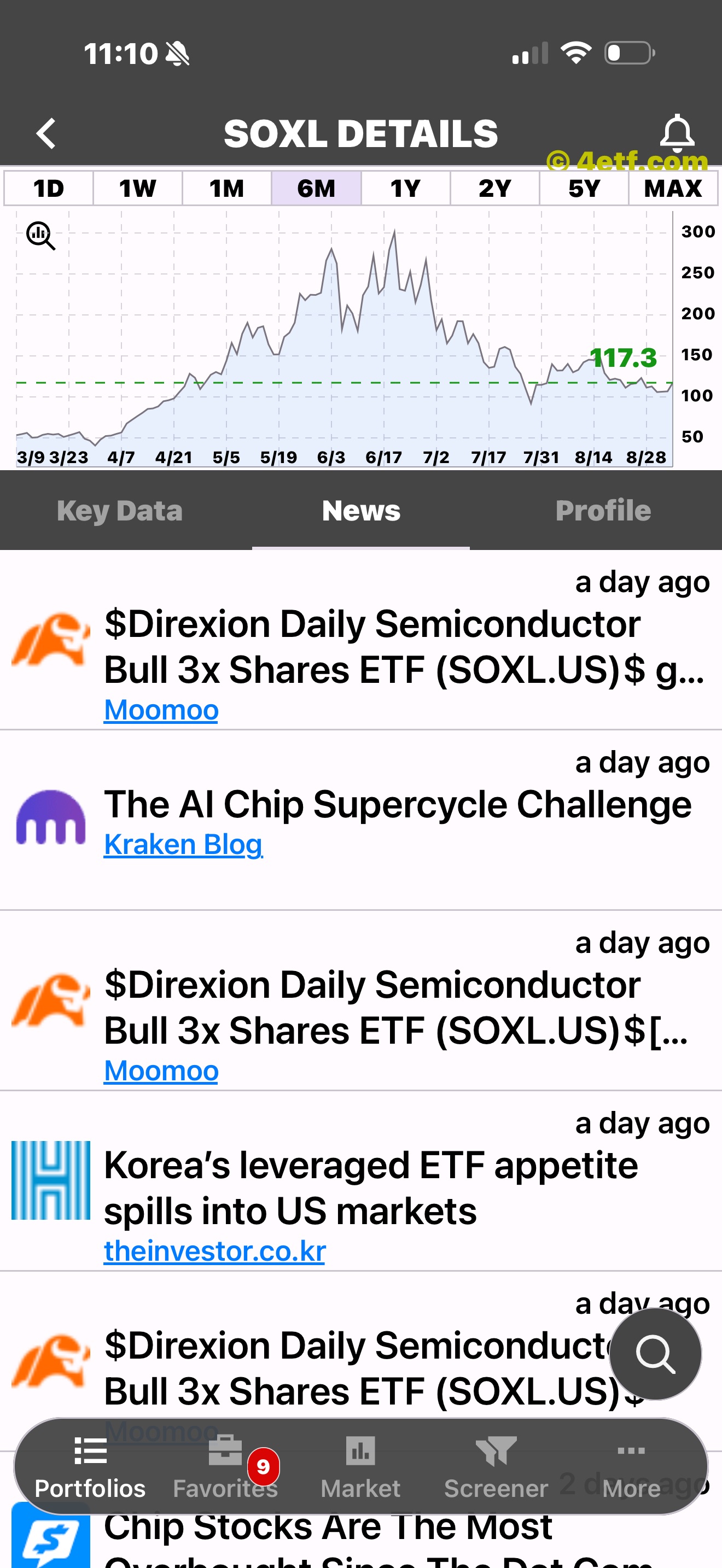
Recent headlines stay attached to the ETF you are reviewing.
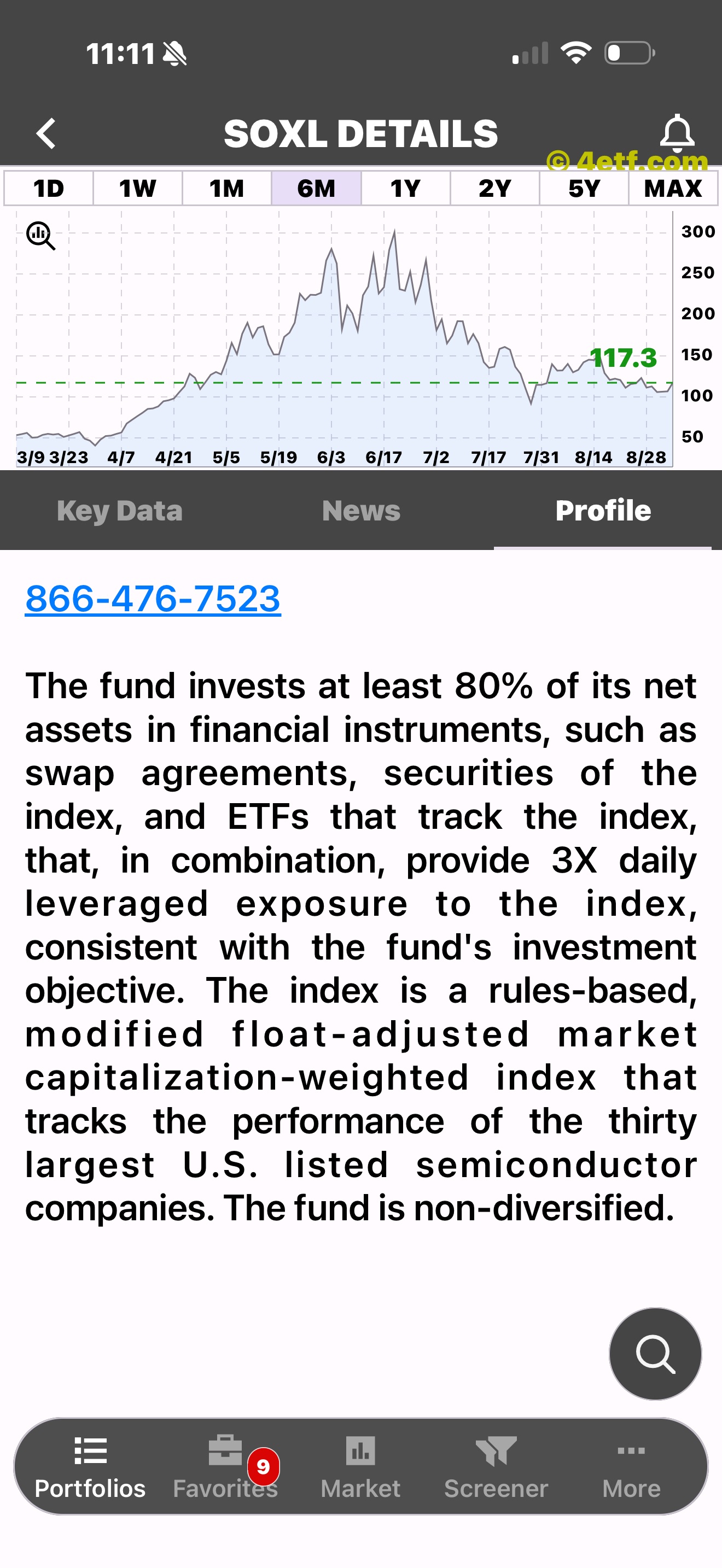
See company details, classification, workforce, and business context.
Your rules, saved
Combine multiple criteria, watch the estimated match count change, name the filter, and reopen its results in the same familiar ETF-list workflow.
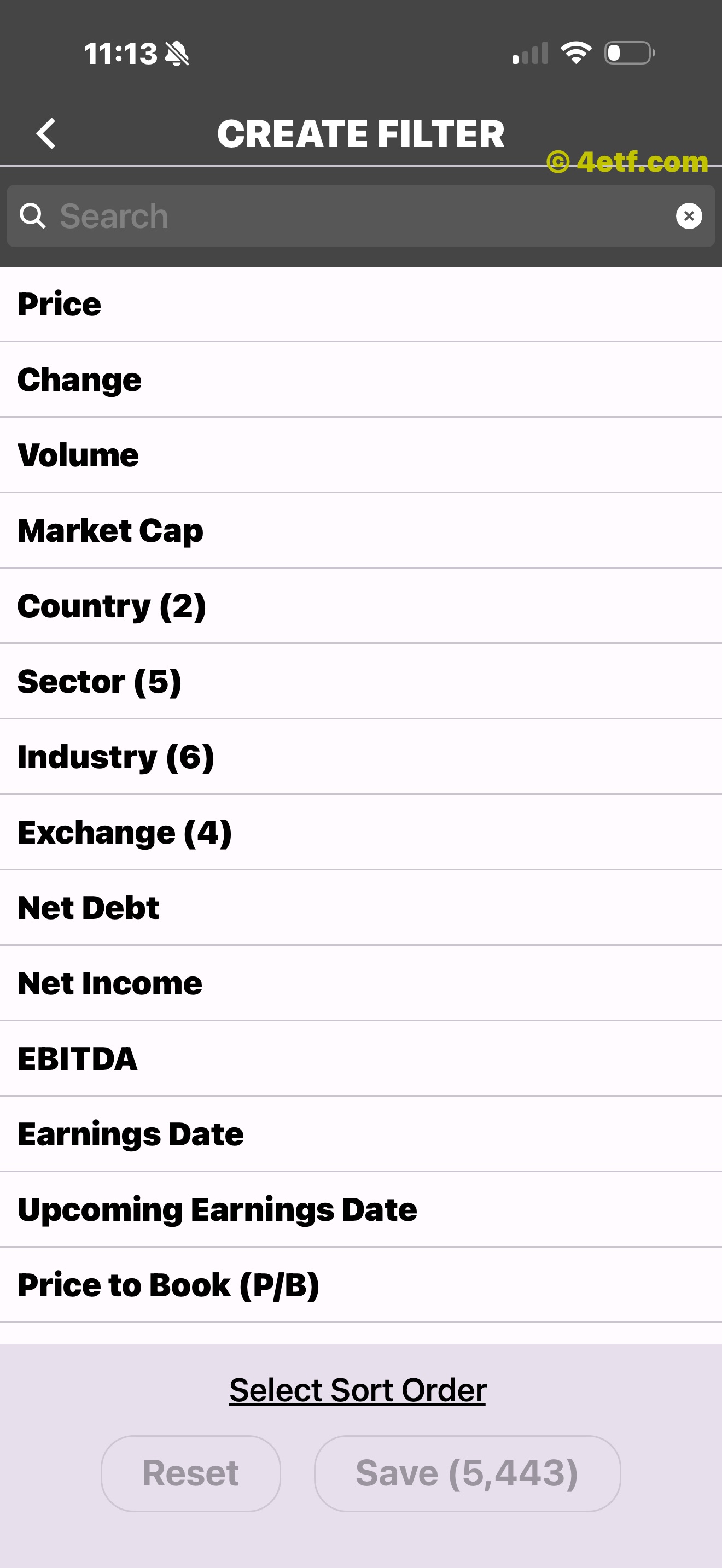
Create a focused view for the ETFs you want to compare.
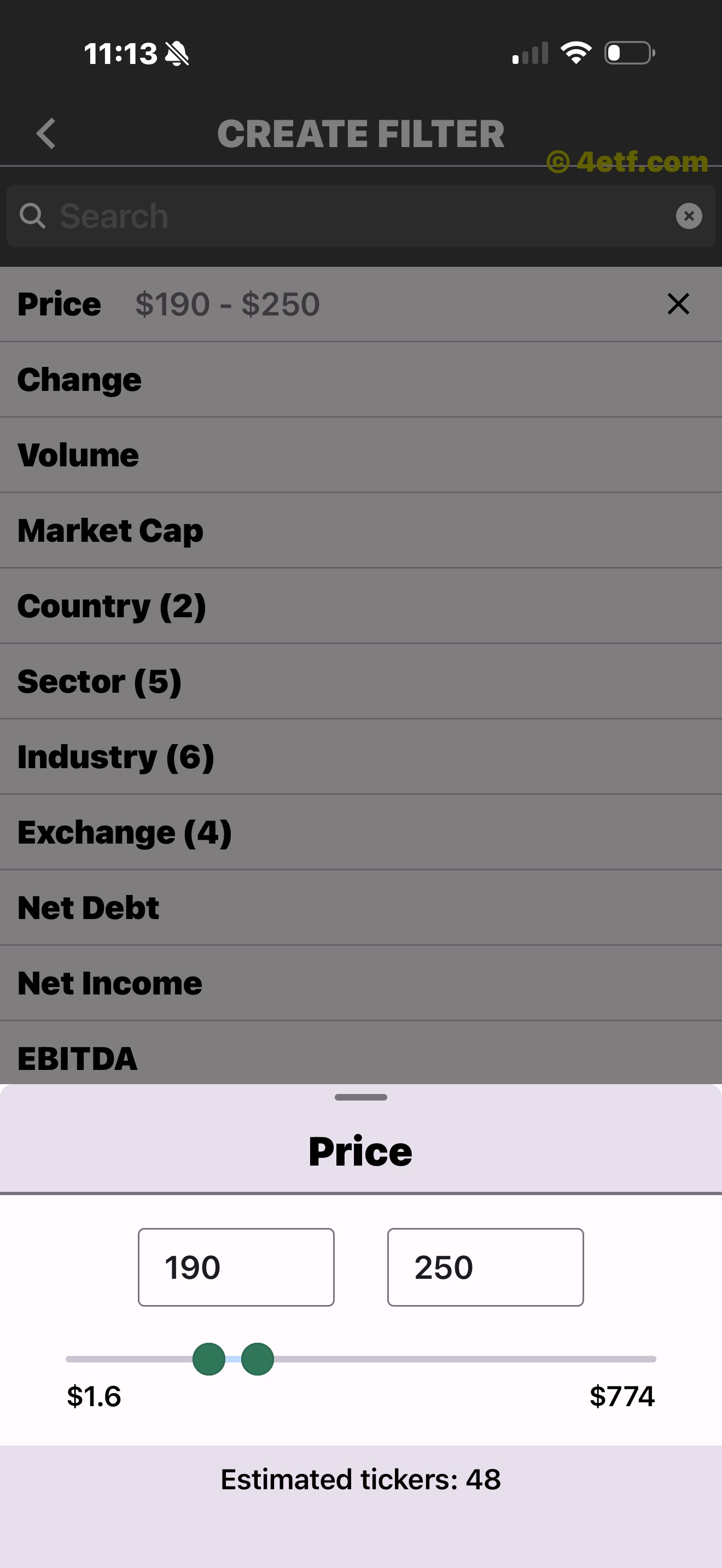
Price, change, volume, market cap, country, and more can work together.
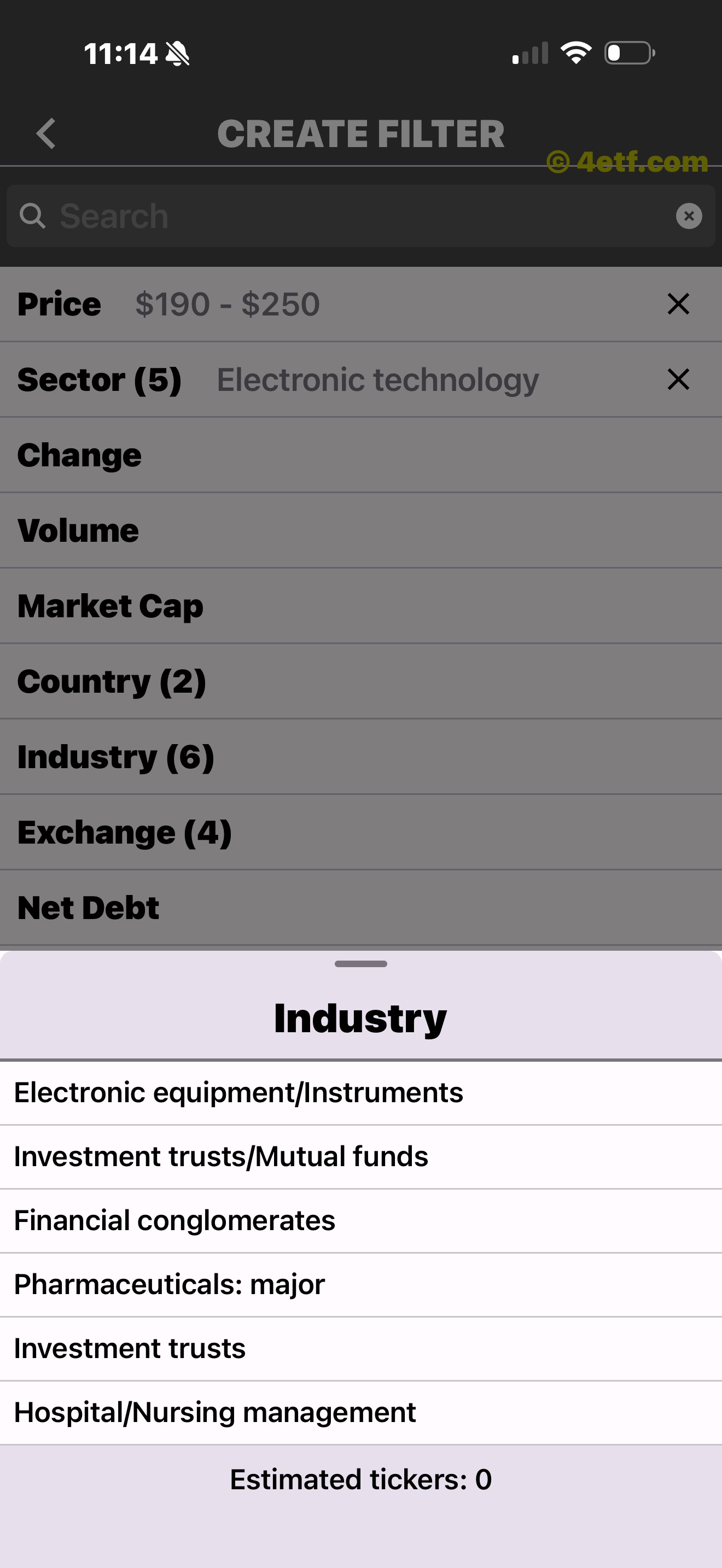
The estimated result count updates before you save.
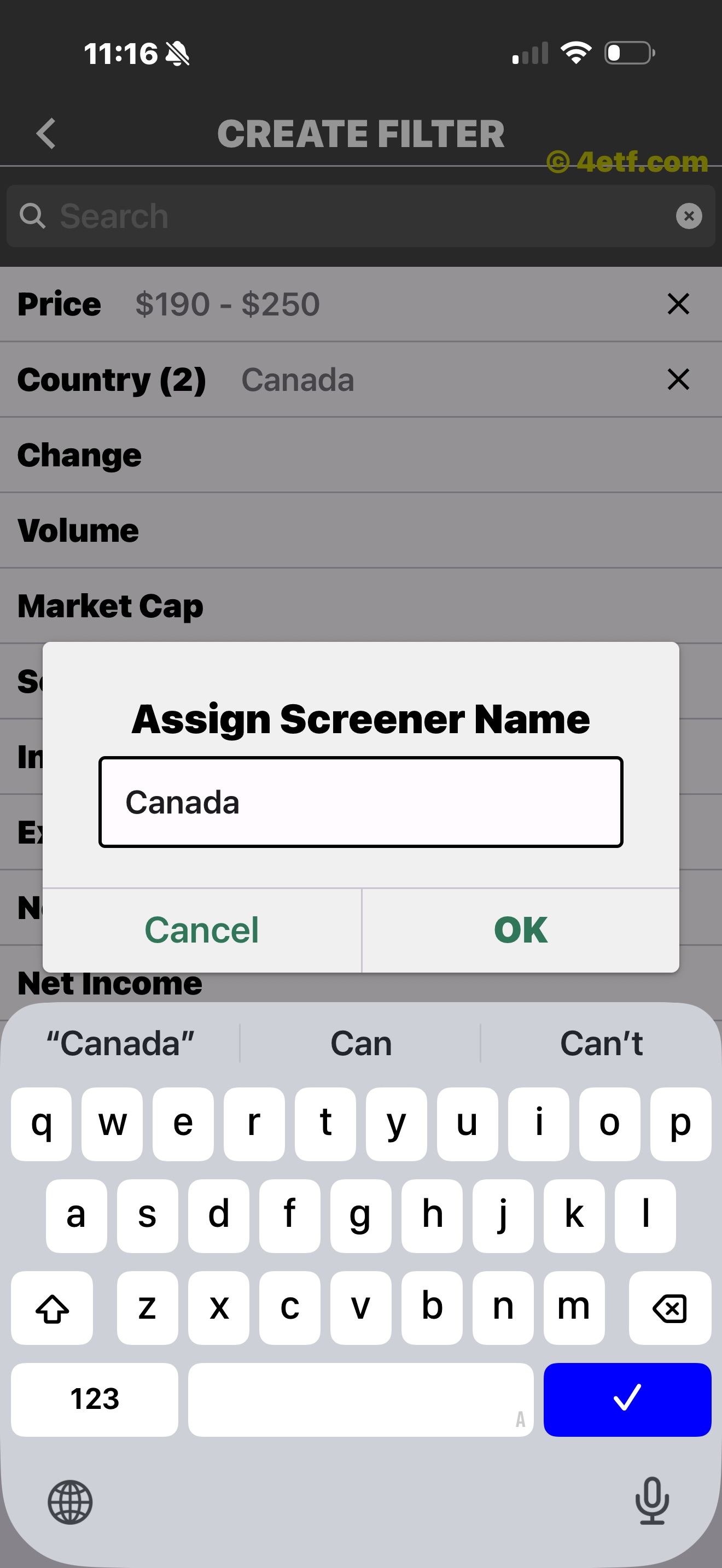
Save the finished rules so they are easy to reopen.
Your view is yours
Tap Add beneath an expanded chart to save an ETF. Its row turns yellow, Add becomes Remove, and the Favorites tab keeps saved ETFs together without changing their ETFon rating.
Save an ETF directly from the chart-and-actions row.
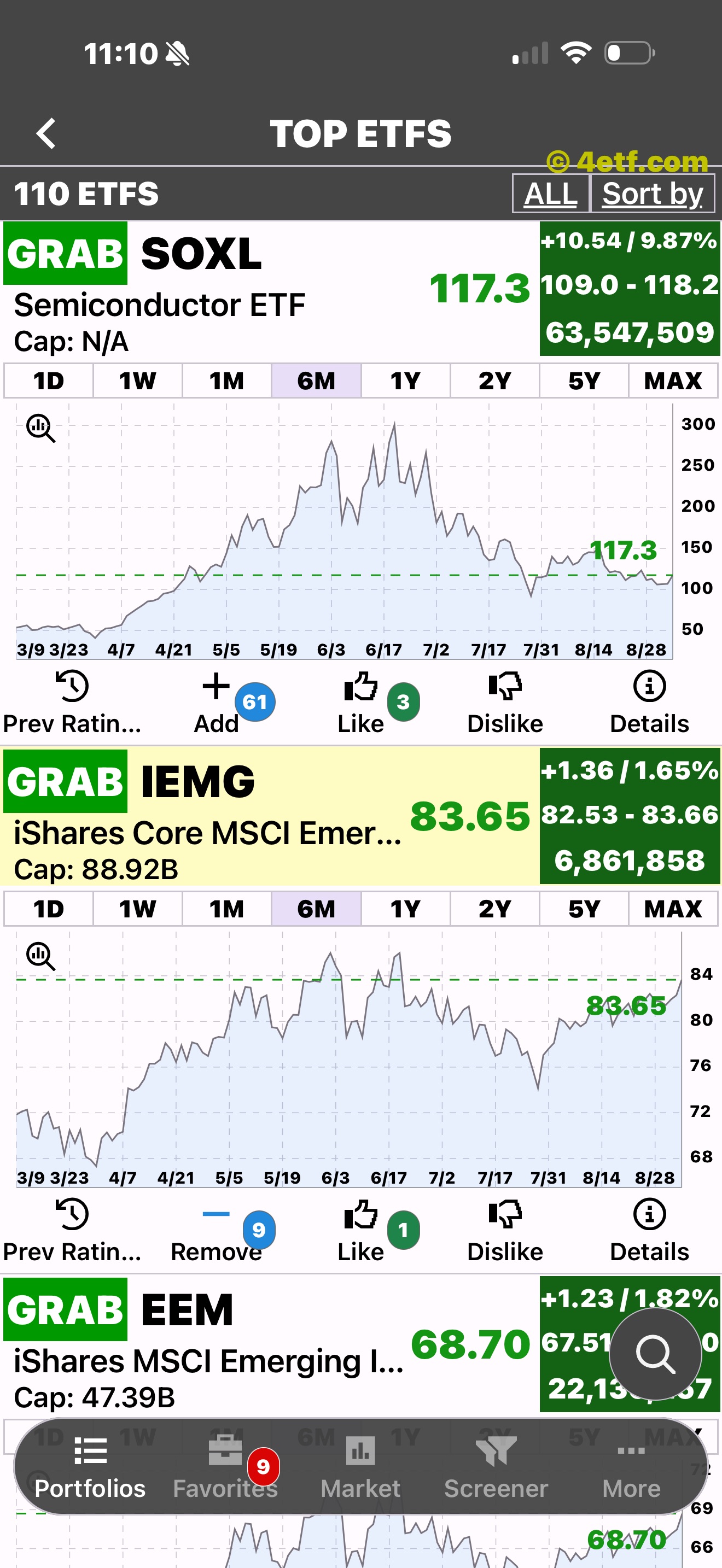
The row turns yellow, the count updates, and Add becomes Remove.
What people open and save
The Popular list surfaces widely saved ETFs while expanded rows show aggregate Add, Like, and Dislike counts alongside the standard chart and Details controls.
The market pulse
Scan Top Gainers and Top Losers, compare benchmark ranges, and open a mover directly into the same chart and Details workflow.
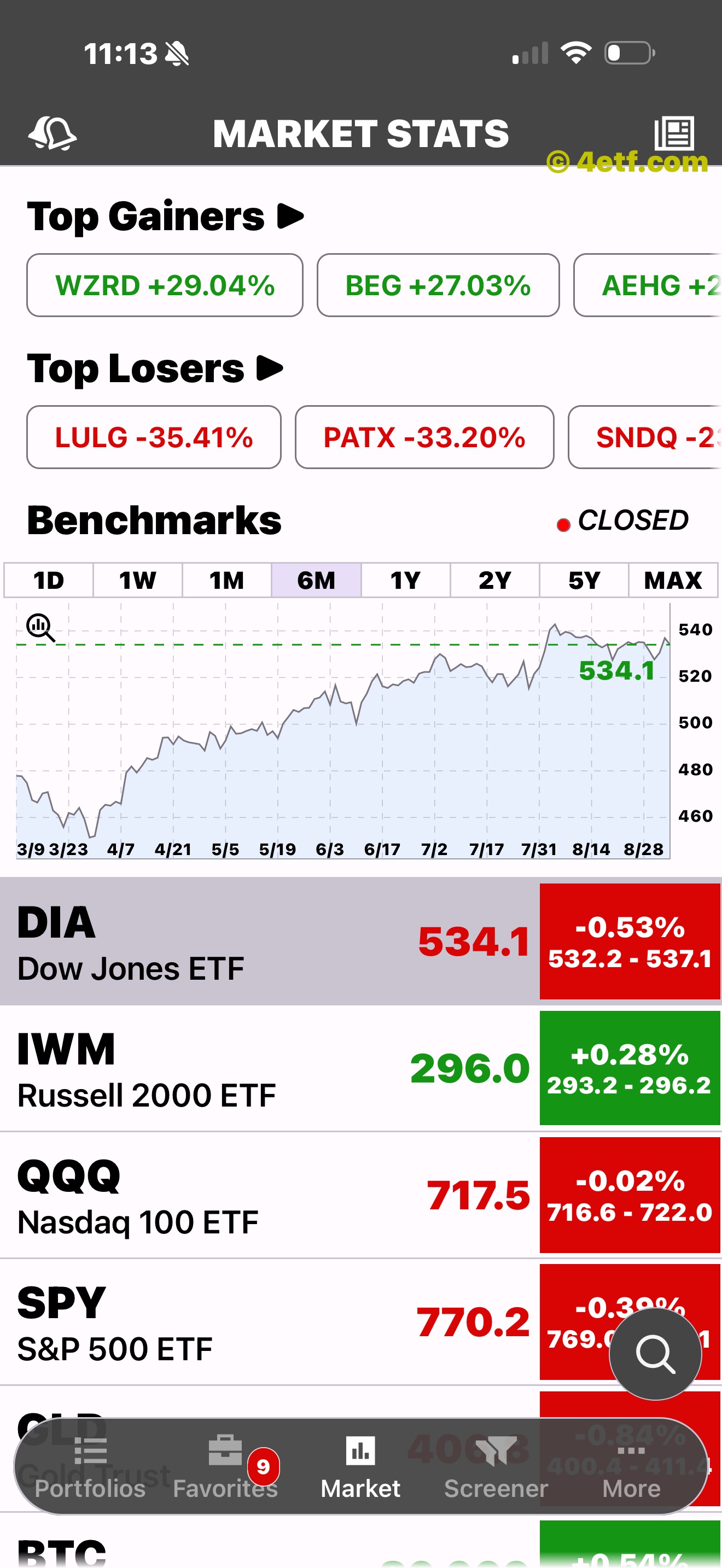
Movers and a benchmark chart share one screen.
Two ways to stay current
Read ETF news headlines or review ETFon’s system-generated rating updates. Ticker-specific News remains inside each ETF’s Details.
Browse publisher headlines and open an article for more context.
Review system-generated updates in a dedicated timeline.
Recent ETF headlines and publishers are easy to scan.
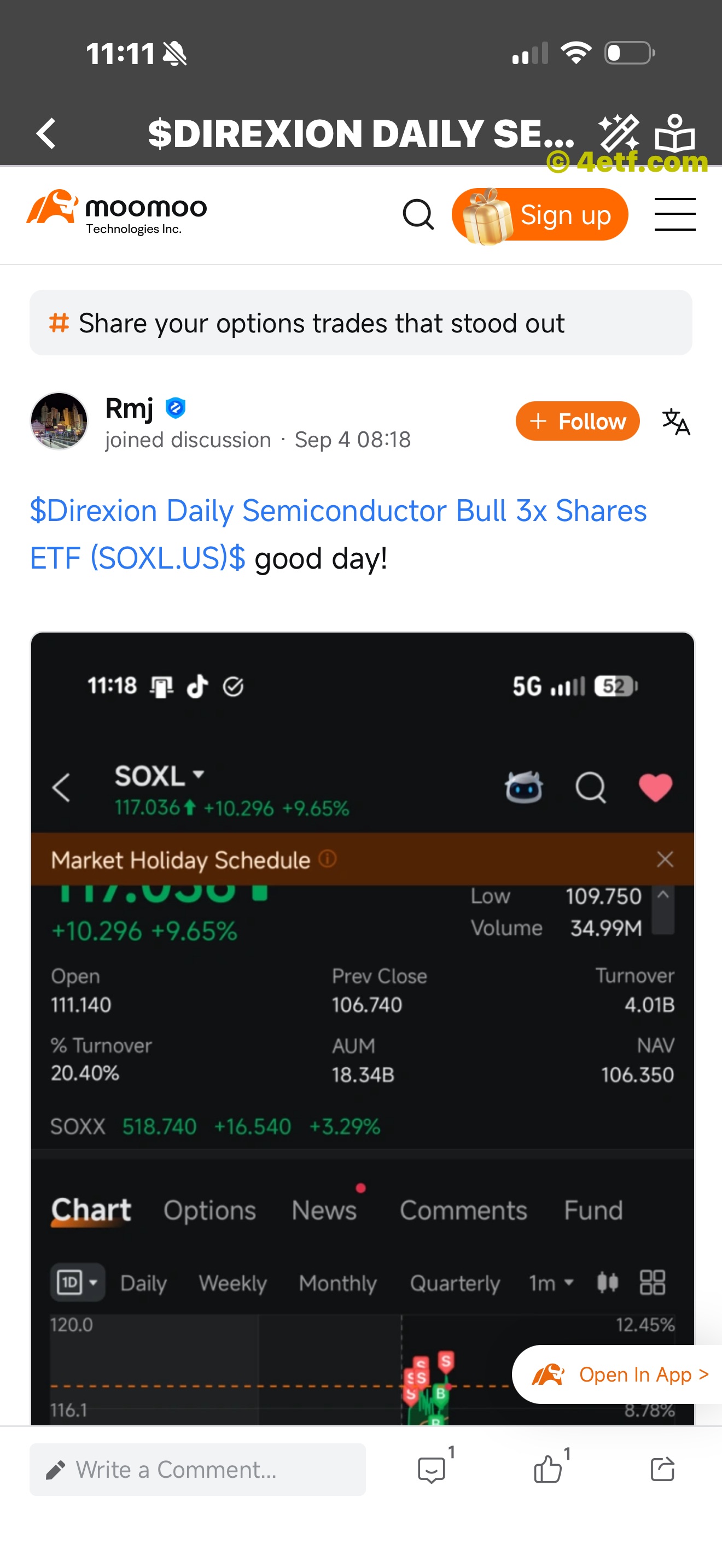
Move from the headline list into the full source article.

Different publishers remain available inside the same workflow.
Help is close
The More screen keeps Market News, Notifications, app ratings, related apps, Support, and account controls together.
Explore ETFs with full context
Start with ETFs across markets and sectors. Follow the rating, then open the chart, history, and company behind the ticker.